Description
1. Before First Use
- Take the speaker, microphone, strap and charging cable out of the box.
- Charge the speaker fully before the first use. The charging indicator usually turns off or changes colour when it is full.
- Charge the microphone too, if it has a built-in battery.
2. Attaching the Carry Strap
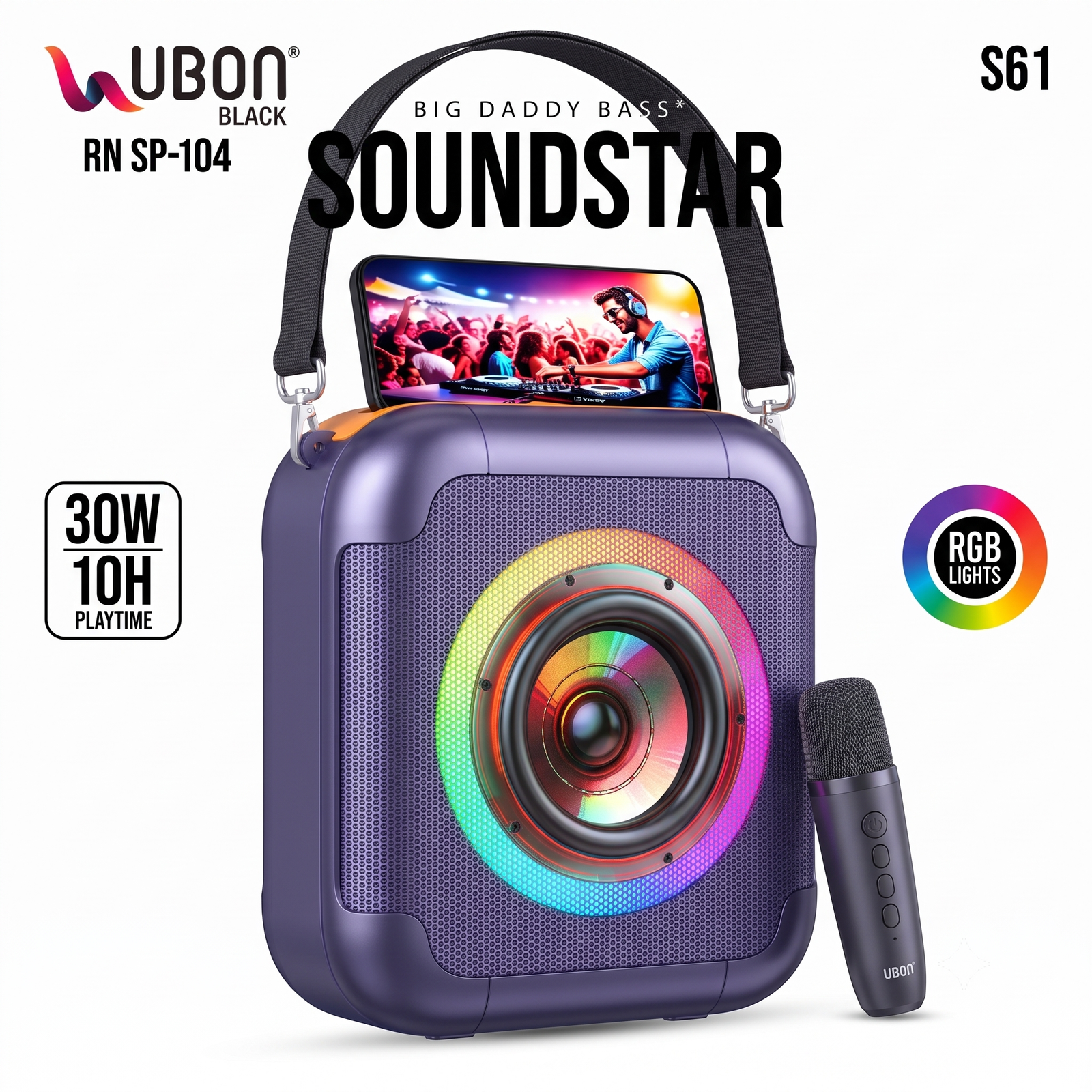
- Clip each metal hook of the strap onto the rings on both sides of the speaker.
- Pull the strap gently to check that it is secure.
- Carry it by hand or over your shoulder.
3. Power On and Off
- Power on: Press and hold the power button on the speaker for 2 to 3 seconds. You will hear a start-up tone and the lights will turn on.
- Power off: Press and hold the same button again until the speaker switches off.
4. Connecting Your Phone by Bluetooth
- Switch on the speaker. It enters pairing mode automatically and the indicator blinks.
- Turn on Bluetooth on your phone.
- Search for the speaker name in the list, which will usually show “UBON” or “S61”.
- Tap it to connect. You will hear a confirmation tone.
- Play music from any app, and it will come out of the speaker.
The speaker reconnects automatically to the last paired phone the next time you switch it on.
5. Using the Phone Holder
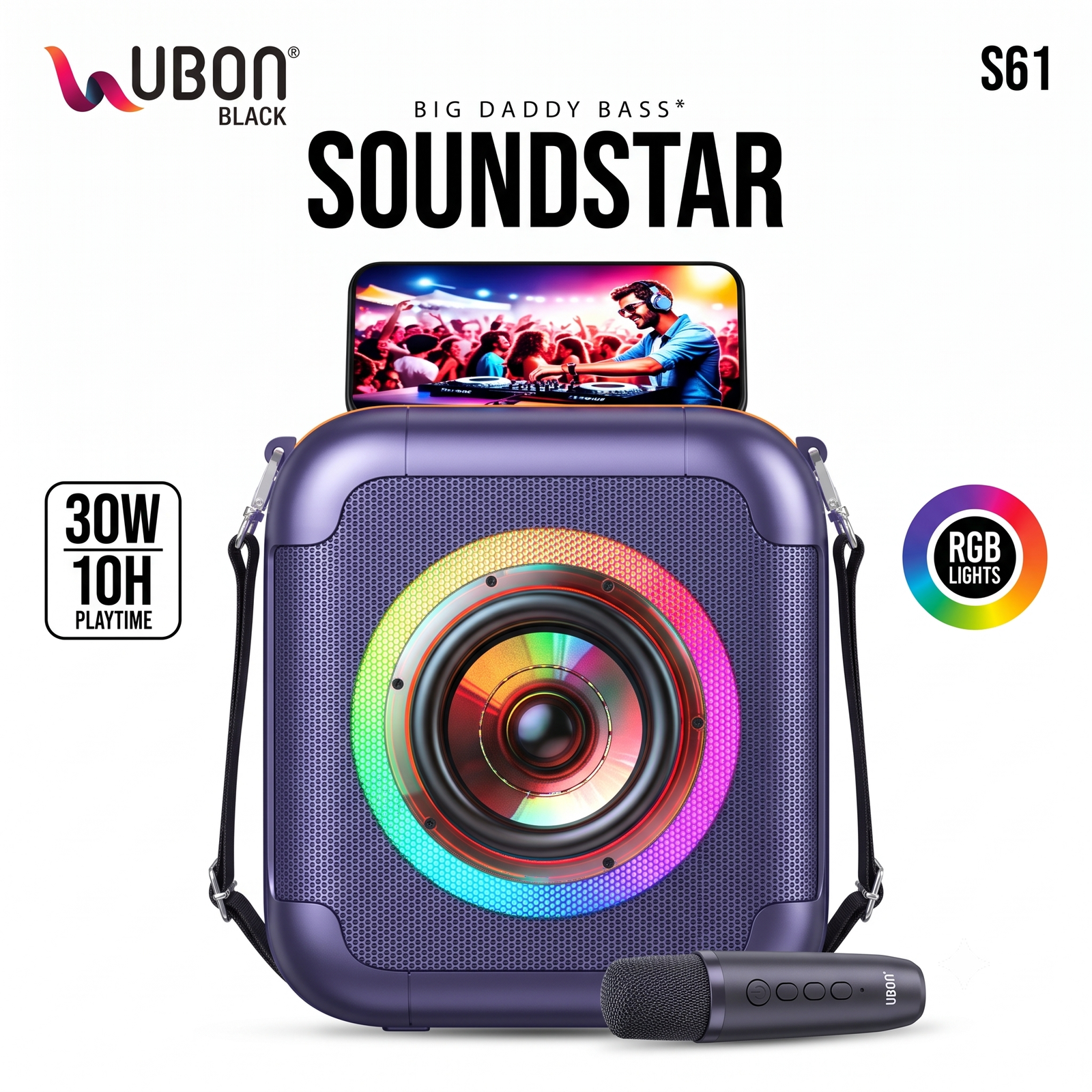
- Slide your phone into the slot on top of the speaker.
- Use it to watch videos, read lyrics or follow DJ sets while the music plays.
- Use this slot only with phones that fit snugly, and avoid heavy tablets.
6. Using the Wireless Microphone for Karaoke
- Switch on the microphone with its power button.
- It connects to the speaker automatically. If it does not, switch both off and on again while keeping them close together.
- Hold the microphone about 2 to 4 cm from your mouth and sing.
- Use the microphone buttons to adjust volume or effects, if your model supports them.
- Play the karaoke track from your phone and sing along.
Tip: If you hear a loud squeal (feedback), point the microphone away from the speaker and lower the mic volume.
7. RGB Lights
- The lights switch on with the speaker and react to the music.
- Use the light button on the speaker, if available, to change the light mode or turn the lights off to save battery.
8. Volume Control
- Use the volume buttons on the speaker or the volume control on your phone.
- Start at a moderate volume and increase it slowly. Very high volume at full bass can cause distortion.
9. Charging and Battery
- Connect the charging cable to the speaker’s charging port and a standard phone adapter or power bank.
- The speaker gives up to 10 hours of playtime. Actual time depends on volume level and whether the lights are on.
- You can lower the volume and turn off the lights to get a longer playtime.
10. Care and Safety Tips
- Keep the speaker away from water, rain and moisture unless it is officially rated waterproof.
- Do not leave it in direct sunlight or a hot car.
- Do not open or repair the product yourself.
- Clean it with a soft, dry cloth.
- Charge it at least once a month if you store it for a long time.
- Listen at a safe volume, especially around children and pets.
11. Quick Troubleshooting
| Problem |
What to do |
| Speaker won’t turn on |
Charge it for at least 1 to 2 hours, then try again |
| Phone can’t find the speaker |
Switch the speaker off and on, then turn Bluetooth off and on in your phone |
| No sound |
Check the volume on both the speaker and the phone, and make sure it is connected |
| Mic not working |
Charge the mic, switch it on and keep it close to the speaker |
| Sound is distorted |
Lower the volume and reduce the bass setting |
| Poor connection |
Keep the phone within about 10 metres without walls in between |
12. In the Box
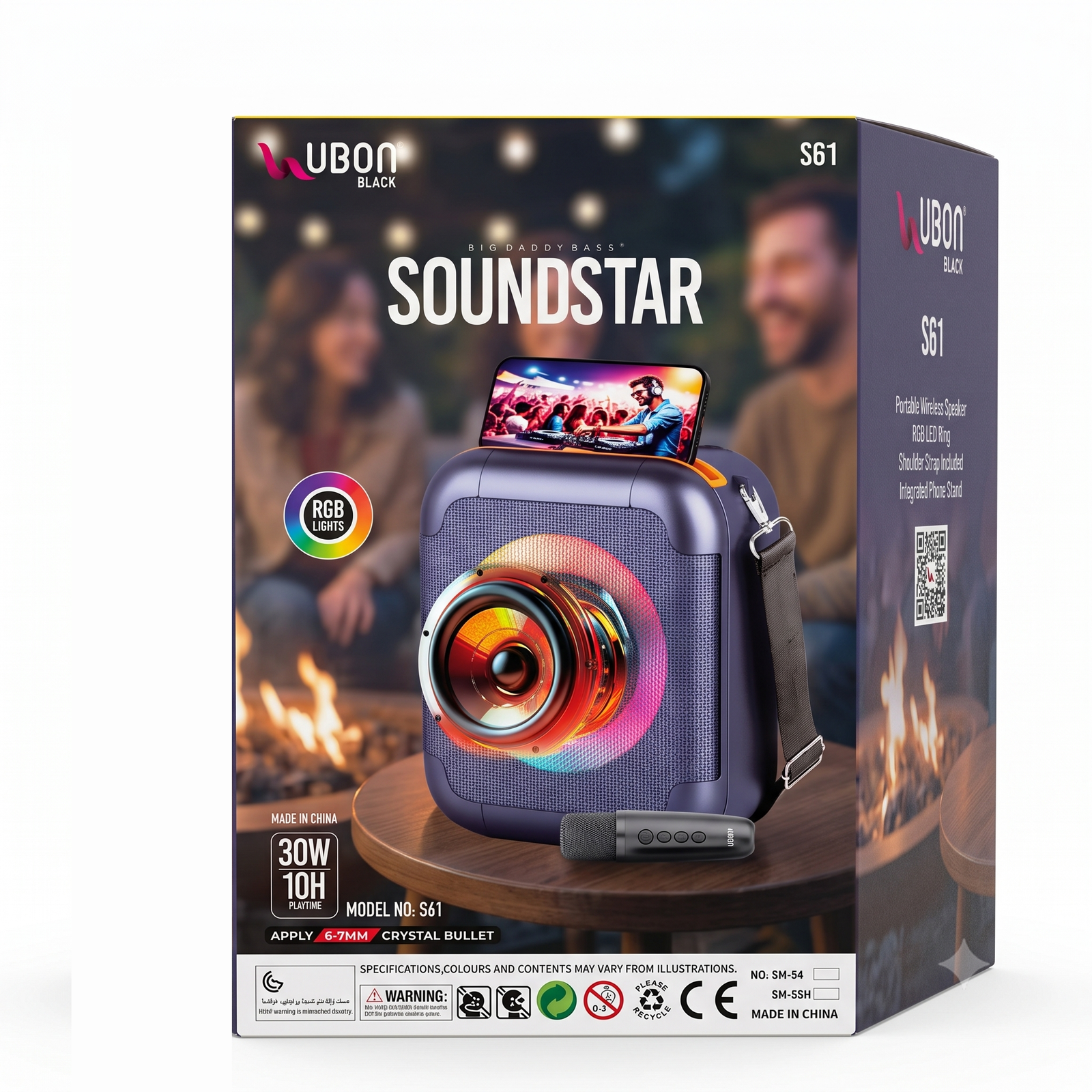
1 x Speaker, 1 x Wireless microphone, 1 x Carry strap, 1 x Charging cable, 1 x User manual
For support , contact Suriyaen Shopping with your order details.






Reviews
There are no reviews yet.