₹4,888.00Original price was: ₹4,888.00.₹2,399.00Current price is: ₹2,399.00.
Remote Control Battle Robot Toy with Shoot and Spray Action
Sale!
Remote Control Battle Robot Toy with Shoot and Spray Action
₹3,777.00Original price was: ₹3,777.00.₹1,999.00Current price is: ₹1,999.00.
Description
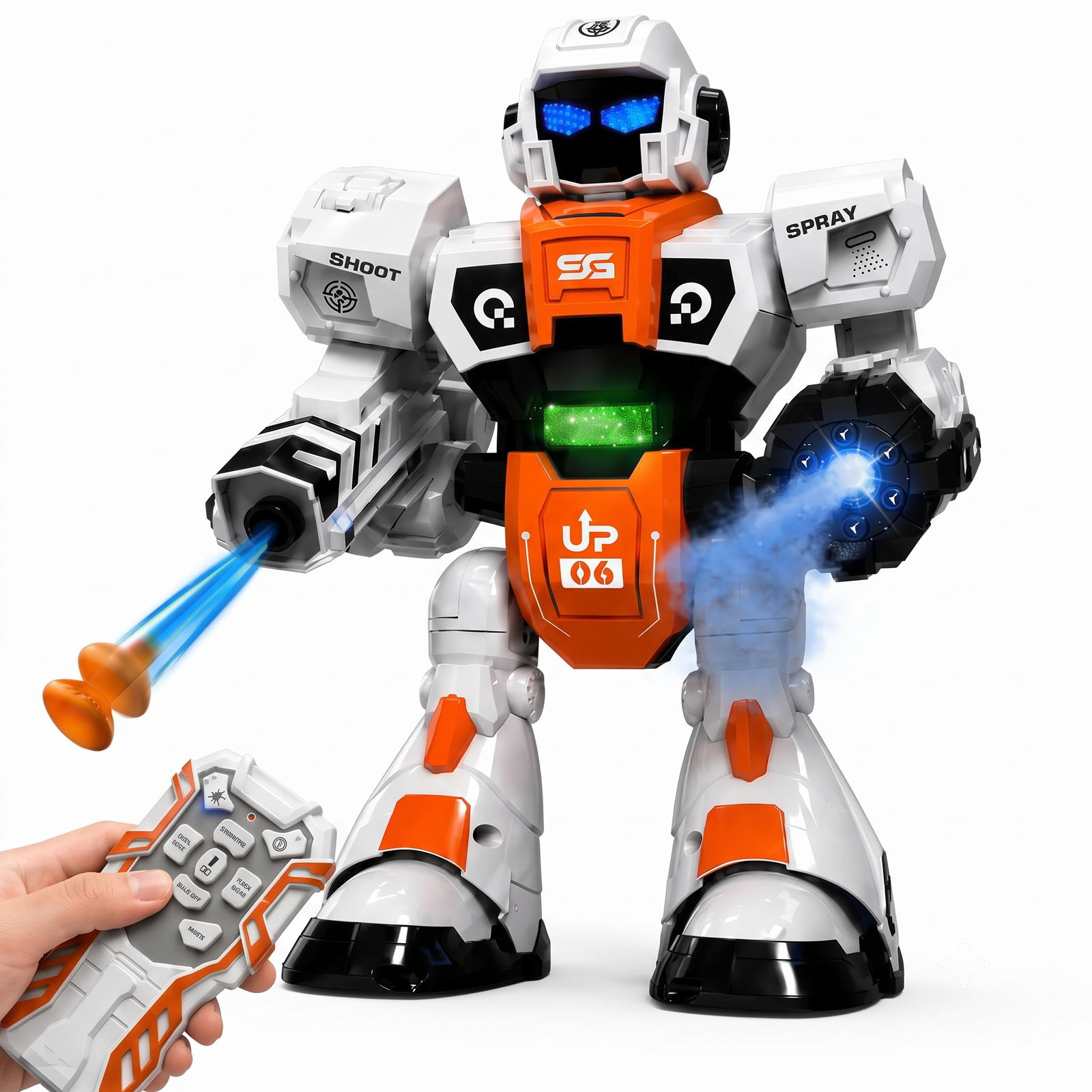
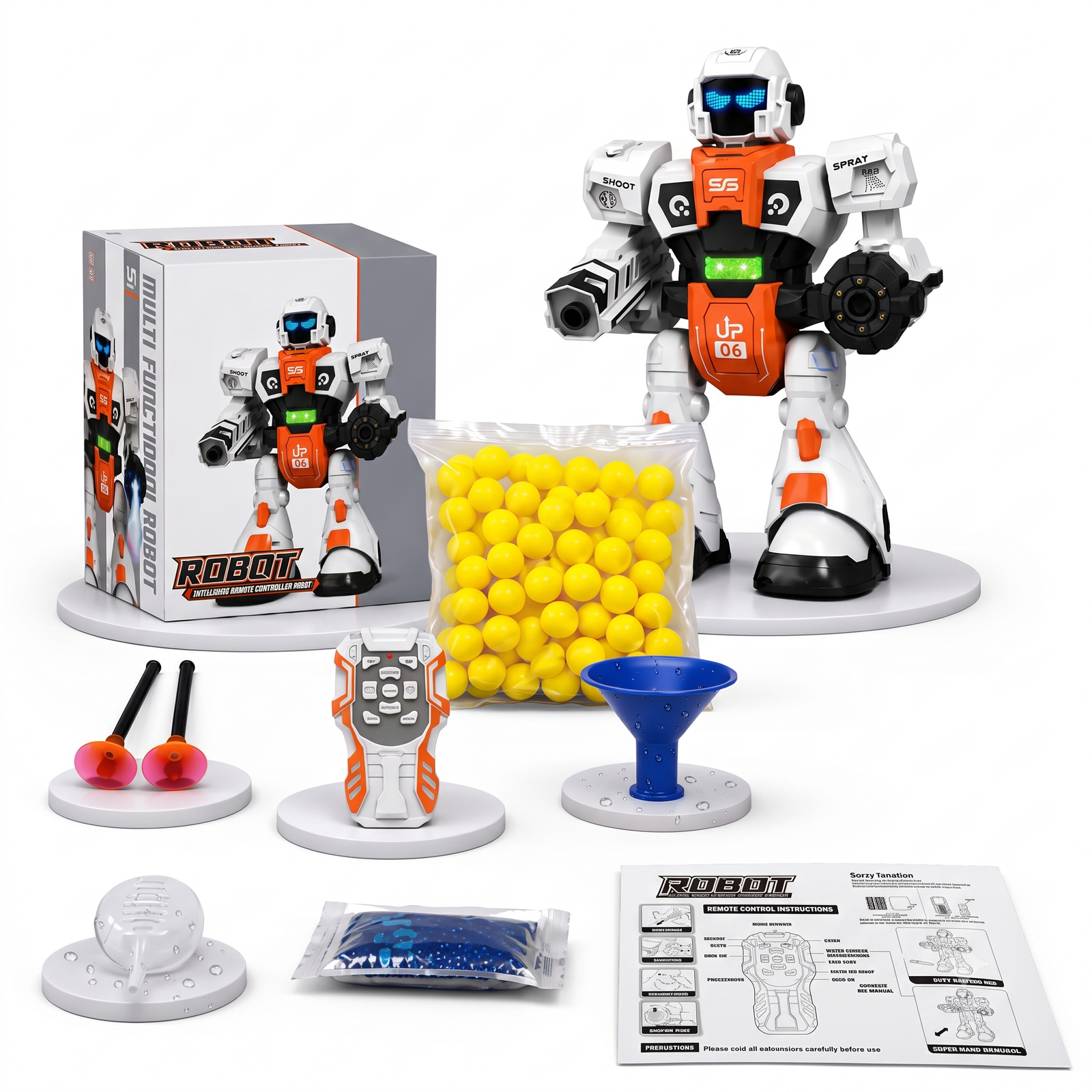
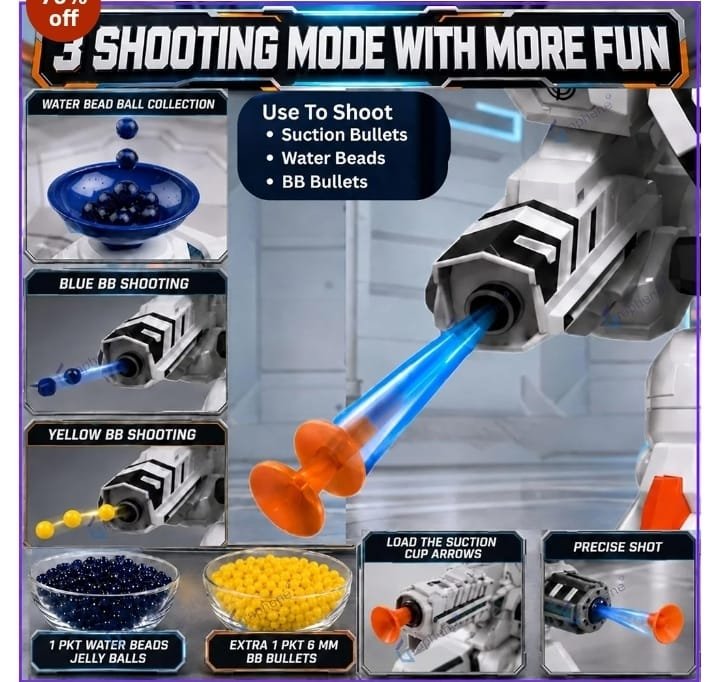
Bring home the ultimate action toy! This futuristic remote control robot is designed to wow kids with real battle-style play. The robot has a soft-dart shooting arm, a spray mist effect on the other arm, glowing LED eyes and a lit chest panel, all controlled from an easy handheld remote.
Key Features
Shoot function: fires soft darts safely
Spray function: mist effect for exciting play
Glowing LED eyes and chest lights
Wireless remote control for easy operation
Sturdy white and orange body with a futuristic look
[USB charging cable / battery details, if included]
User manual
2. Before You Start
Remove all packaging and plastic film from the robot and remote.
Open the battery compartment on the robot and insert [battery type and quantity], matching the + and – marks.
Open the remote’s battery compartment and insert [battery type and quantity].
Close both covers and tighten the screws if there are any.
If the robot is rechargeable, charge it fully before the first use and unplug it when the indicator shows it is done.
3. Getting Started
Switch the robot ON using the power switch [location: under the base or on the back].
Switch the remote ON, if it has a switch.
Stand within [5 to 10 meters] of the robot with a clear line of sight.
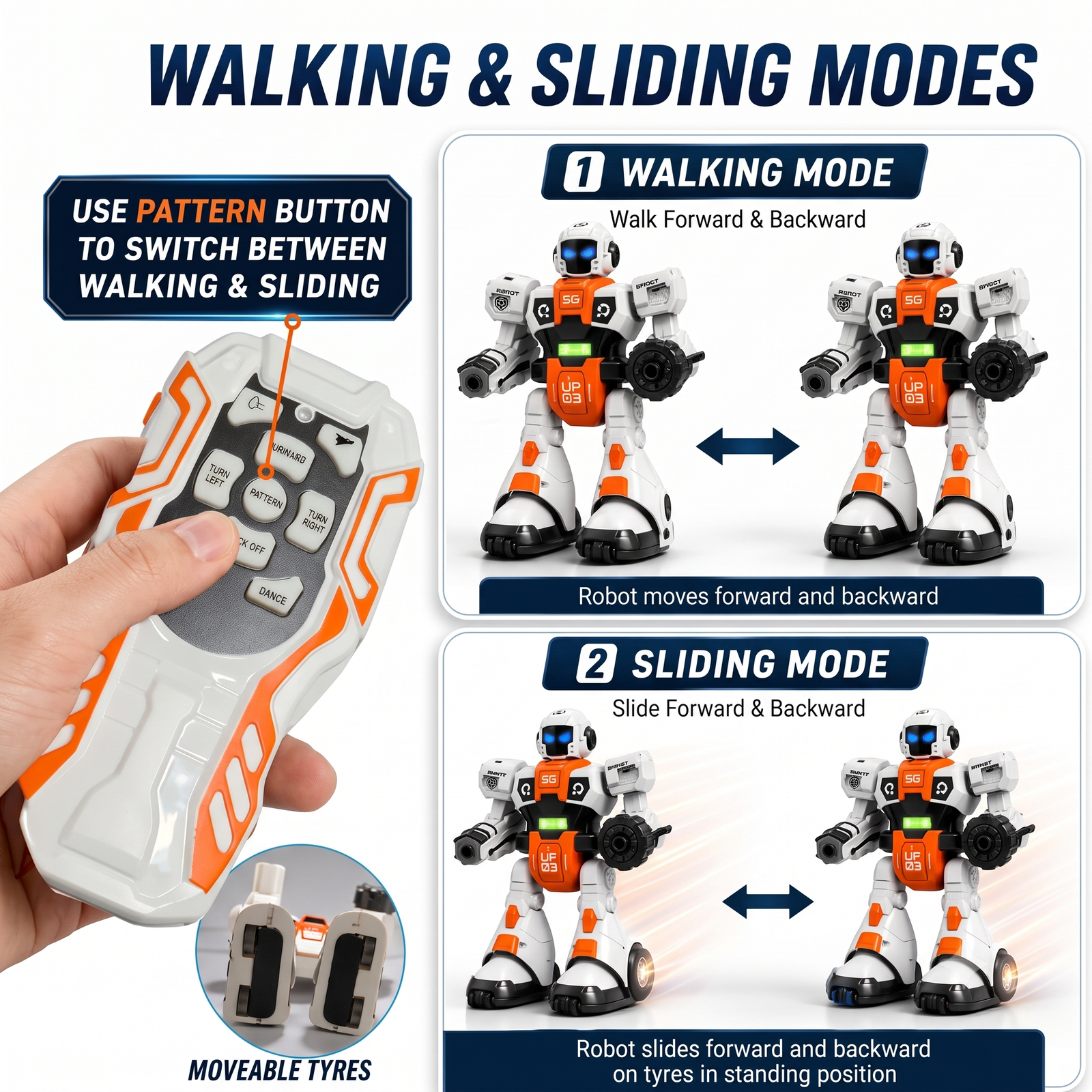
Use the direction buttons to move the robot forward, backward, left and right.
4. Special Functions
Shoot: Load a soft dart into the shooting arm, aim away from faces, and press the shoot button on the remote.
Spray: Fill the water tank, if the robot has one, with clean water only, then press the spray button for the mist effect. Do not use hot water or any other liquid.
Lights and sound: The LED eyes and chest panel light up during play. Use the light or sound button to switch them on or off.
5. Safety Instructions
Recommended for ages [3+ or 6+, check the box].
Never aim darts at eyes, faces or pets.
Use only the soft darts supplied.
Keep the robot away from water, except for the spray tank, and away from heat.
Adult supervision is recommended for young children.
Do not mix old and new batteries, or different battery types.
Remove batteries if the toy will not be used for a long time.
Small parts, so keep them away from children under 3.
6. Care and Storage
Wipe the robot with a soft, dry cloth.
Empty the spray tank after play.
Store in a cool, dry place.
7. Troubleshooting
Problem
Solution
Robot does not move
Check the power switches and replace or recharge batteries
Remote does not respond
Replace the remote batteries and move closer to the robot
Weak spray
Refill the water tank and make sure the nozzle is not blocked
Dart does not shoot
Push the dart in firmly and make sure it is a supplied soft dart
Robot moves slowly
Batteries are low, so charge or replace them
8. Customer Support
For any help, contact Suriyaen Shopping at [9489265785].
1 review for Remote Control Battle Robot Toy with Shoot and Spray Action









prasathlp10@gmail.com –
Su0er and wonderfull