₹3,877.00Original price was: ₹3,877.00.₹2,195.00Current price is: ₹2,195.00.
R/C Alloy Model Excavator Toy
Sale!
R/C Alloy Model Excavator Toy
₹4,888.00Original price was: ₹4,888.00.₹2,399.00Current price is: ₹2,399.00.
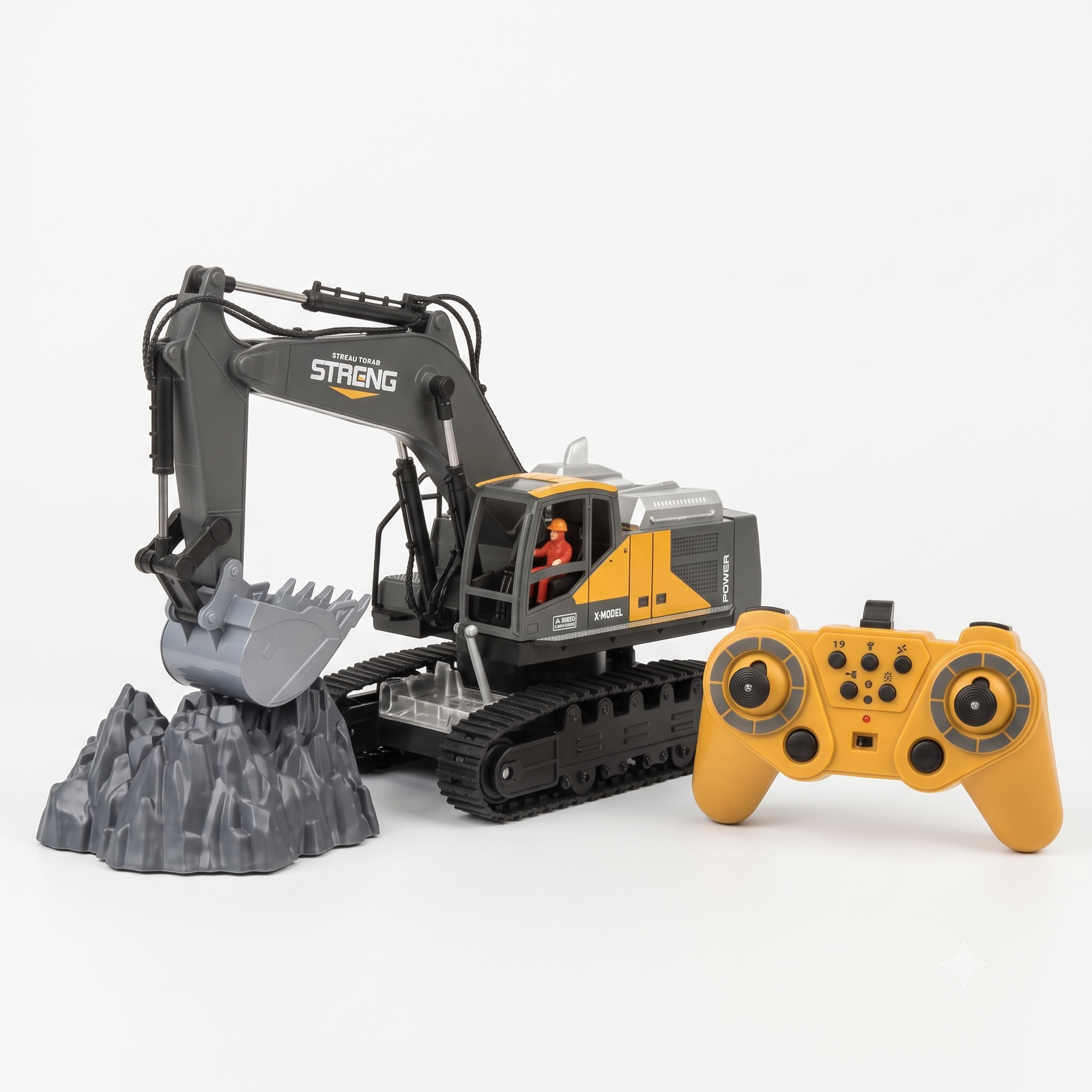
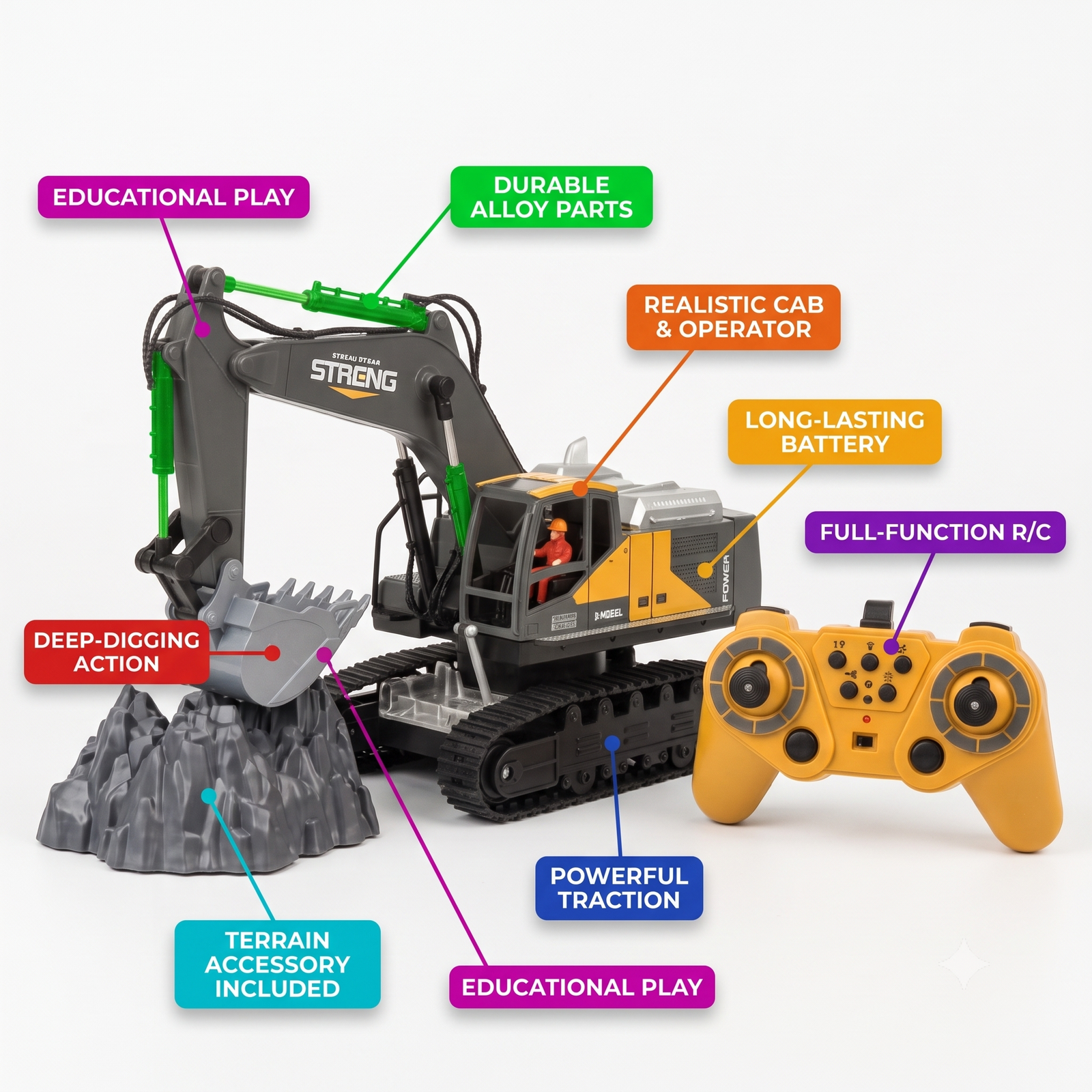
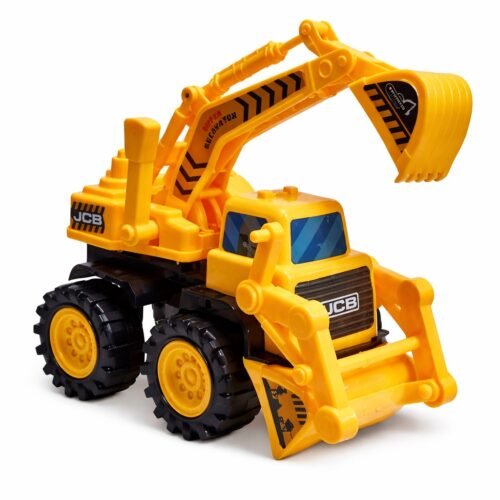
Bring the construction site home with this 12-channel remote control excavator! Built with a strong alloy-style body and a realistic orange and grey design, it has a working arm, bucket, and cab with a tiny driver figure inside.
Key Features
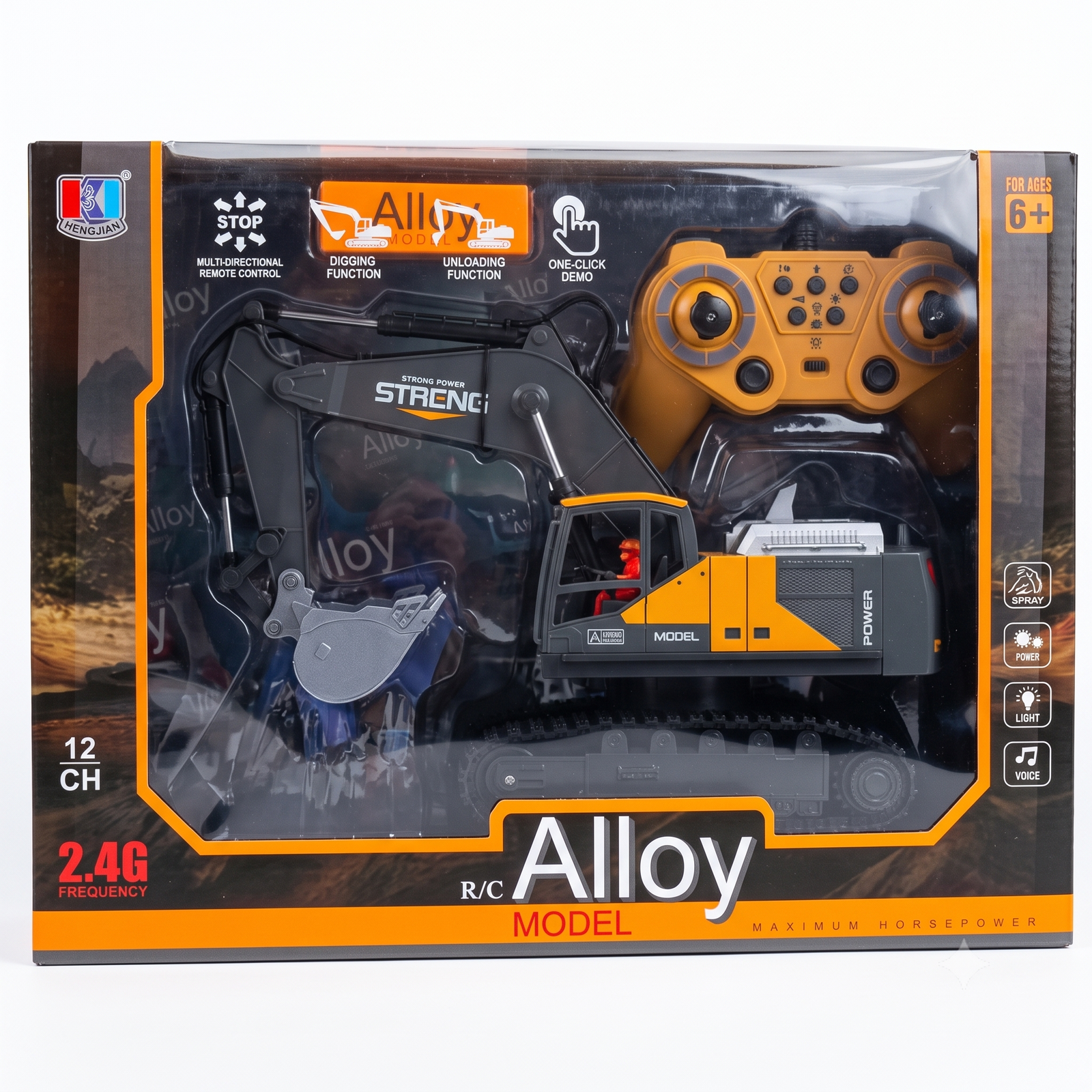
12 channel remote control: forward, backward, left, right, plus arm, bucket and cabin
m 2.4G frequency: stable, responsive signal with less interference
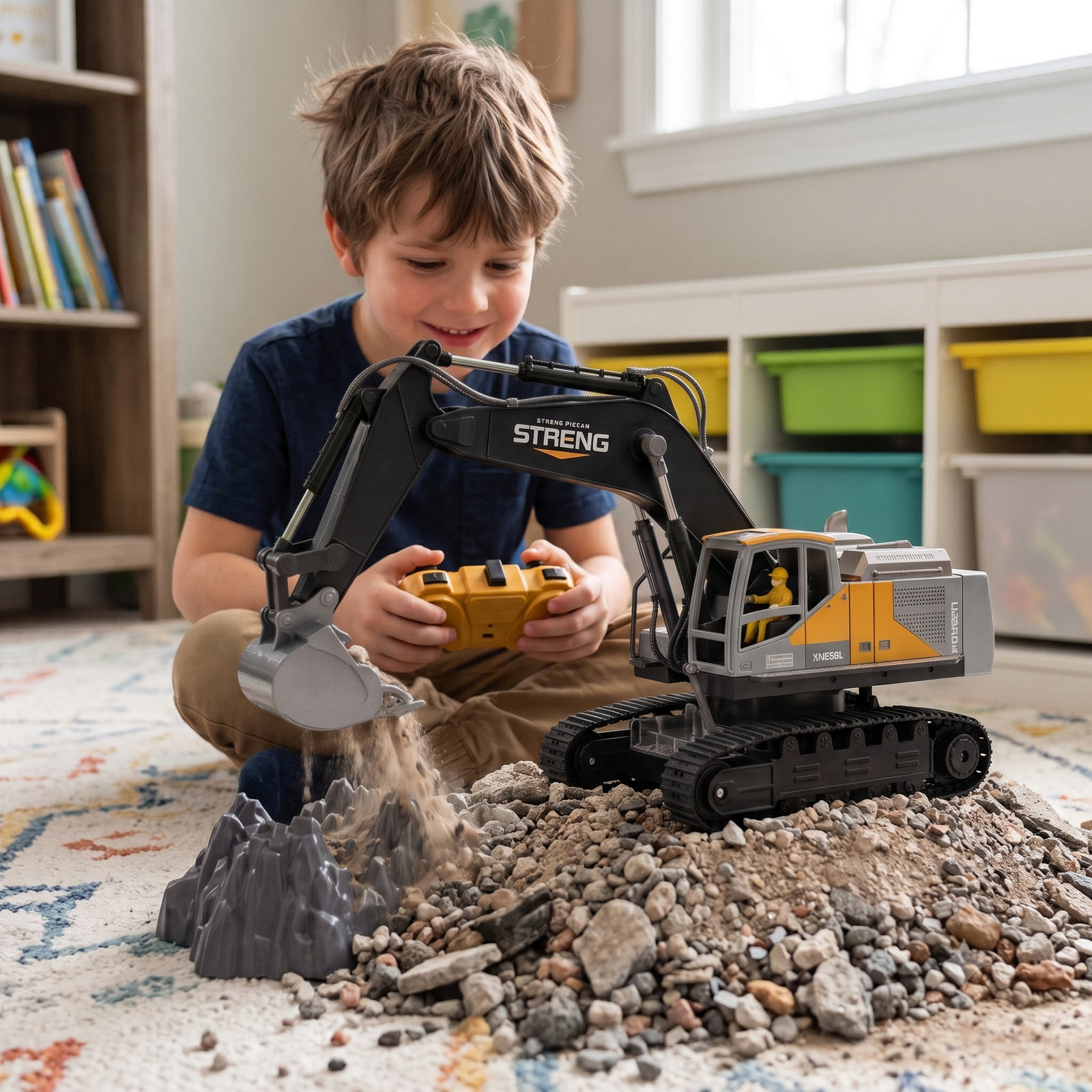
Digging and unloading functions: the bucket scoops and dumps realistically
One-click demo mode: the excavator performs a full show at the touch of a button
Light, voice and spray effects: for a lifelike experience
Open the window box and remove the excavator, remote controller, and any packaging ties or plastic holders.
Charge the excavator using the supplied cable until it is fully charged. Check the manual for charging time.
Insert fresh batteries into the remote controller (the battery type and count are printed in the battery compartment or manual).
Place the excavator on a flat, open surface such as a floor, sand, or soft soil.
Turning On and Pairing
Switch ON the power switch on the excavator body (usually underneath).
Switch ON the remote controller.
The 2.4G system pairs automatically. If the lights stop blinking, the excavator is connected. If not, switch both off and on again.
Driving and Controls
Left joystick: drive the excavator forward, backward, left and right.
Right joystick: move the arm up and down and curl the bucket in and out.
Cabin rotation: rotate the cabin left and right using the control buttons or joystick (see the manual for the exact layout).
Digging and unloading: lower the arm, curl the bucket to scoop, lift the arm, then open the bucket to unload.
Light, sound and spray buttons: press the matching button on the remote to switch each effect on or off.
One-click demo: press the demo button to let the excavator perform a pre-programmed show on its own.
Stop button: press it to halt all movement immediately.
Care and Safety Tips
Suitable for ages 6 and above. Younger children should play with adult supervision.
Keep the excavator away from water, mud, and wet surfaces.
Do not force the arm or bucket by hand while the power is on, as this can damage the gears.
Switch off both the excavator and the remote after play.
Remove batteries from the remote if the toy will not be used for a long time.
Recharge only with the supplied cable, and do not leave it charging overnight.
For best signal, keep the remote within an open line of sight, and do not run more than a few units of the same model in one space unless they support multi-pairing.
Note: button positions and charging details can differ slightly between batches, so please check the user manual that comes in your box and adjust these steps
Reviews
There are no reviews yet.
Be the first to review “R/C Alloy Model Excavator Toy” Cancel reply









Reviews
There are no reviews yet.