Description
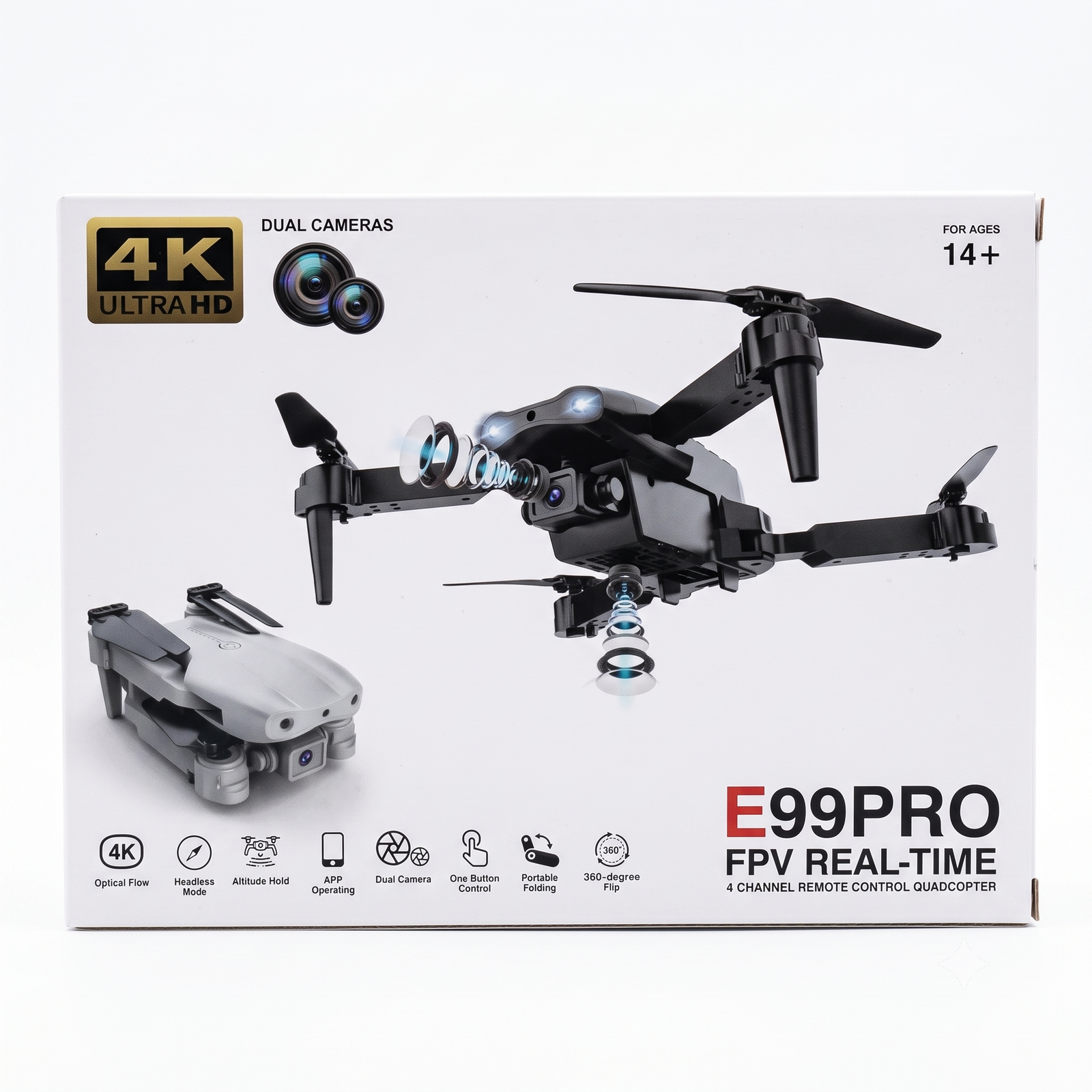
E88 PRO Quick Start Guide
Safety
- Ages 14+. Fly in open areas, away from people, water, and strong wind.
- Keep the drone in sight, and use only the supplied USB cable to charge.
Setup
- Charge the battery until the light goes off or changes color.
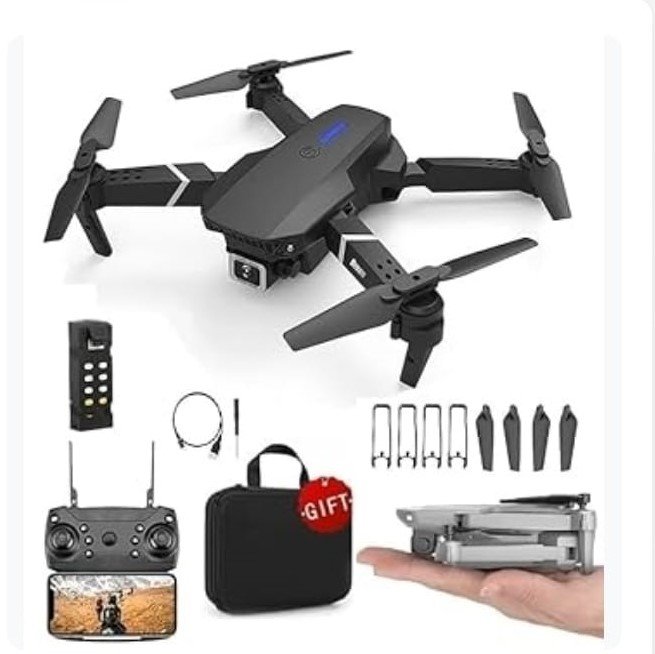
- Fit the propellers and guards, then insert the battery.
- Unfold all four arms until they lock.
Pair
- Place the drone on a flat surface, facing away from you.
- Switch on the drone, then the remote.
- Push the left stick fully up, then fully down. The lights stop blinking when paired.
Camera
- Scan the QR code to install the app.
- Connect your phone to the drone’s Wi-Fi and open the app.
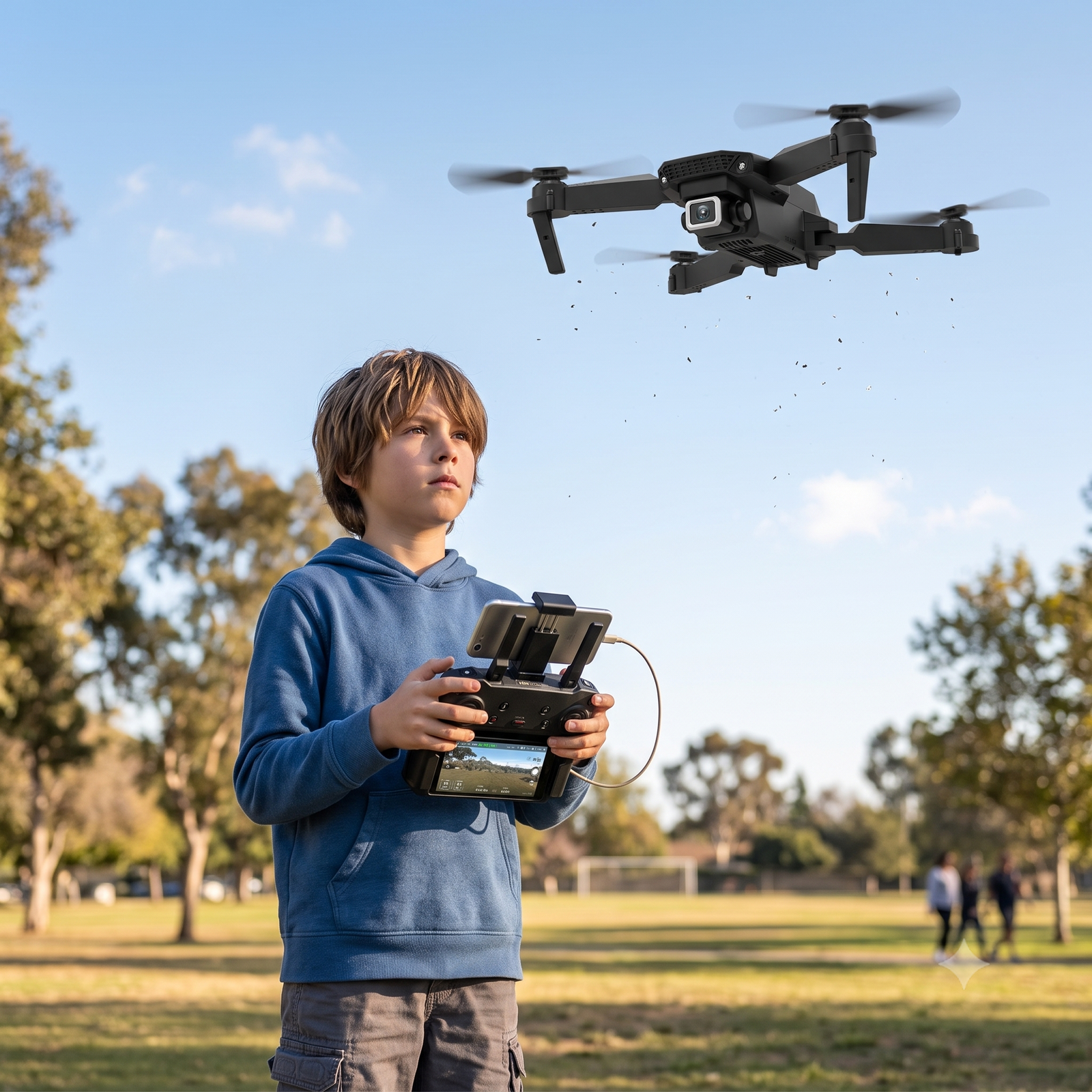
- Put the phone in the remote’s holder.
Fly
- Left stick: up/down to climb or descend, left/right to rotate.
- Right stick: forward/back and left/right.
- Take off and land with the one-button control.
- Release the sticks and it hovers (altitude hold).
- Headless mode keeps controls relative to you, which is good for beginners.
- If it drifts, use the trim buttons or calibrate the gyro.
After flying
Power off the drone first, then the remote. Remove the battery, fold the arms, and store everything in the case.
Quick fixes
- No response: charge the battery and re-pair.
- No video: reconnect to the drone’s Wi-Fi and restart the app.
- Shaking: replace damaged propellers.
Customer support: Suriyaen Shopping (9489265785)phone






Reviews
There are no reviews yet.