Description
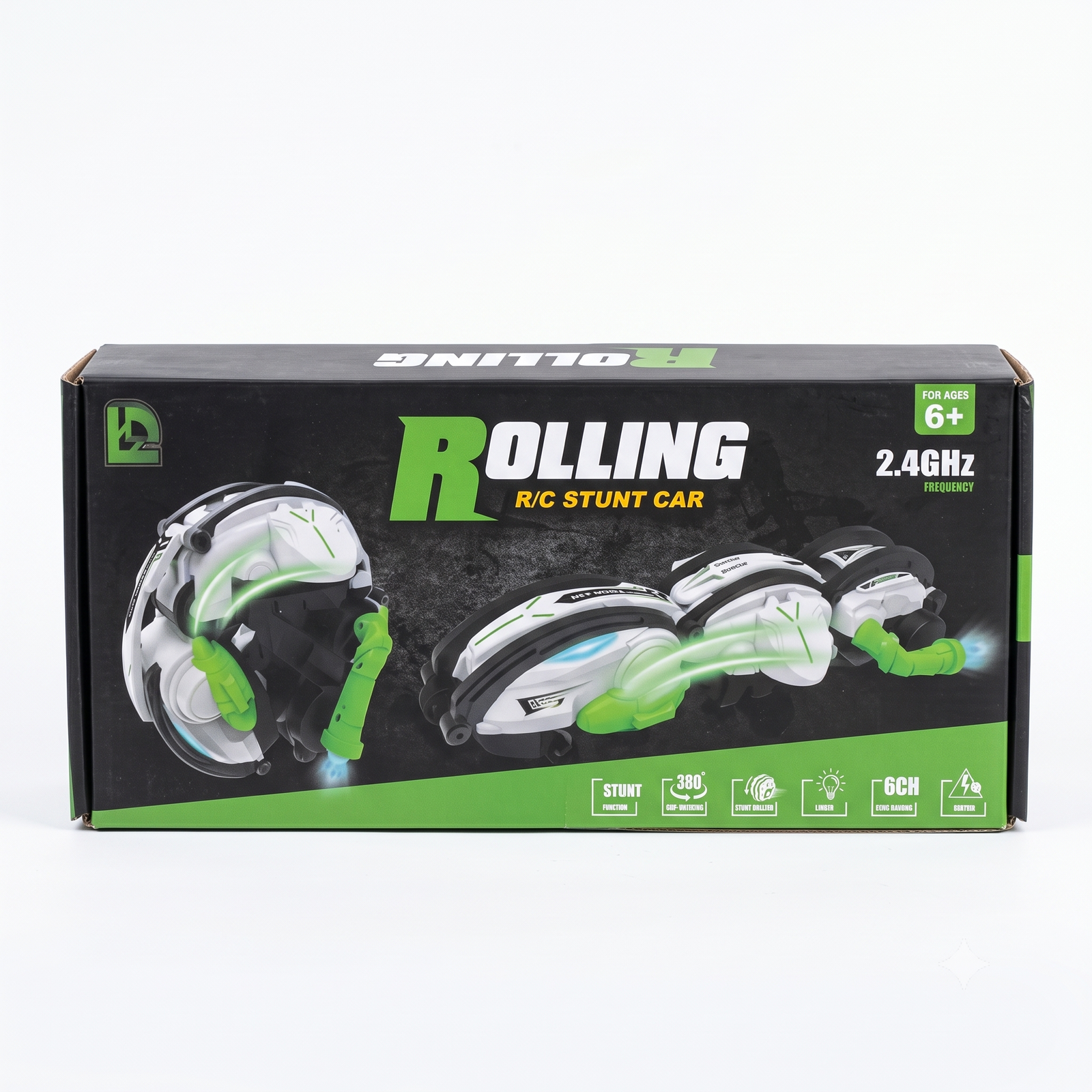
User Manual: Rolling R/C Stunt Car
Below is a simple manual you can print, add to the box, or share with customers. Items in [brackets] depend on your actual product, so please check them against the car and remote before using.
1. Before You Start
- Recommended for ages 6 and above. Adult supervision is advised for young children.
- Use on a flat, open area, indoors or outdoors, away from water, stairs and roads.
- Keep away from pets, small children and fragile items while the car is running.
2. Package Contents
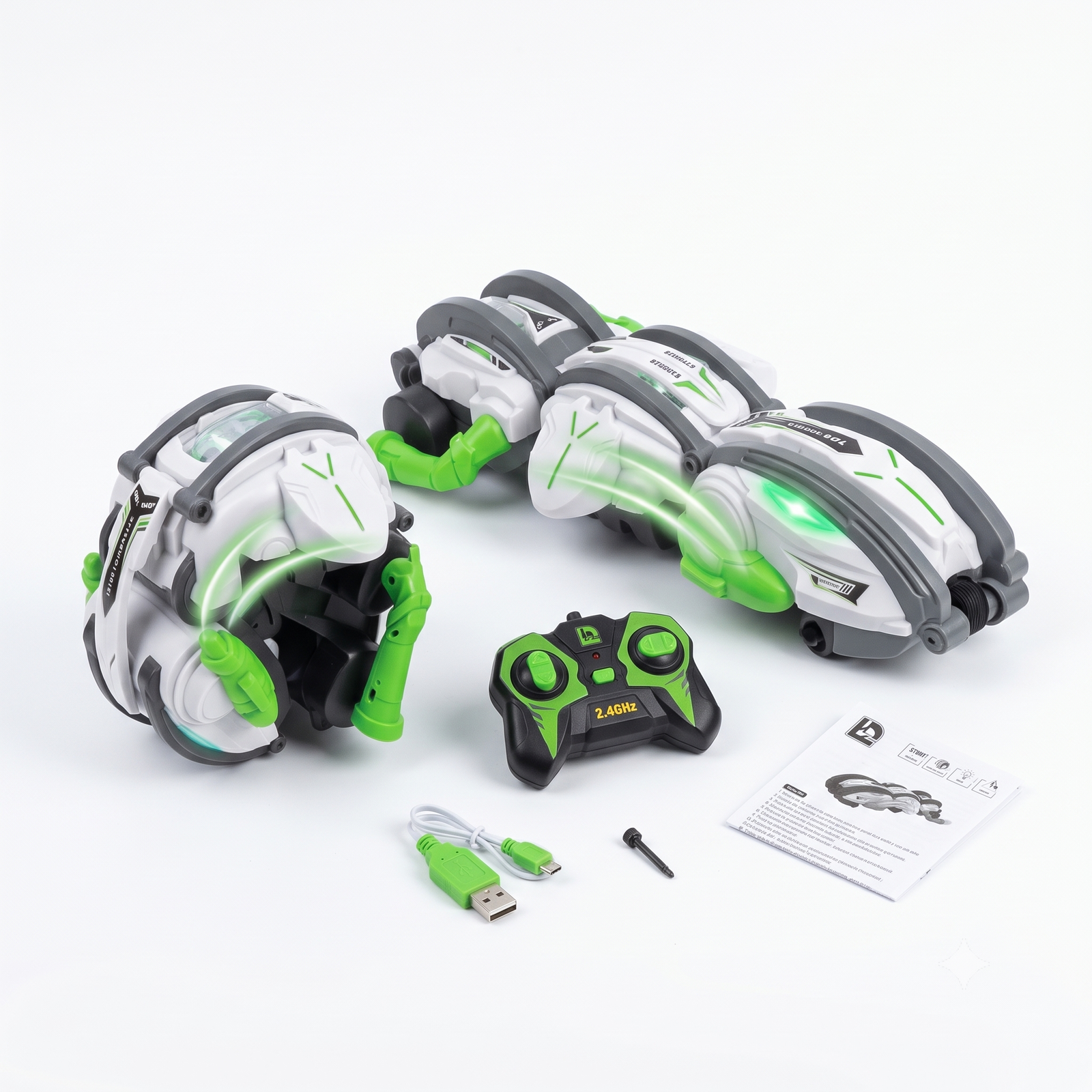
- 1 x Rolling R/C Stunt Car
- 1 x 2.4GHz Remote Control
- [Rechargeable battery / USB charging cable, if included]
- 1 x User Manual
3. Battery Installation and Charging
Car:
- Turn the car power switch to OFF.
- Open the battery cover at the bottom of the car.
- Insert the battery, matching the + and – marks.
- Close the cover.
Remote control:
- Open the battery cover on the back of the remote.
- Insert [type and number of batteries, for example 2 x AA], matching the + and – marks.
- Close the cover.
Charging (if the car has a rechargeable battery):
- Switch the car OFF.
- Connect the USB cable to the car and to a charger or power source.
- The charging light usually turns off or changes color when fully charged. Charge for about [__ hours].
- Do not leave the car charging overnight or unattended.
4. Connecting the Remote (2.4GHz Pairing)
- Switch ON the car first.
- Switch ON the remote.
- Wait a few seconds until the lights stop blinking. The car and remote are now paired.
- Test by moving the control sticks gently.
Several cars can be played together because of the 2.4GHz system, but turn them on one at a time during pairing.
5. Controls
| Control |
Function |
| Left stick, up/down |
Forward / backward |
| Right stick, left/right |
Turn left / right |
| Stunt button |
Starts rolling and spinning stunt mode |
| Light button |
Turns LED lights on/off |
| [Other buttons] |
[Add function] |
Please check these against your remote and edit the table to match.
6. Performing Stunts
- Place the car on a smooth, flat surface with enough open space.
- Press the stunt button and move the stick as shown on your remote.
- The car will roll and spin. If it lands on its side or upside down, simply drive on, as it is designed for rolling.
- Press the stunt button again to go back to normal driving.
7. Safety Instructions
- Do not use on wet ground, in water or in rain.
- Do not open or modify the car, battery or remote.
- Do not mix old and new batteries, or different battery types.
- Remove batteries when not using the toy for a long time.
- Do not touch the wheels while the car is running.
- Stop playing if the battery or motor becomes very hot.
- Do not dispose of batteries in fire.
8. Care and Cleaning
- Wipe with a dry or slightly damp soft cloth.
- Keep away from direct sun and heat.
- Store in the original box in a dry place.
9. Troubleshooting
| Problem |
Solution |
| Car does not move |
Check that both car and remote are ON and the batteries are charged or fresh |
| Car does not respond to remote |
Switch both OFF, then ON again to re-pair. Move closer to the car |
| Car runs slowly |
Charge the car or replace the remote batteries |
| Lights not working |
Press the light button. Charge the battery |
| Car spins by itself |
Switch off, place on a flat surface, switch on again, and keep the sticks centered during pairing |
10. Customer Support
Suriyaen Shopping
Contact: [9489265785]







Reviews
There are no reviews yet.