Description
Army RC Helicopter: User Guide
Suriyaen Shopping
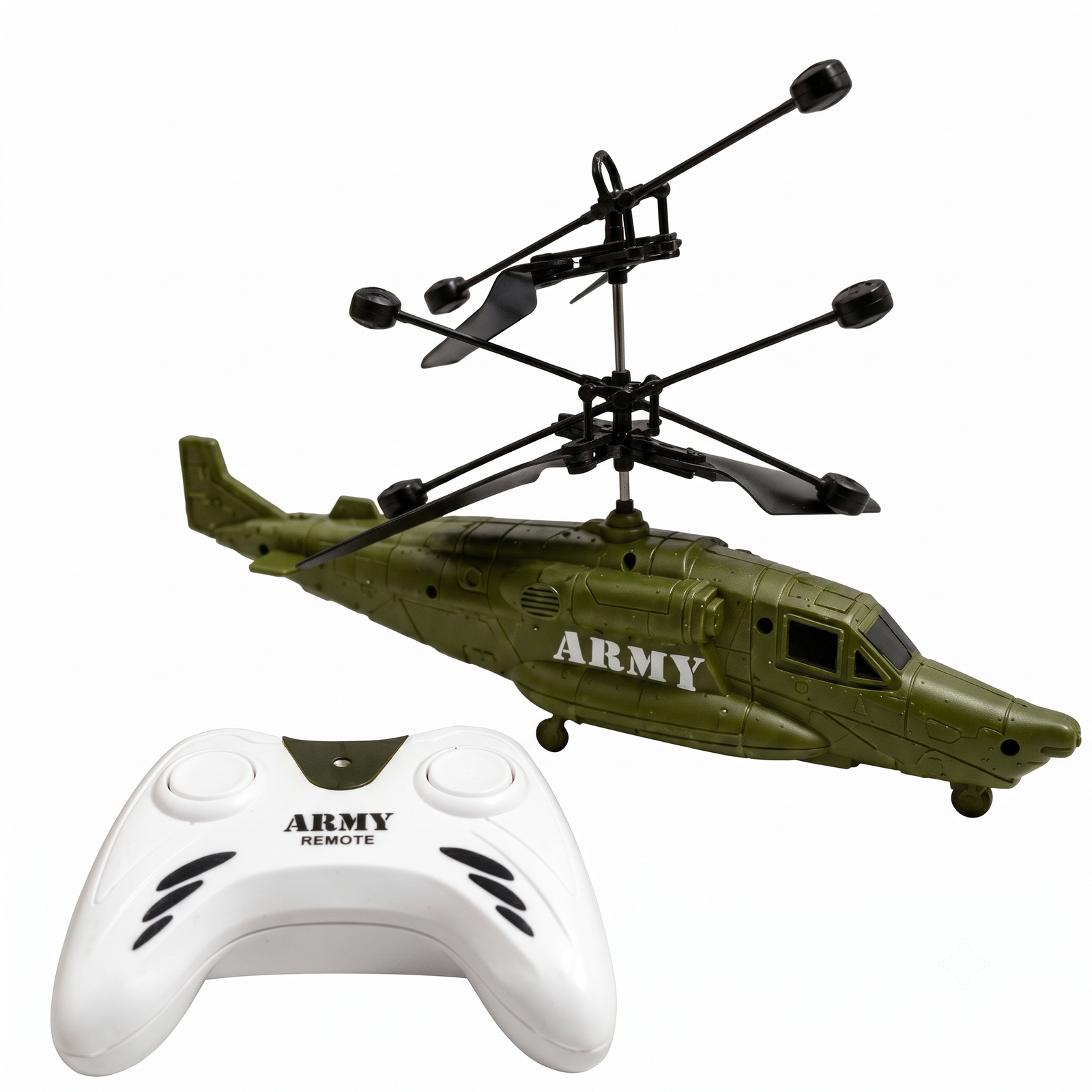
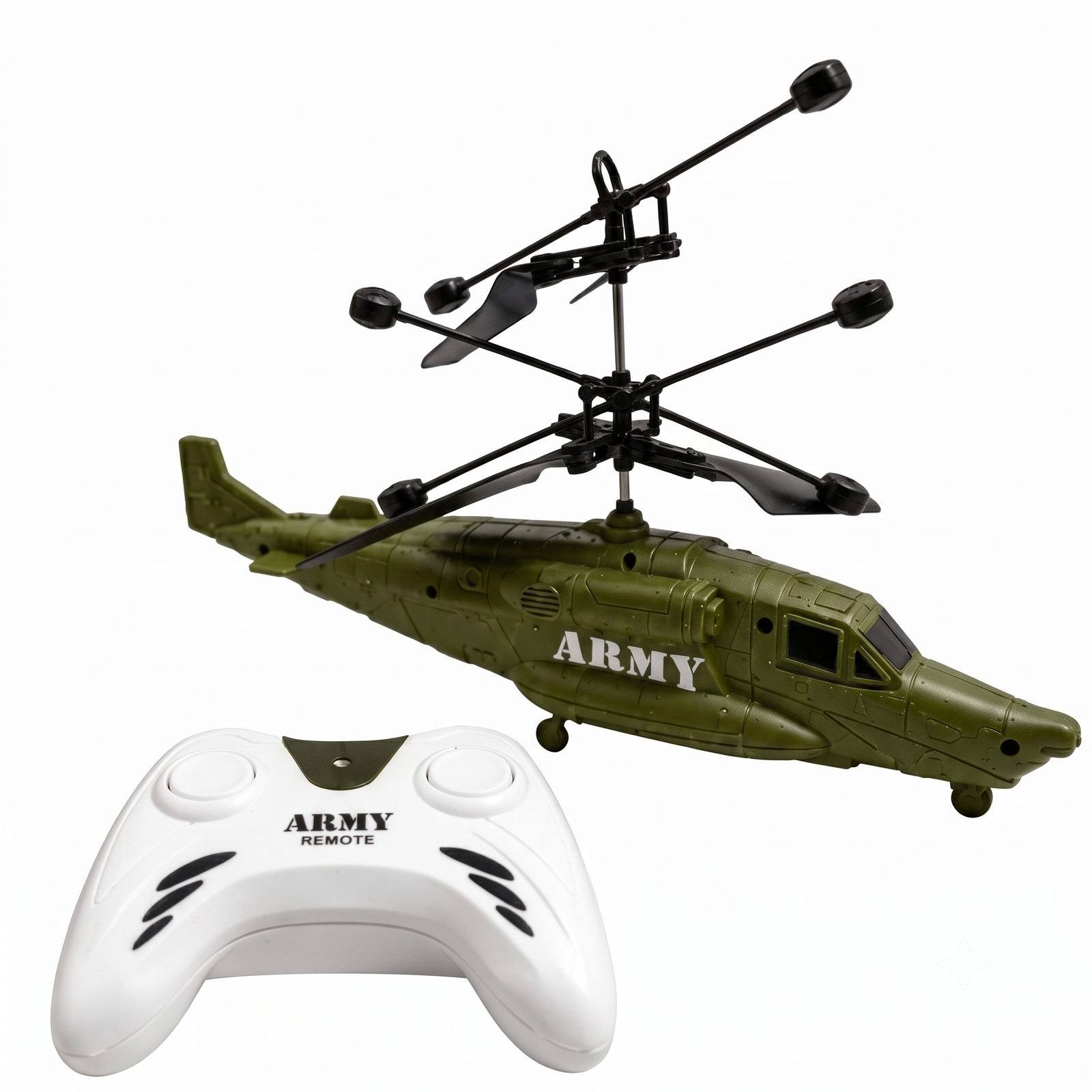
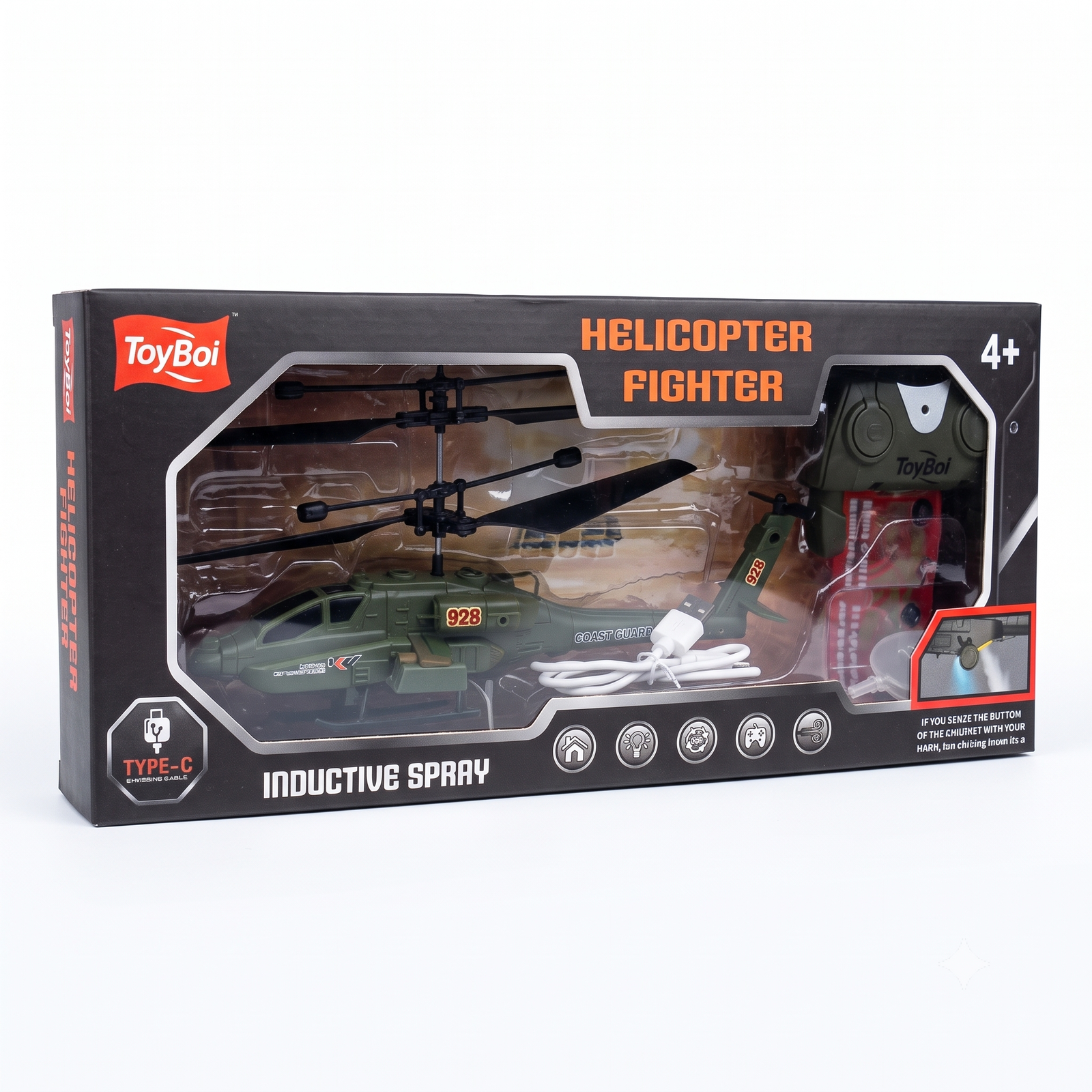
What’s in the Box
- 1 Army RC Helicopter
- 1 Remote Controller
- 1 USB Charging Cable (if included)
- 1 User Guide
Before You Fly
- Charge the helicopter fully with the USB cable. The charging light will change color or turn off when it is done.
- Insert fresh batteries into the remote controller if required.
- Choose a flat, open indoor space with no ceiling fans, curtains, or fragile items nearby.
How to Fly
- Turn the helicopter switch to ON.
- Turn the remote controller ON.
- Place the helicopter on a flat surface and wait a few seconds for it to connect to the remote.
- Press the throttle (up) button to start the rotors and lift off.
- Use the direction buttons to steer left, right, forward, or backward.
- Release the throttle slowly to land the helicopter gently.
- Turn both the helicopter and the remote OFF after play.
Charging Tips
- Charge only with the cable provided.
- Let the helicopter cool for a few minutes after flying before charging.
- Unplug once fully charged. Do not leave it charging overnight.
Safety Instructions
- Recommended for children with adult supervision.
- Keep hair, fingers, loose clothing, and pets away from the rotor blades.
- Do not fly near water, heat sources, or crowded areas.
- Do not touch the blades while the helicopter is on.
- Switch off immediately if the helicopter hits a wall or its blades get stuck.
Troubleshooting
| Problem | Solution |
|---|---|
| Helicopter does not respond | Charge fully, then switch the helicopter and remote off and on again |
| Drifts or wobbles | Switch off, place on a level surface, and restart |
| Short flight time | Recharge fully before each flight |
| Blades will not spin | Check for hair or dust around the rotor and clean gently |
Care and Storage
- Wipe with a soft dry cloth.
- Store in a cool, dry place away from direct sunlight.
- Keep the remote and helicopter switched off when not in use.


Reviews
There are no reviews yet.