Description
Gesture RC Stunt Car: Easy User Guide
Thank you for choosing Suriyaen Shopping. Please read this guide before playing.
What’s in the Box
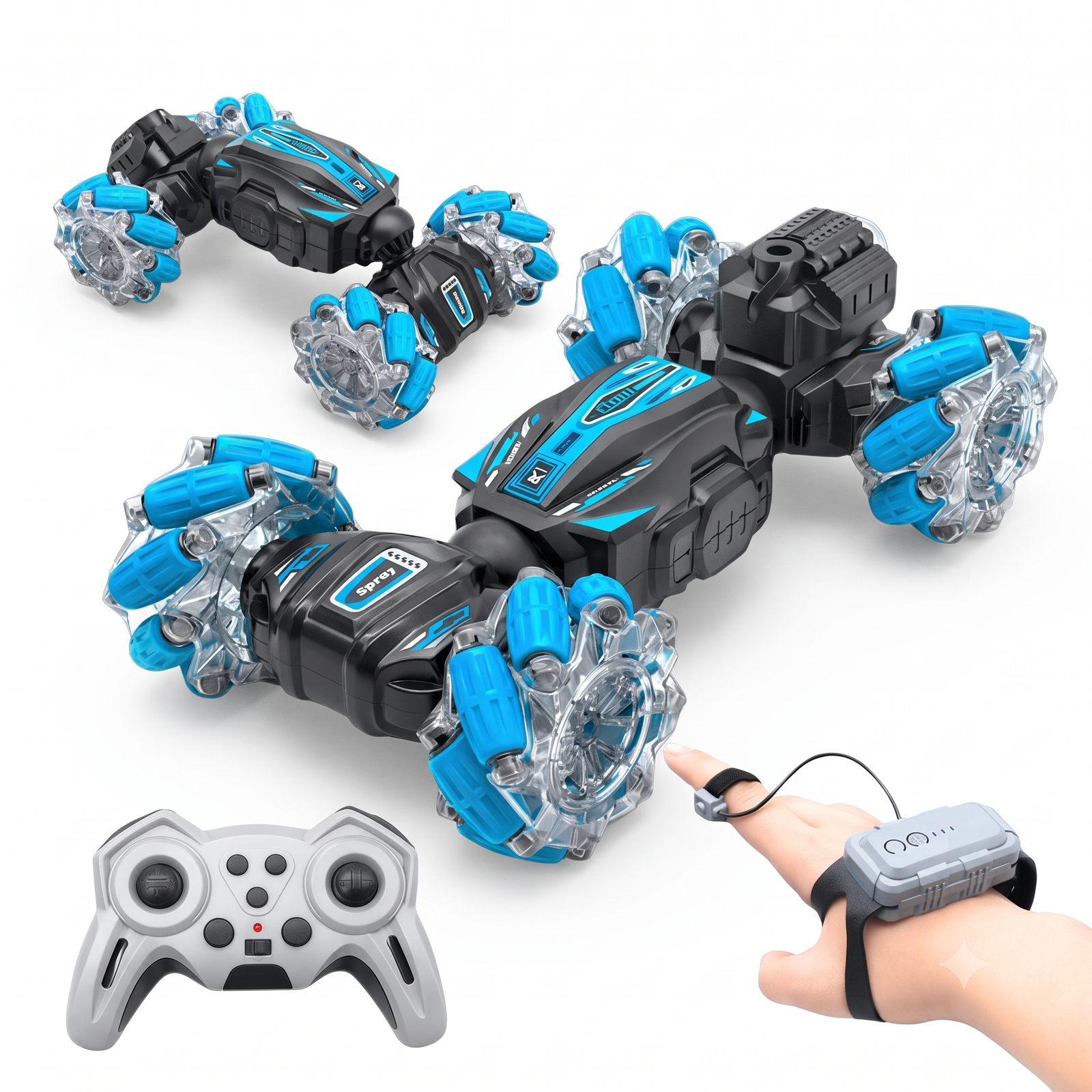
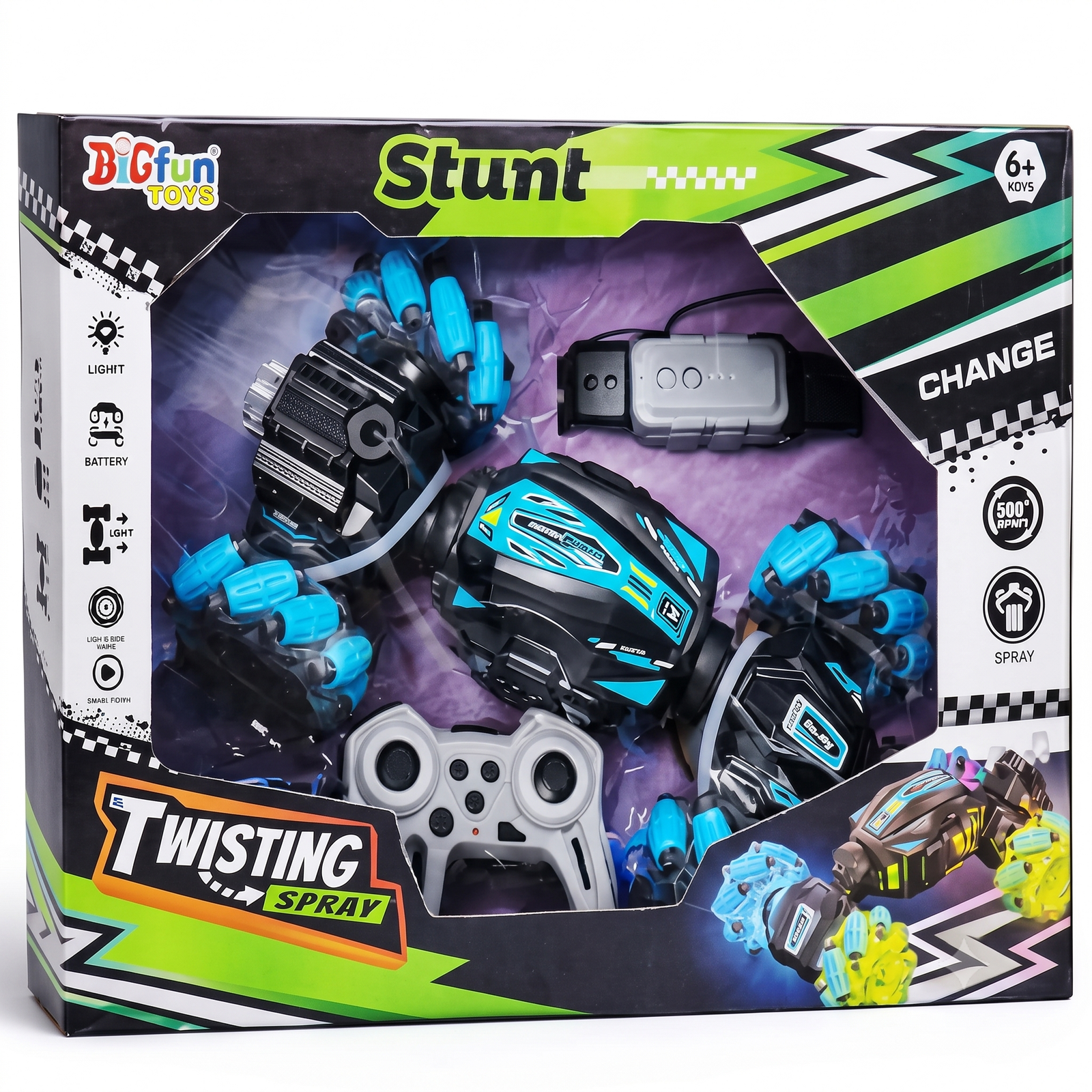
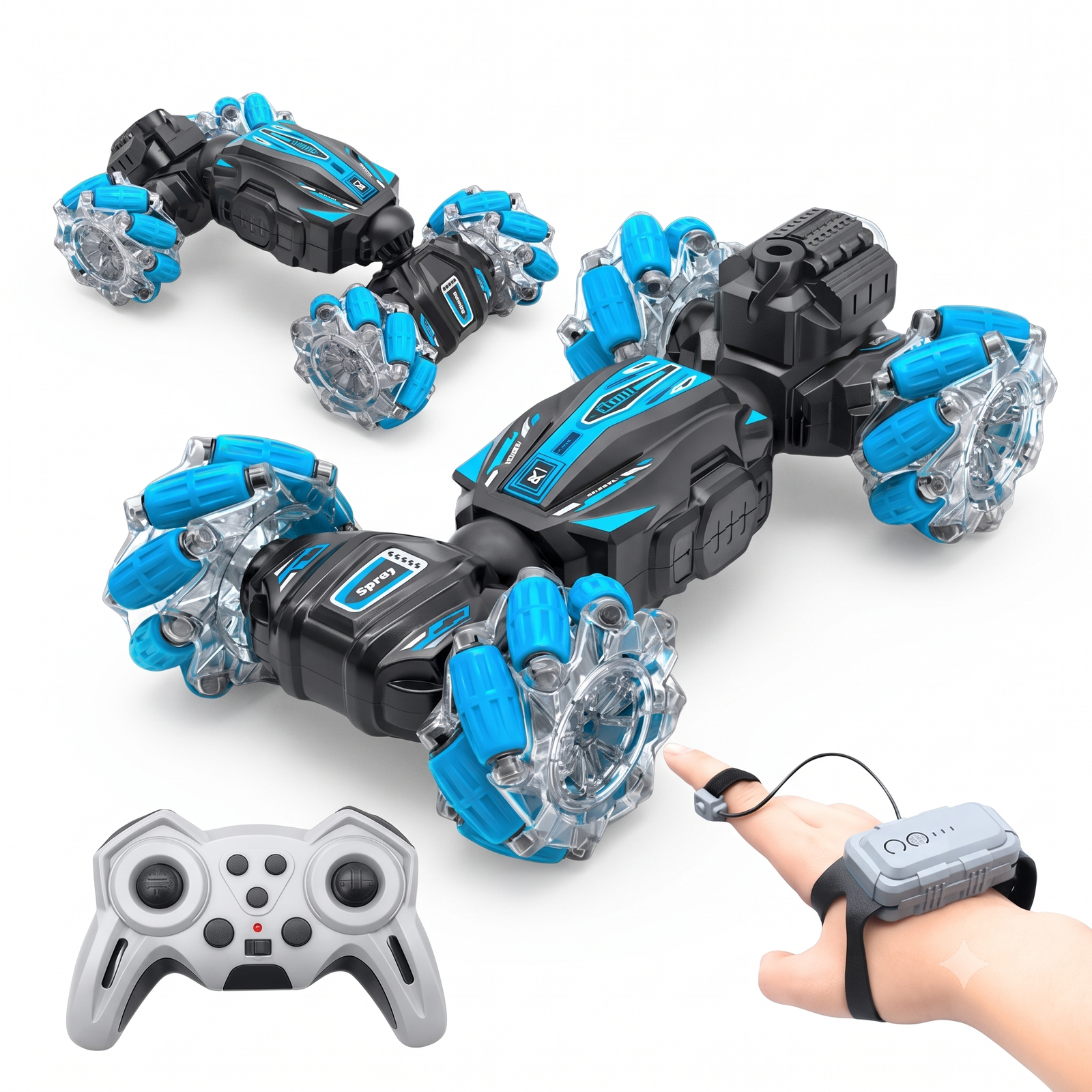
RC stunt car, gesture sensing watch with finger ring, remote controller, USB charging cable, user manual.
Step 1: Charge
- Charge the car fully with the USB cable. This usually takes 1.5 to 2 hours.
- Charge the gesture watch the same way.
- If your remote controller uses batteries, insert fresh ones, matching the + and – marks.
Step 2: Switch On and Pair
- Turn on the switch under the car.
- Turn on the remote controller or the gesture watch.
- When the car’s lights stop flashing, it is paired and ready.
- Use only one controller at a time.
Step 3: Drive with the Gesture Watch
- Wear the watch on your wrist and the ring on your finger.
- Keep your hand flat and steady to begin.
- Tilt forward to move forward and tilt back to reverse.
- Tilt left or right to turn.
- Hold your hand level to stop.
Step 4: Drive with the Remote Controller
- Left stick: forward and backward
- Right stick: steer left and right
- Stunt button: 360 degree spin and drift
- Mode button: body twist and side driving
- Spray button: spray effect
- Light button: lights on and off
Step 5: Stunts and Effects
- For a spin, press the stunt button or turn the stick quickly.
- To twist the body, change the mode on the remote and the car can drive on its side.
- For spray, add a little clean water if your model has a tank, then press the spray button.
Care Tips
- Wipe with a dry, soft cloth after use.
- Remove hair and dust from the wheels.
- Store in a cool, dry place away from sunlight.
- Switch off the car and controllers after every use.
Safety
- Recommended for ages 6 and above, with adult supervision.
- Do not use on water, sand, mud or wet floors.
- Keep fingers, hair and loose clothing away from the wheels.
- Do not leave it charging unattended. Unplug once full.
- Do not open or modify the car, watch or battery.
- Do not drive near roads, stairs, pools or crowds.
Quick Fixes
- Car will not start: charge it and check the power switch.
- No response: switch everything off, then on again to re-pair.
- Watch not accurate: hold your hand flat for a moment after switching on, and keep the ring snug.
- Car is slow or stops: recharge the car and controllers, and move closer.
- Spray not working: check the water tank and the mode.









prasathlp10@gmail.com –
super