Description
User Manual
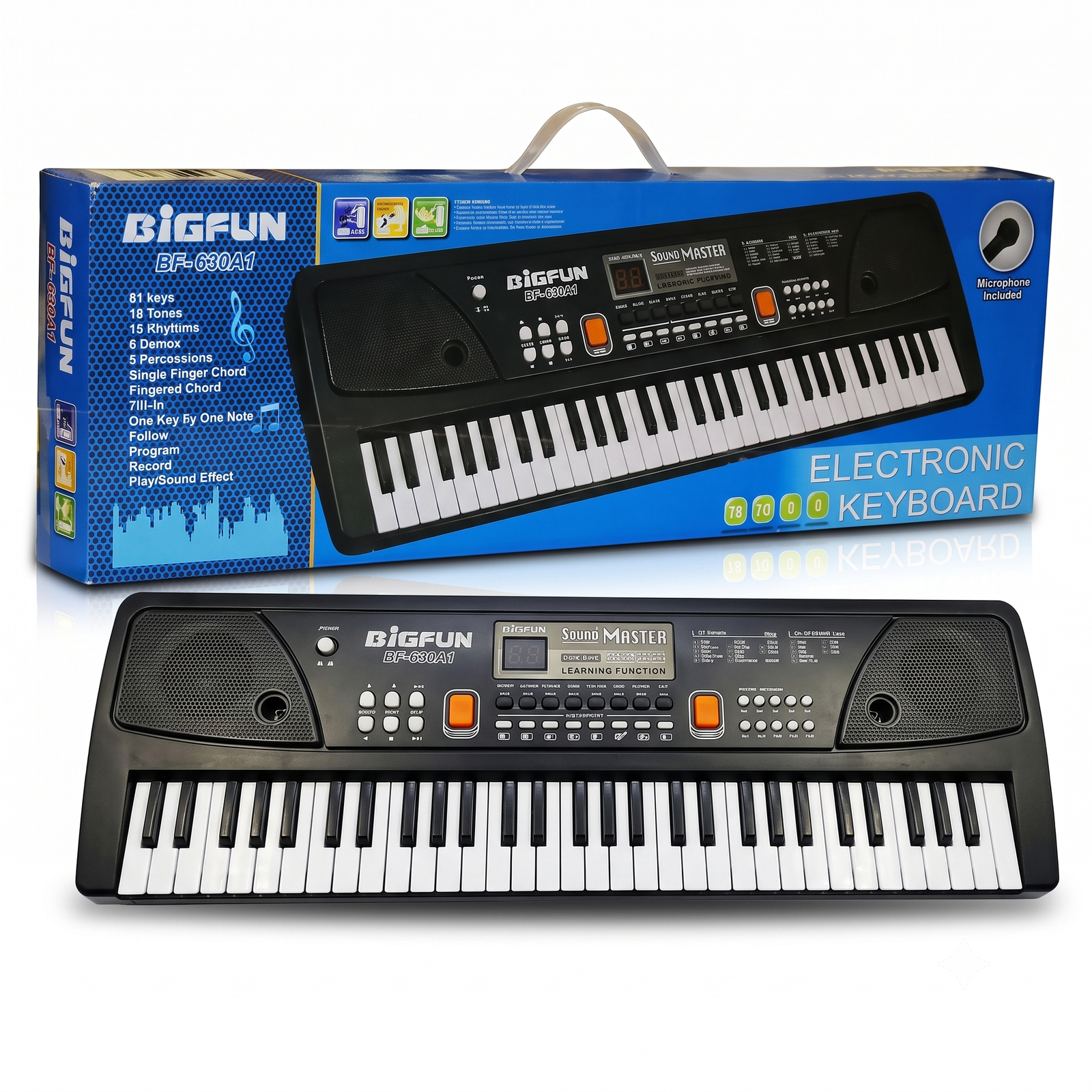
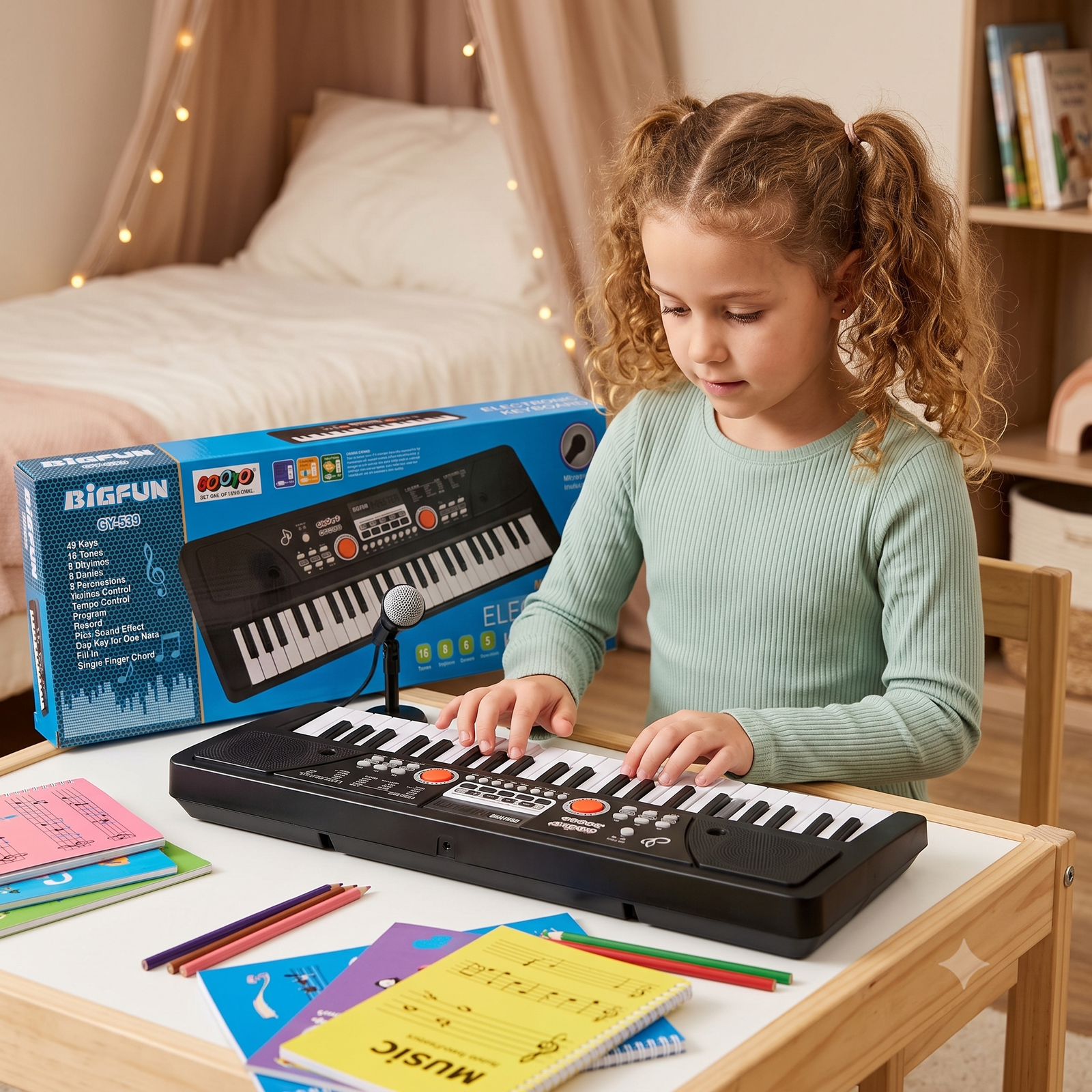
BIGFUN 37-Key Electronic Keyboard with Microphone
Sold by Suriyaen Shopping
Thank you for choosing this keyboard. Please read this manual before use and keep it for future reference.
Package Contents
- 1 x Electronic keyboard
- 1 x Microphone
- 1 x User manual
- Power adapter or batteries (depending on your unit)
Product Overview
- Power button: top left, switches the keyboard on and off
- Speakers: on the left and right sides of the panel
- Volume knob: controls loudness
- Tempo knob: controls rhythm speed
- Animal sound buttons (blue): Dog, Frog, Duck, Bird
- Record controls: REC, STOP and PLAY
- Display: shows the number of the selected sound or recording
- Keys: 37 keys for playing melodies
- Microphone socket: for connecting the microphone
Before You Start
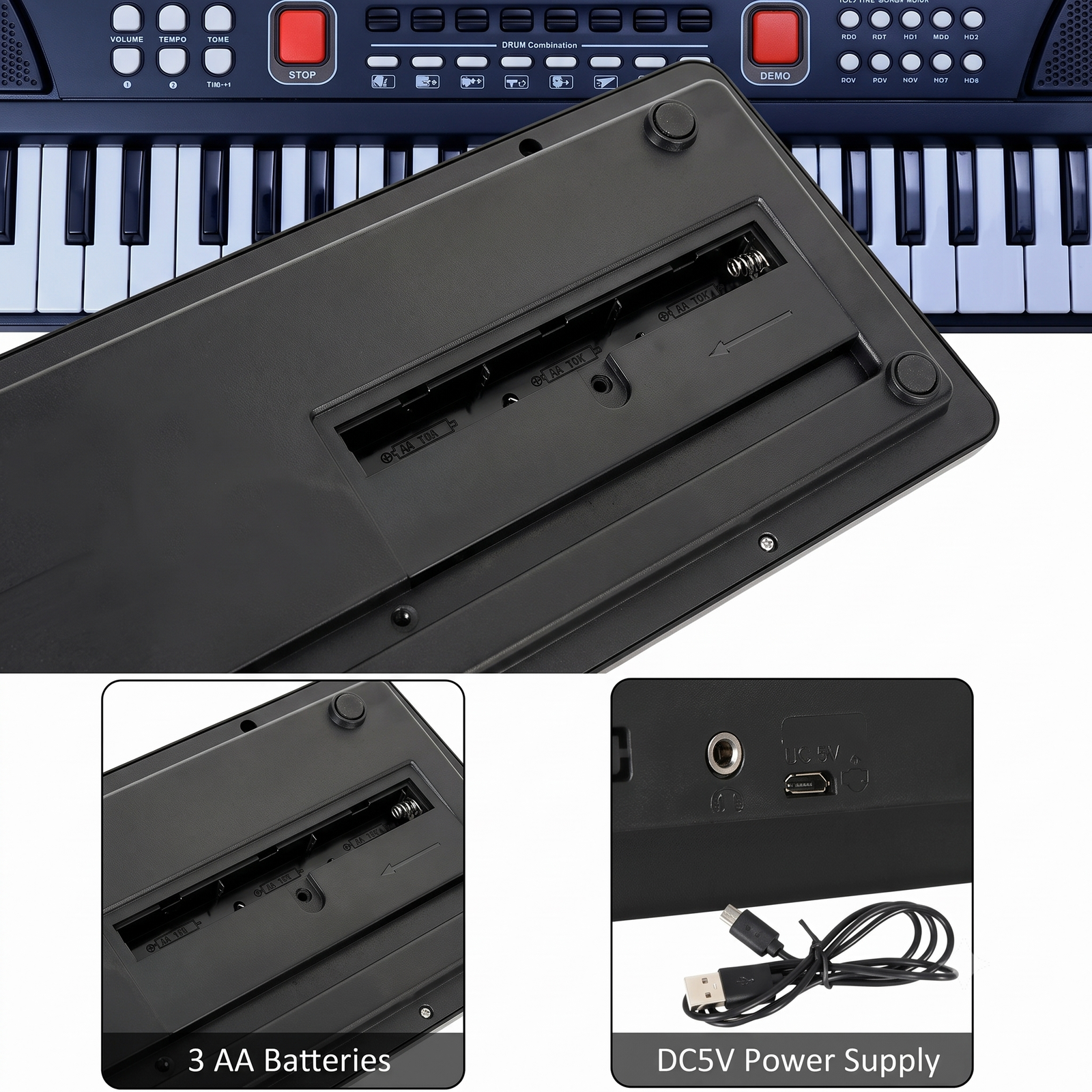
- Open the battery compartment on the underside of the keyboard.
- Insert fresh batteries, matching the + and – marks. Do not mix old and new batteries.
- Close the compartment securely.
- If using a power adapter, plug it into the DC socket first, then into the wall outlet.
How to Use
Switching on
Press the Power button. The display lights up and the keyboard is ready.
Playing the keys
Press the keys with your fingers. Start with one finger, then try both hands.
Volume and tempo
Turn the Volume knob to a comfortable level. Turn the Tempo knob to make the rhythm slower or faster.
Animal sounds
Press Dog, Frog, Duck or Bird to hear that sound. Press the keys to play with it.
Using the microphone
- Plug the microphone into the mic socket.
- Hold it close to your mouth and sing or speak.
- Adjust the volume if the sound is too loud or too soft.
Recording and playback
- Press REC and play your tune.
- Press STOP when finished.
- Press PLAY to listen to your recording.
Safety Instructions
- Recommended for children with adult supervision.
- Keep the volume at a low level to protect young ears.
- Keep away from water, moisture, heat and direct sunlight.
- Do not open, drop or hit the keyboard.
- Keep small parts and batteries away from babies and very young children.
- Do not try to recharge non-rechargeable batteries.
- Use only the recommended power adapter.
Care and Maintenance
- Clean with a soft, dry cloth. Do not use water, alcohol or chemicals.
- Remove the batteries if the keyboard will not be used for a long time.
- Store in a cool, dry place.
Troubleshooting
| Problem |
Solution |
| No power |
Check that batteries are inserted correctly or replace them. Check the adapter connection. |
| No sound |
Turn up the volume. Make sure the microphone is not blocking the speaker output. |
| Sound is weak or distorted |
Replace the batteries. |
| Microphone not working |
Push the microphone plug in fully. |
| Recording does not play |
Press REC, play some keys, press STOP, then press PLAY. |
Customer Support
For any questions, please contact Suriyaen Shopping.







Reviews
There are no reviews yet.