Description
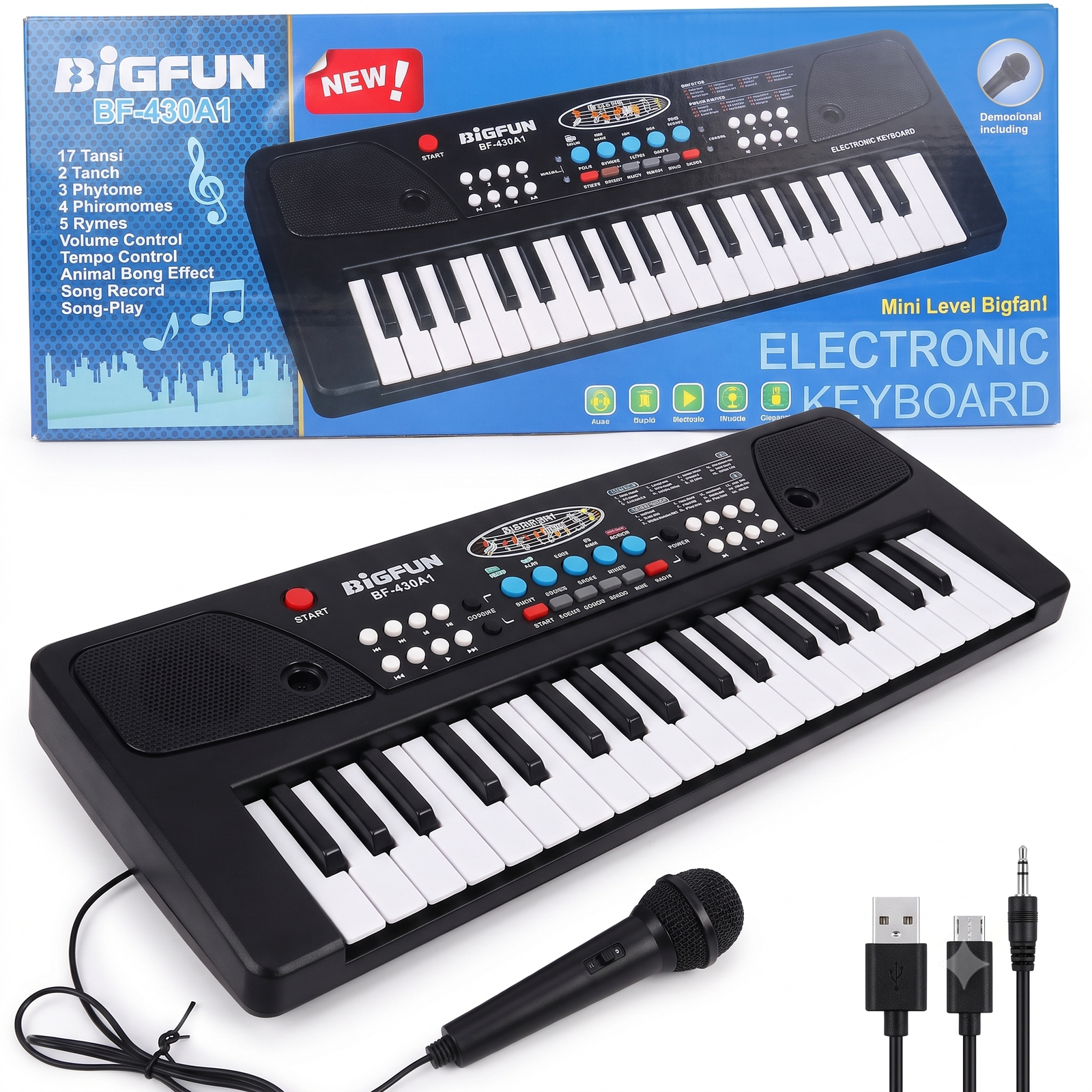
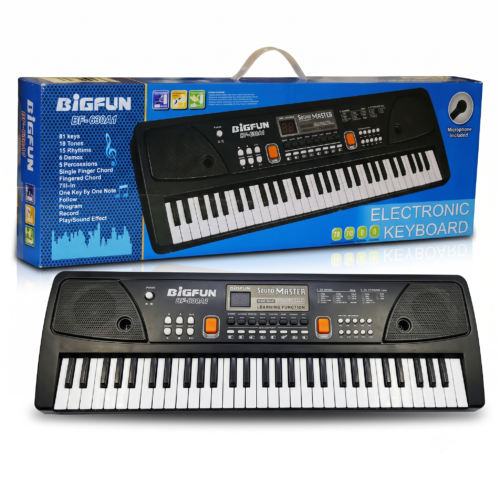
BigFun Electronic Keyboard (Model 21A-08218)
User Manual
Thank you for choosing the BigFun Electronic Keyboard from Suriyaen Shopping. Please read this guide before first use and keep it for future reference.
1. Before You Start
- Remove all packaging and keep small bags away from young children.
- Place the keyboard on a flat, stable surface such as a table.
- Check the pack for the power source your unit uses (batteries or an adapter) and follow the instructions printed on it.
2. Powering On
- Insert the batteries or connect the adapter as shown on your unit.
- Press the red Power button to switch the keyboard on.
- The display will light up.
- Press Power again to switch it off after use.
3. Playing the Keys
Press any white or black key to play a note. Press lightly with your fingertips. There is no need to press hard.
4. Volume
Use the Volume control to make the sound louder or softer. Start at a low level, especially for babies and toddlers, and increase it gradually.
5. Choosing Tones and Rhythms
- Use the round numbered buttons on the left (P1 to P8) to change the sound or rhythm.
- Use the round numbered buttons on the right (M1 to M8) to choose the built-in music or demo tunes.
- Press a button, then play the keys to hear the new sound.
6. Tempo (Speed)
Use the Tempo control to make the rhythm or music faster or slower.
7. Fun Sound Effect Buttons
Press the blue buttons (such as Boo, Frog and Buck) to hear fun sound effects. Children love using them while playing.
8. Record and Playback
- Press Rec to start recording.
- Play your tune on the keys.
- Press Stop when finished.
- Press Play to hear your recording.
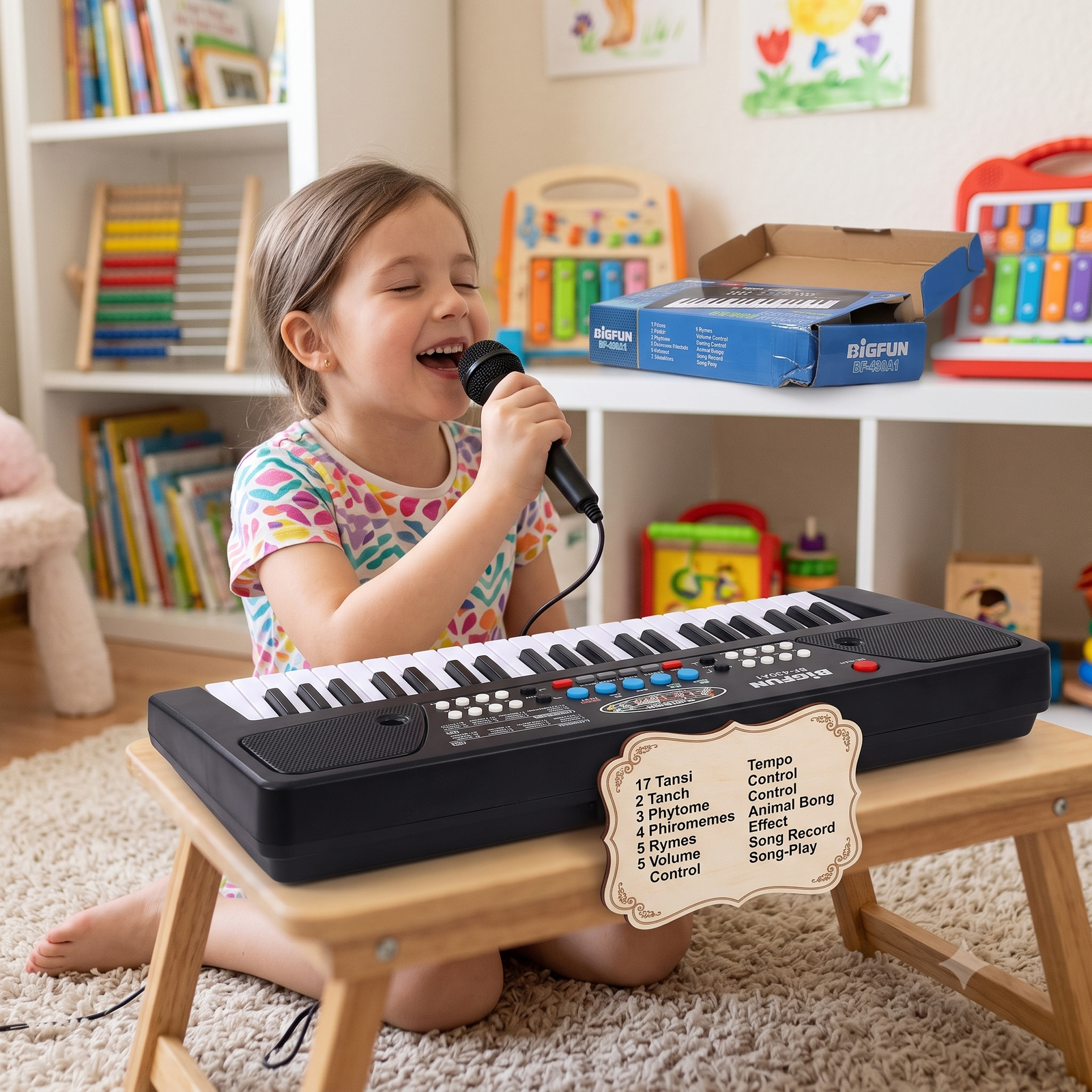
9. Using the Microphone
- Hold the microphone close to your mouth and sing or speak.
- Adjust the Volume if the sound is too loud or you hear a squeal.
- Keep the microphone away from the speakers to avoid feedback noise.
10. Care and Safety
- Keep the keyboard dry. Do not use it near water.
- Clean with a soft, dry cloth. Do not use liquid cleaners.
- Do not drop it or place heavy objects on it.
- Remove the batteries if you will not use it for a long time.
- Never mix old and new batteries.
- Adult supervision is recommended for young children.
- Check the age recommendation on the pack.
11. Troubleshooting
| Problem |
What to try |
| No sound or display |
Check the batteries or adapter, then press Power again |
| Sound is weak or distorted |
Replace the batteries and raise the volume |
| Microphone squeals |
Lower the volume and move away from the speakers |
| Keys do not respond |
Switch off, wait a few seconds, and switch on again |
12. Need Help?
Contact Suriyaen Shopping for any questions or support with your purchase. 9489265785 phone








Reviews
There are no reviews yet.