Description
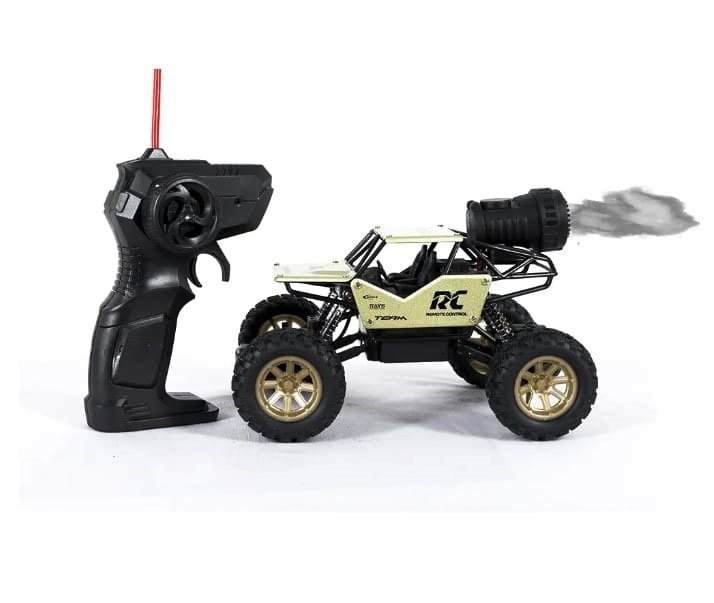
User Manual: Rock Crawler RC Car
1. Before You Start
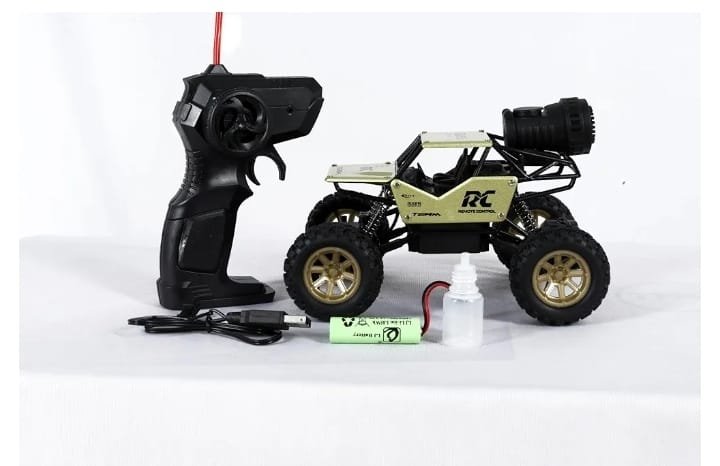
- Take the car, remote, battery, USB cable and oil bottle out of the box.
- Remove all packing tape and plastic from the car.
- Charge the battery fully before the first use.
2. Charging the Car Battery
- Switch the car OFF.
- Connect the battery plug to the USB charging cable.
- Plug the USB end into a phone adapter, power bank or computer USB port.
- Wait until the charging light changes (usually red to off or green). Charging time is usually 2 to 3 hours. [Add your exact charging time here]
- Unplug the cable when charging is complete.
Do not charge for more than the recommended time, and never leave the battery charging overnight.
3. Installing the Batteries
Car:
- Open the battery compartment under the car body.
- Connect the battery plug to the car connector, matching the shape.
- Place the battery inside and close the cover.
Remote controller:
- Open the battery cover on the back of the remote.
- Insert the batteries, matching the + and – marks. [Add battery type and quantity here, for example 2 x AA]
- Close the cover.
4. Turning On
- Switch ON the car (switch on the car body).
- Switch ON the remote controller.
- The car and remote connect automatically. If the car does not respond, switch both OFF and ON again.
Always turn the car on first and the remote second. When finished, turn off the car first and then the remote.
5. How to Drive
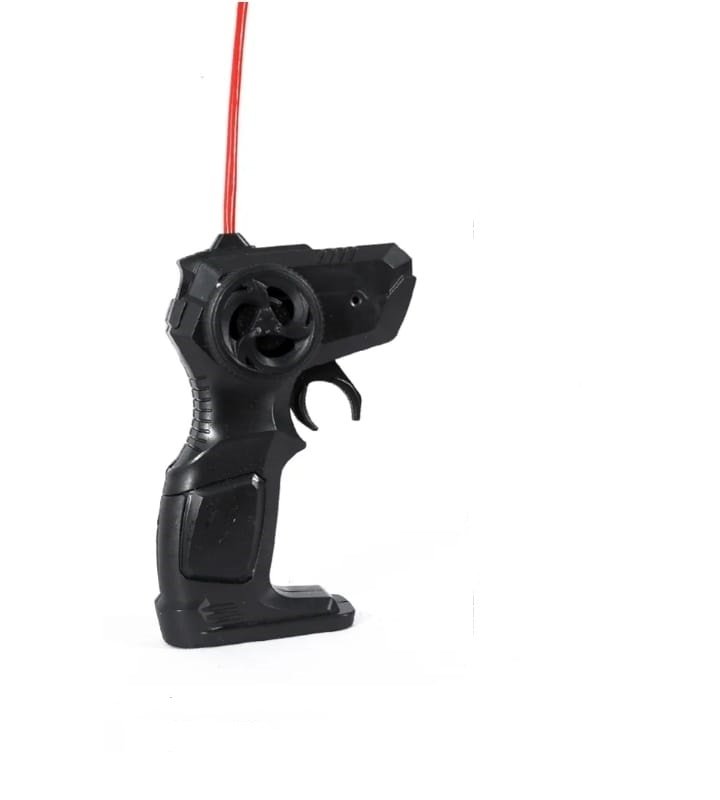
- Trigger (pull back): car goes forward
- Trigger (push forward): car goes backward
- Steering wheel on remote: turn left or right
- Light button (if available): turns the front light on or off
Tip: Start slowly on flat ground to get used to the controls, then try rough ground.
6. Where to Play
- Best on dry ground, grass, sand, small stones, and smooth floors.
- Keep within the remote range. [Add range, for example 30 to 50 meters]
- Avoid deep water, mud, and heavy rain unless the product is stated as waterproof.
7. Care and Maintenance
- Clean the car with a dry or slightly damp cloth after use.
- Put one or two drops of the supplied oil on the moving joints and suspension parts now and then. Wipe off any extra and keep oil away from the tires and electronic parts.
- Remove batteries if you will not use the car for a long time.
- Store in a cool, dry place away from direct sunlight.
8. Troubleshooting
| Problem |
Solution |
| Car does not move |
Check that the car and remote are both ON and the batteries are charged |
| Car moves slowly |
Charge the car battery or change the remote batteries |
| Car does not turn properly |
Switch OFF and ON, and check that nothing is stuck in the wheels |
| Short running time |
Make sure the battery is fully charged |
| Remote has no response |
Change the remote batteries and move closer to the car |
9. Safety Warnings
- Not suitable for children under 3 years. Small parts can be dangerous.
- Children should play under adult supervision.
- Do not open, hit, or put the battery in fire or water.
- Do not use a damaged or swollen battery.
- Do not touch the wheels while the car is moving.
- Do not drive near roads, pools, or crowds.
10. Contact and Support
For any help, contact Suriyaen Shopping.
Phone/WhatsApp: [9489265785]







Reviews
There are no reviews yet.