
Sale!



Description
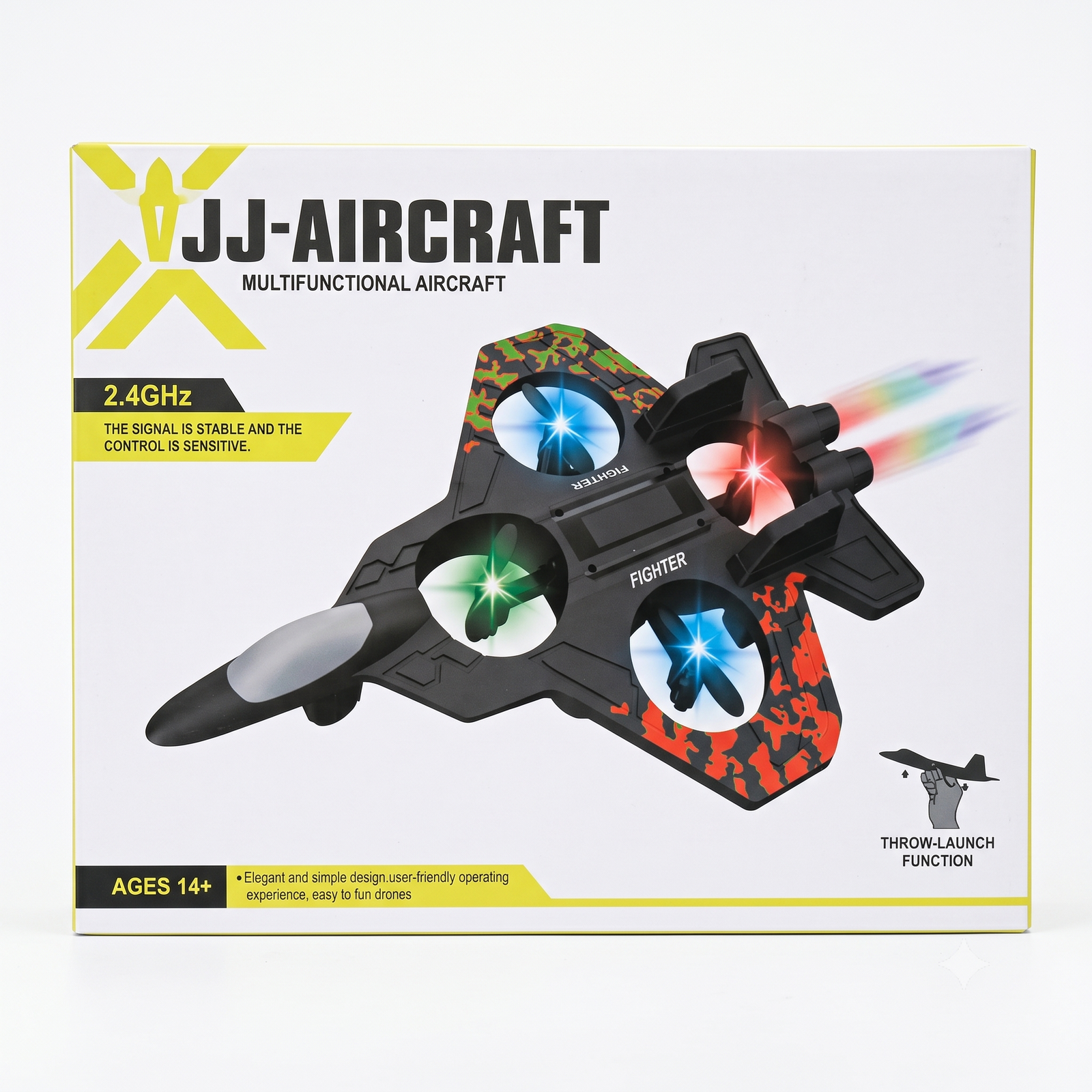
JJ-Aircraft Multifunctional RC Fighter Jet: User Manual
Recommended age: 14+ | 2.4GHz remote control | Throw-launch function
I wrote this from the box and photos only. Button functions can differ between batches, so please check the steps marked (verify) against the sample you are selling before sharing the manual with customers.
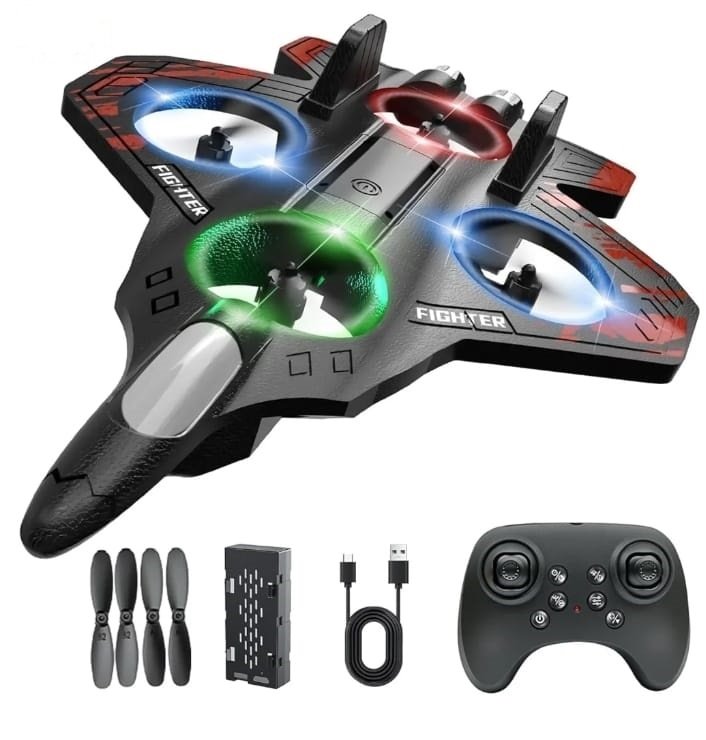
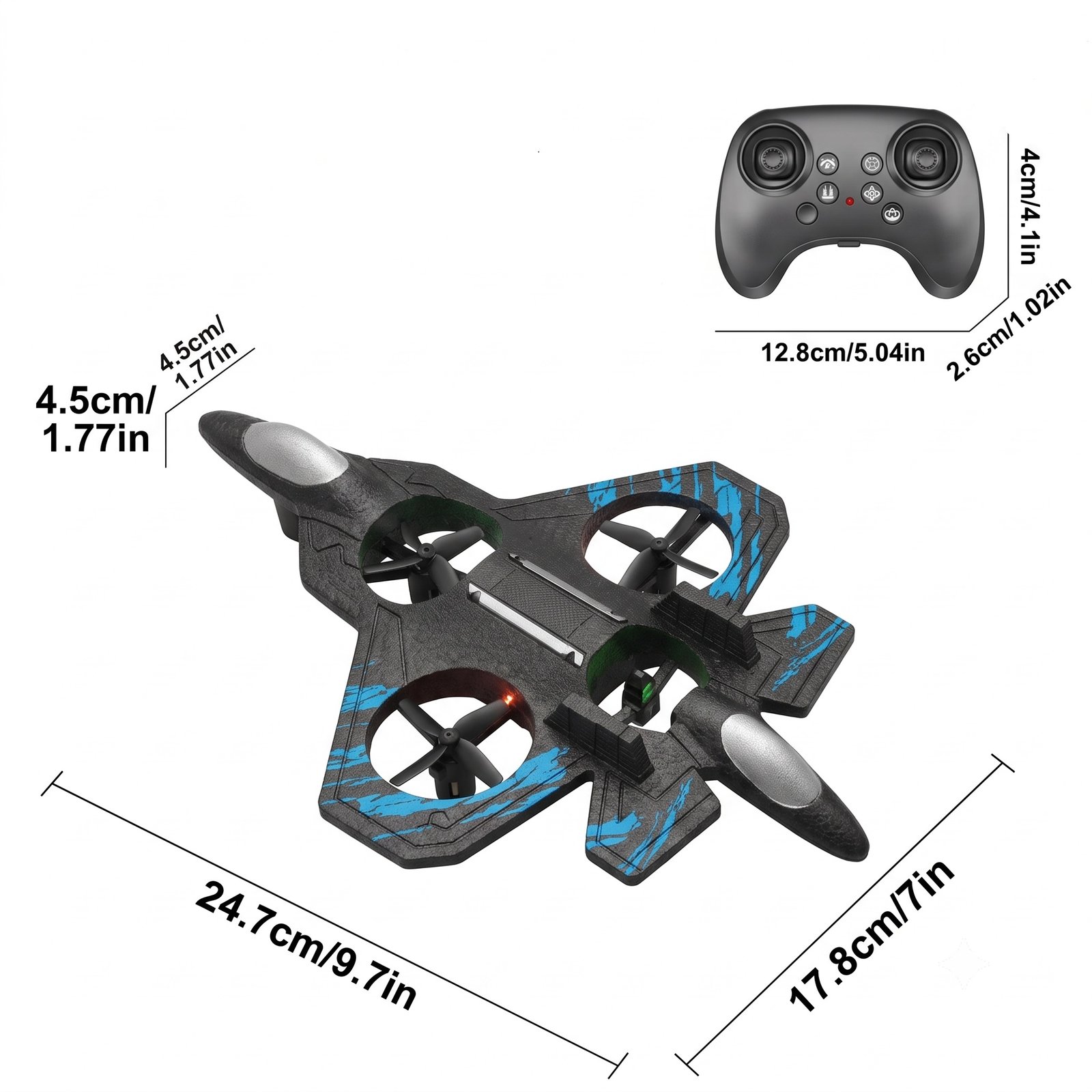
1. Package Contents
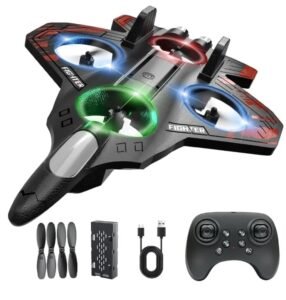
- 1 x JJ-Aircraft RC fighter jet
- 1 x 2.4GHz remote controller
- 1 x rechargeable battery
- 1 x USB charging cable
- 4 x spare propellers
2. Before First Flight
Charge the jet battery
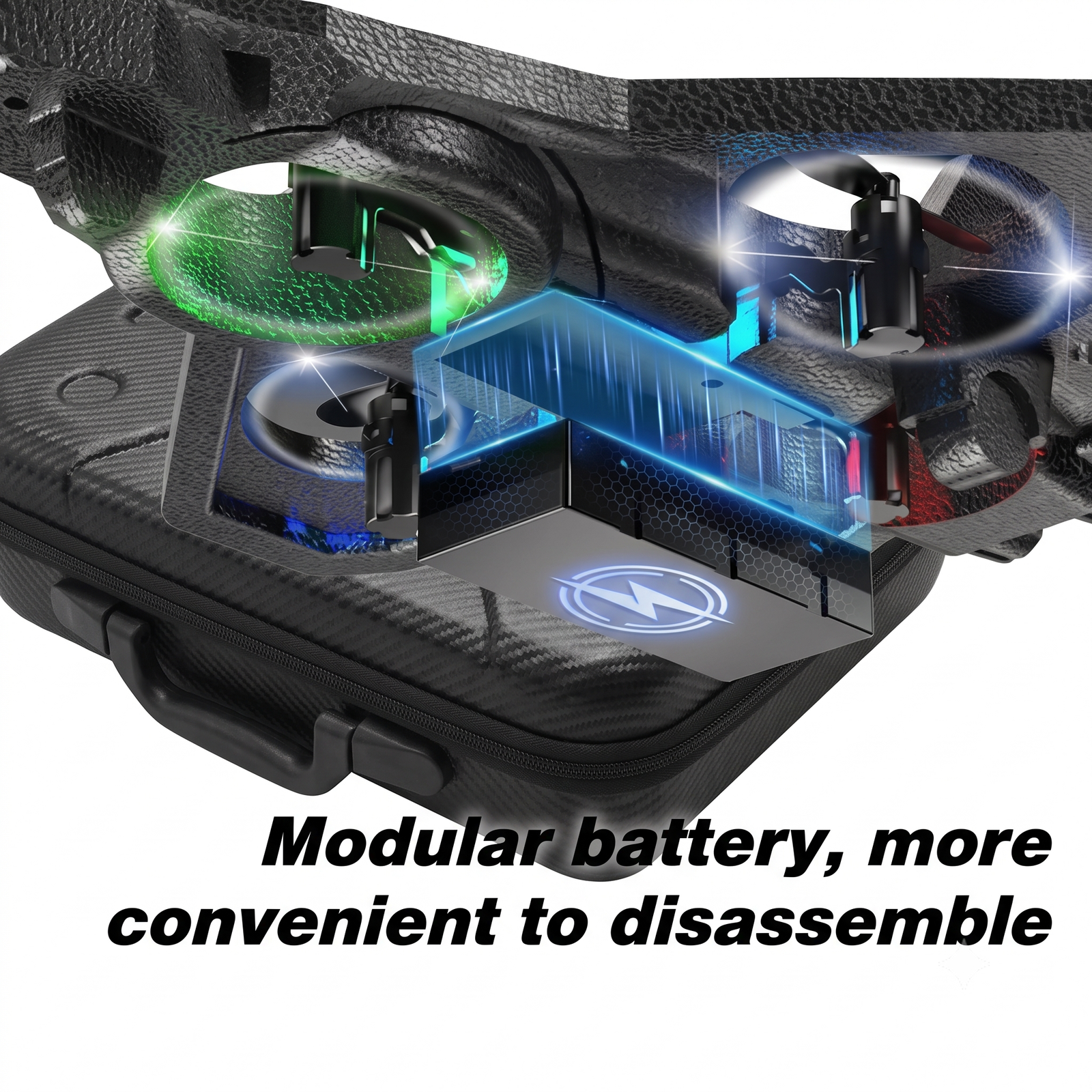
- Remove the battery from the jet.
- Plug the USB cable into the battery and connect the other end to a 5V USB adapter or power bank.
- Charge until the indicator light changes or turns off (verify the indicator behavior). Do not leave it charging unattended.
- Let the battery cool for a few minutes before charging again after a flight.
Prepare the remote
- Insert fresh batteries into the remote (check the battery compartment for the type and size, and match the + and – marks).
Install the battery in the jet
- Fit the battery into the compartment and connect it firmly. Close the cover.
3. Pairing the Jet and Remote (2.4GHz)
- Place the jet on a flat surface, switch it on, and keep it still. The LED lights will start flashing.
- Switch on the remote. Some remotes beep or show a light.
- Push the left stick (throttle) fully up, then fully down. The jet’s lights turn solid when pairing is complete (verify the exact pairing steps).
- If pairing fails, switch both off and repeat.
4. Remote Controls (typical layout, verify)
- Left stick: up/down for throttle (motor speed and lift); left/right to turn the jet left or right.
- Right stick: forward/backward and left/right movement.
- Trim buttons: use these if the jet drifts on its own when you let go of the sticks.
- Speed button: switches between low and high speed. Beginners should start on low.
- Extra function buttons: stunt and light functions, where available.
5. How to Fly
Throw-launch (hand launch)
- Go to a wide, open area with little wind.
- Switch on the jet and remote and pair them.
- Hold the jet firmly by the body, nose pointing slightly upward.
- Raise the throttle until the propellers are spinning steadily.
- Throw the jet gently forward and level, not hard and not downward, and use the sticks to control it.
Landing
- Slowly lower the throttle and bring the jet down gently.
- Switch off the jet first, then the remote.
6. Tips for Beginners
- Practice on low speed first.
- Keep the jet in front of you so you can see its direction.
- Use small, smooth stick movements. The 2.4GHz control is sensitive.
- If it starts to drift, adjust the trim buttons.
- Fly in daylight at first. Once you are comfortable, the LED lights make evening flights look great.
7. Safety Instructions
- Keep the jet away from people, animals, faces and eyes. The spinning propellers can cause injury.
- Do not fly near roads, power lines, trees, water or crowded places.
- Do not fly in rain or strong wind.
- Switch off immediately if the jet hits something, then check the propellers and body for damage.
- Use only the supplied battery and USB cable. Do not use a damaged or swollen battery.
- Do not touch the propellers while the jet is switched on.
- The box states ages 14+. Young children should only use it under adult supervision.
8. Replacing Propellers
- Switch off the jet and remove the battery.
- Pull the damaged propeller straight off its shaft.
- Fit the spare propeller. Match the type (usually marked A/B or with direction arrows) to the original so the rotation direction stays correct.
9. Troubleshooting
| Problem | What to try |
|---|---|
| Jet does not respond | Charge the battery, replace the remote batteries, and re-pair |
| Jet drifts to one side | Adjust the trim buttons on the remote |
| Short flight time | Fully charge the battery and fly at lower speed |
| Weak lift | Check for damaged propellers and charge the battery |
| Remote not connecting | Move away from other 2.4GHz devices and re-pair |
10. Care and Storage
- Store in a cool, dry place away from direct sunlight.
- Remove the battery if you will not use the jet for a long time.
- Keep the jet and its accessories in the original box.

Reviews
There are no reviews yet.