Charge the deviceConnect the included USB cable to the charging port on the neckband and plug into a power source (adapter/laptop/power bank). Charge fully before first use.
2
Power onPress and hold the power button for 2-3 seconds until you hear a beep and see the LED indicator light up, confirming the device has powered on.
3
Enter pairing modeOn first use, the earphones will automatically enter pairing mode with a blinking LED. If not, press and hold the power button a little longer until the light blinks rapidly.
4
Connect via BluetoothOn your phone, go to Settings > Bluetooth, turn it on, and select ‘Rivano RN BT-59’ (or similar name) from the device list to pair.
5
Confirm connectionA voice prompt or tone will confirm the successful connection. The earphones are now ready for music and calls.
6
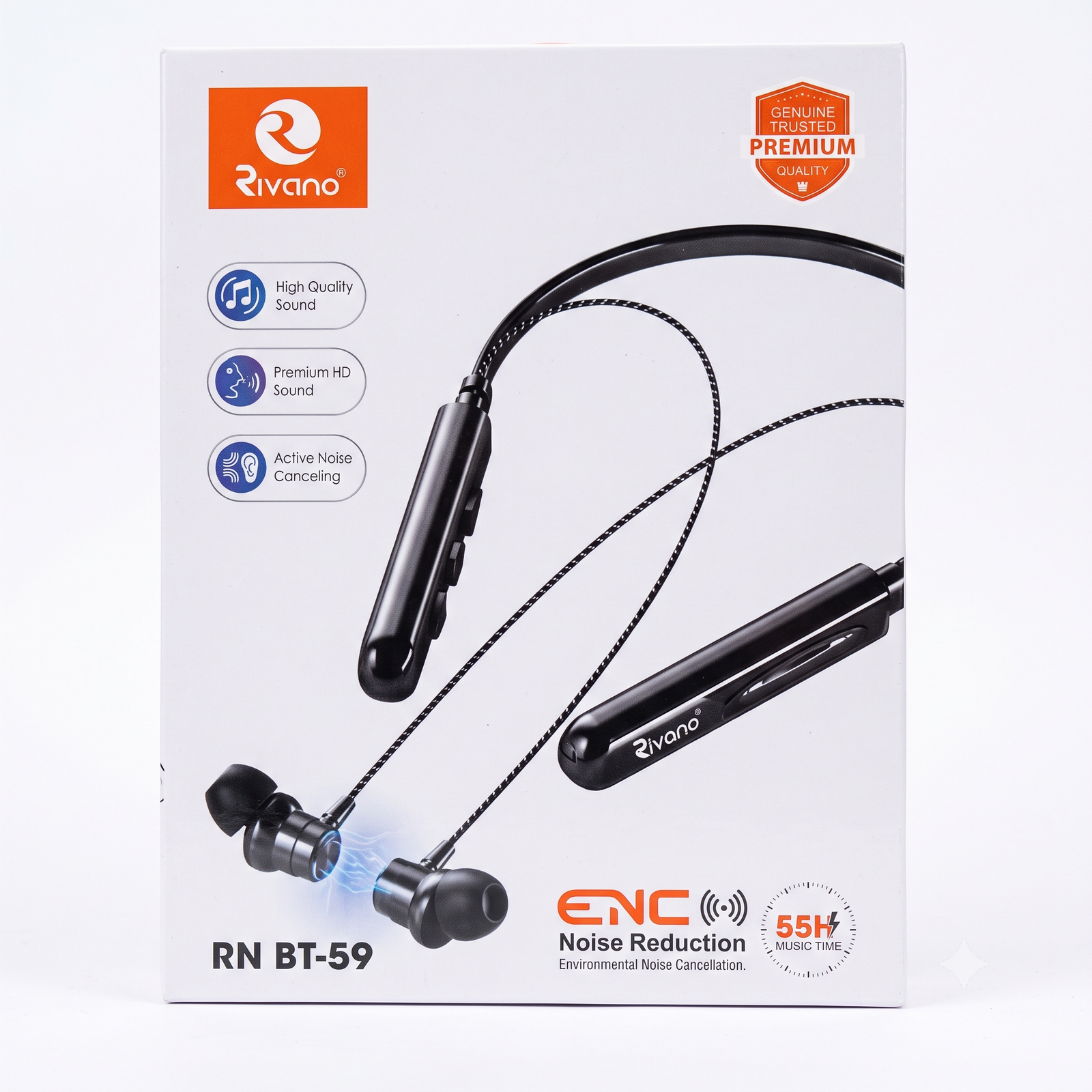
Use ENC for clear callsENC (Environmental Noise Cancellation) activates automatically during calls, reducing background noise so your voice comes through clearly to the other person.
7
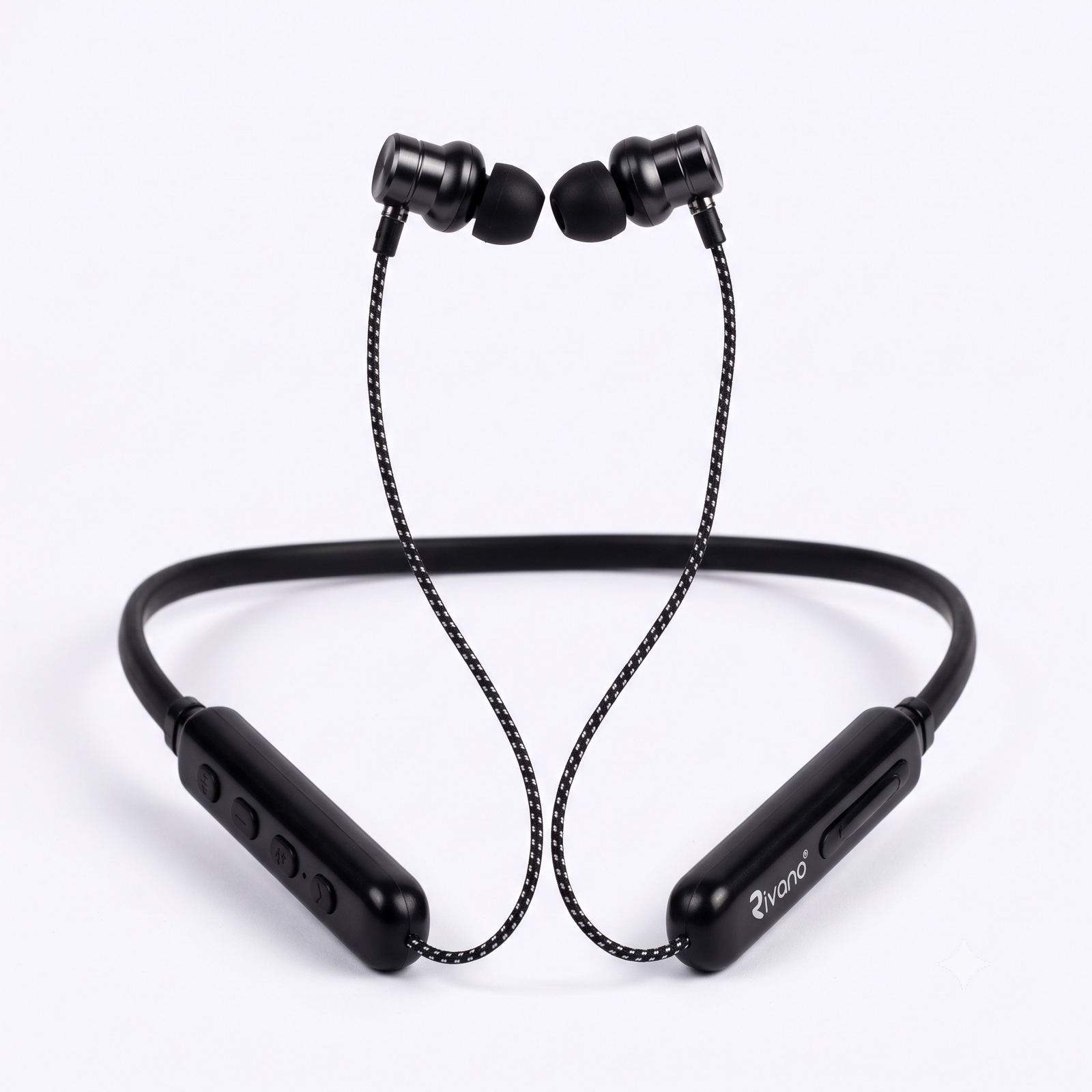
Use the controlsUse the buttons on the neckband to play/pause music, skip tracks, adjust volume, and answer/end calls with a single press of the center button.
8
Magnetic lock & charging careSnap the earbuds together magnetically around your neck when not in use to pause music and save battery. Recharge regularly and avoid excess water, heat, or sharp cable bends for long-term durability.
Reviews
There are no reviews yet.
Be the first to review “Rivano RN BT-59” Cancel reply






Reviews
There are no reviews yet.