Charge the deviceConnect the USB charging cable to the charging port on the neckband and plug into a power source. Charge fully before first use (the LED indicator usually turns off or changes color when fully charged).
2
Power onPress and hold the power button for 2-3 seconds until you hear a beep or see the LED light turn on, indicating the device is powered on.
3
Enter pairing modeOn first use, the earphones automatically enter pairing mode (LED blinks). If not, press and hold the power button a bit longer until the light blinks rapidly.
4
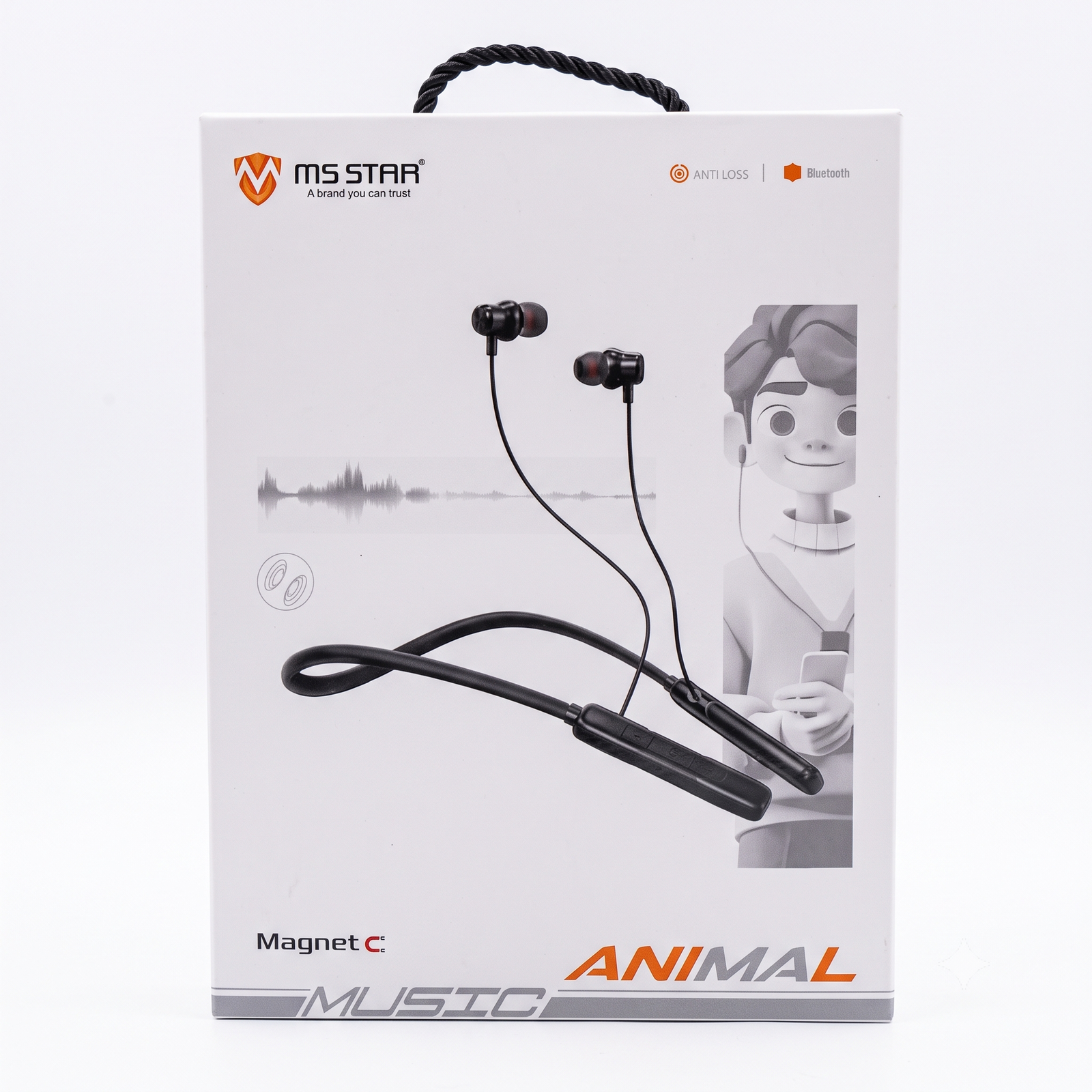
Connect via BluetoothOn your phone, go to Settings > Bluetooth, turn it on, and select ‘MS STAR Animal’ (or similar name) from the list of available devices to pair.
5
Confirm connectionOnce connected, you’ll hear a confirmation tone or voice prompt. The earphones are now ready to play music or take calls.
6
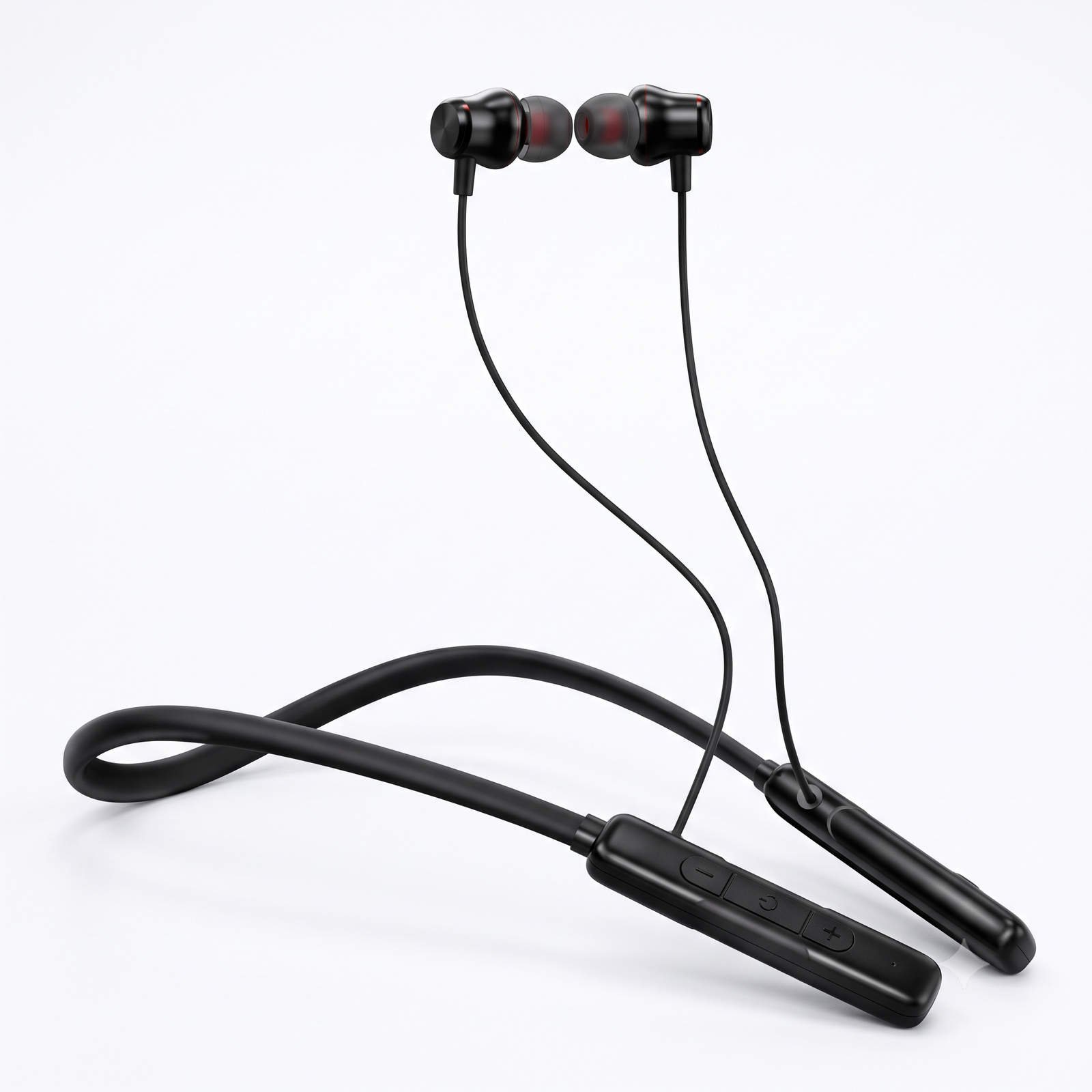
Use the controlsUse the buttons on the neckband to play/pause music, skip tracks, adjust volume, and answer/end calls. Press the center button once to answer a call, and press again to end it.
7
Magnetic lock when not in useWhen you’re done listening, simply bring the two earbuds together — they’ll snap together magnetically around your neck, and most models auto-pause music and go into standby mode.
8
Charge regularly & store safelyRecharge before the battery runs low, and avoid exposing the earphones to excess water, heat, or sharp bends in the cable for long-lasting use.
Reviews
There are no reviews yet.
Be the first to review “MS STAR Animal Magnet C” Cancel reply





Reviews
There are no reviews yet.