Description
Rivano RN BT-64 Neckband: How to Use (User Manual)
This is the ready-to-share version for your customers. 😊
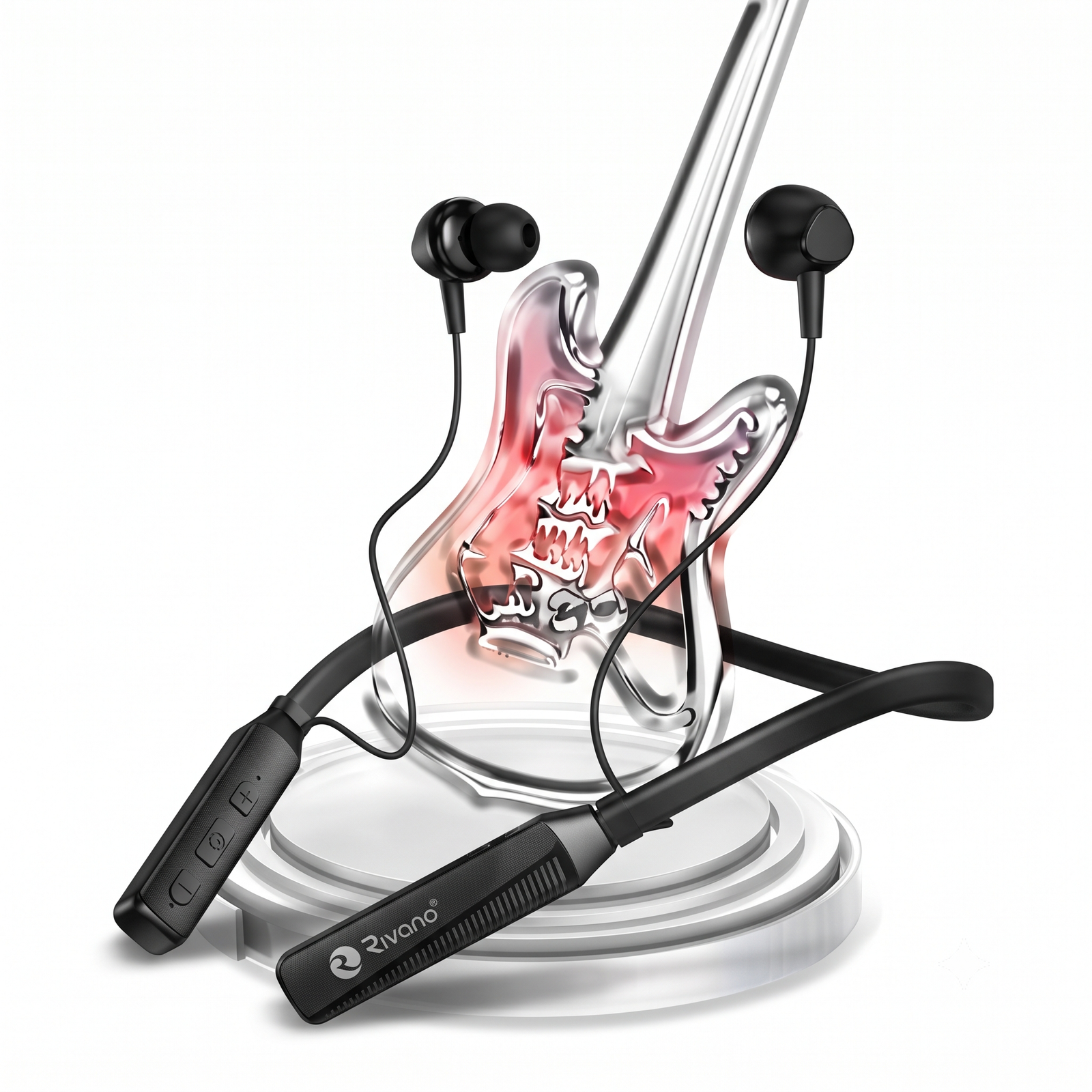
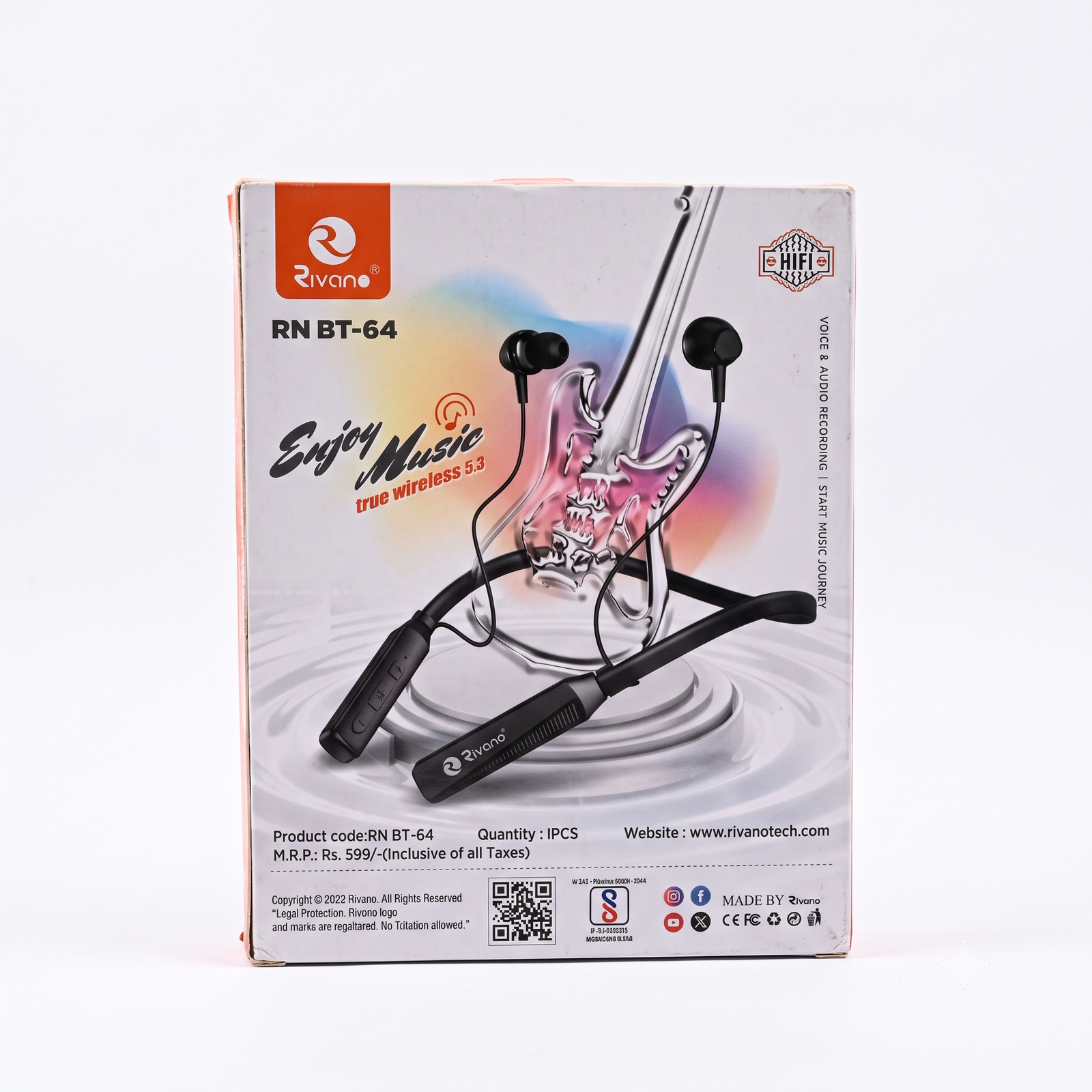
What’s in the box
- 1 Rivano RN BT-64 wireless neckband earphones
- Charging cable and user guide (check your pack)
Step 1: Charge it first
- Plug the charging cable into the charging port on the neckband.
- Connect the other end to a 5V charger or USB port.
- Wait until the indicator light shows it is fully charged.
- Remove the cable. It is ready to use.
Step 2: Turn it on
Press and hold the power button for a few seconds until you hear a sound or the light flashes.
Step 3: Connect to your phone
- Turn on Bluetooth on your phone.
- Look for “RN BT-64” or “Rivano” in the list of devices.
- Tap the name to connect.
- When you hear the connection sound, you are ready to play music.
Next time, just turn the neckband on and it will connect to your phone automatically.
Step 4: Wear it
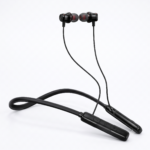
- Place the neckband around your neck with the buttons facing the front.
- Put the earphones gently into your ears. Try different ear tip sizes to find the best fit.
- Keep your phone nearby for a stable Bluetooth 5.3 connection.
Step 5: Buttons and controls
| Action |
How |
| Power on / off |
Press and hold the power button |
| Play / pause |
Press the middle button once |
| Answer / end call |
Press the middle button once |
| Volume up / down |
Press + or – |
| Next / previous song |
Press and hold + or – |
Care tips
- Keep away from water, sweat and moisture.
- Do not drop, pull hard or leave in strong heat.
- Clean with a soft, dry cloth only.
- Keep the volume at a safe level to protect your hearing.
- Charge only with a standard 5V charger.
Problems and quick fixes
| Problem |
What to do |
| Will not connect |
Turn Bluetooth off and on, delete the old pairing, restart the neckband, and try again |
| No sound |
Raise the volume on the phone and neckband, and check it is charged |
| Not charging |
Check the cable and charger, and gently clean the charging port |
| Sound cuts out |
Move closer to the phone and remove obstacles |
| One side is quiet |
Gently clean the ear tips |







Reviews
There are no reviews yet.