Description
Rivano RN TWS-103: User Manual
What’s in the box
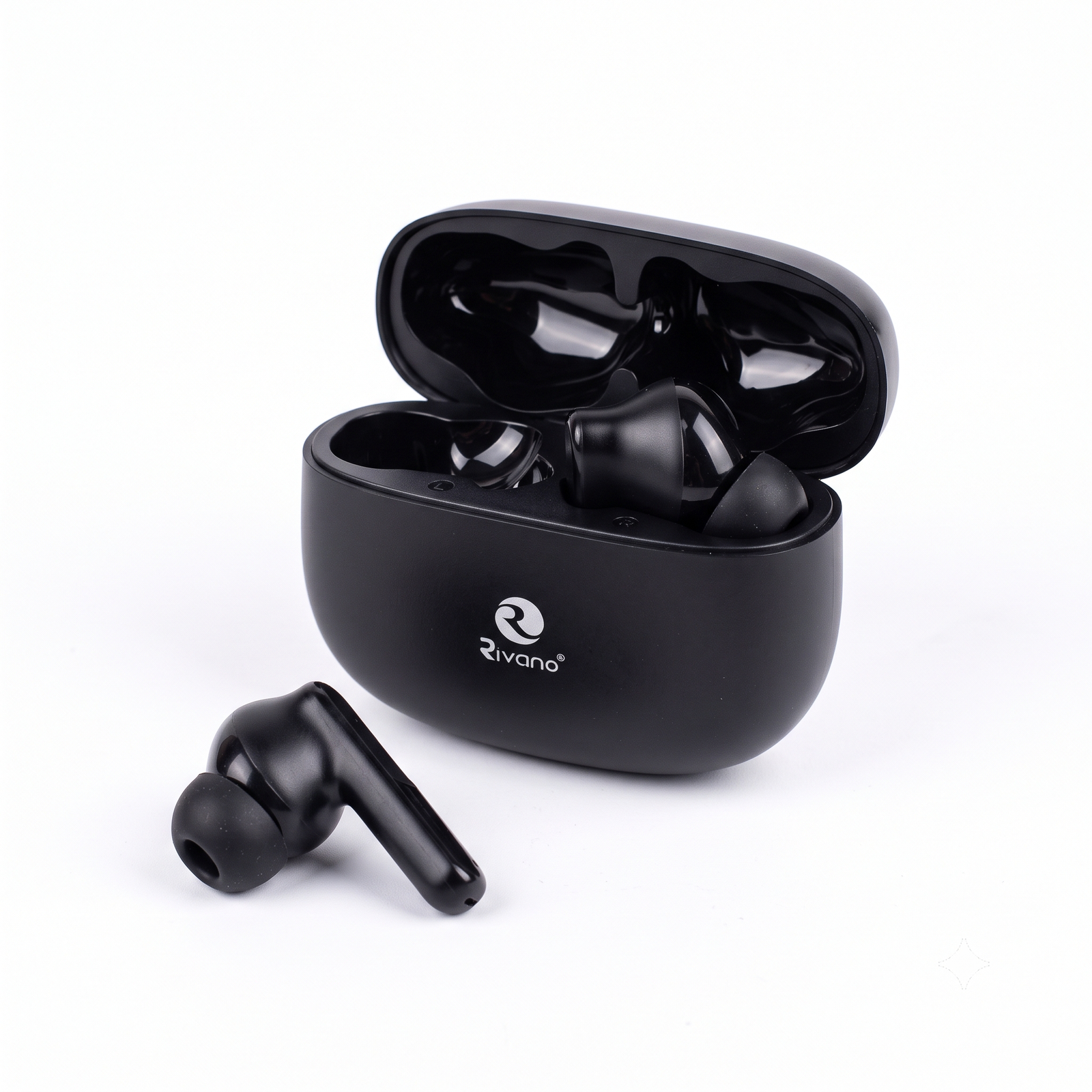
- 1 pair of Rivano TWS-103 earbuds
- 1 charging case
- Charging cable and user guide (check what your pack contains)
1. Charge before first use
- Place both earbuds in the charging case and close the lid.
- Connect the case to a charger with the cable.
- Charge until the indicator shows the case is full.
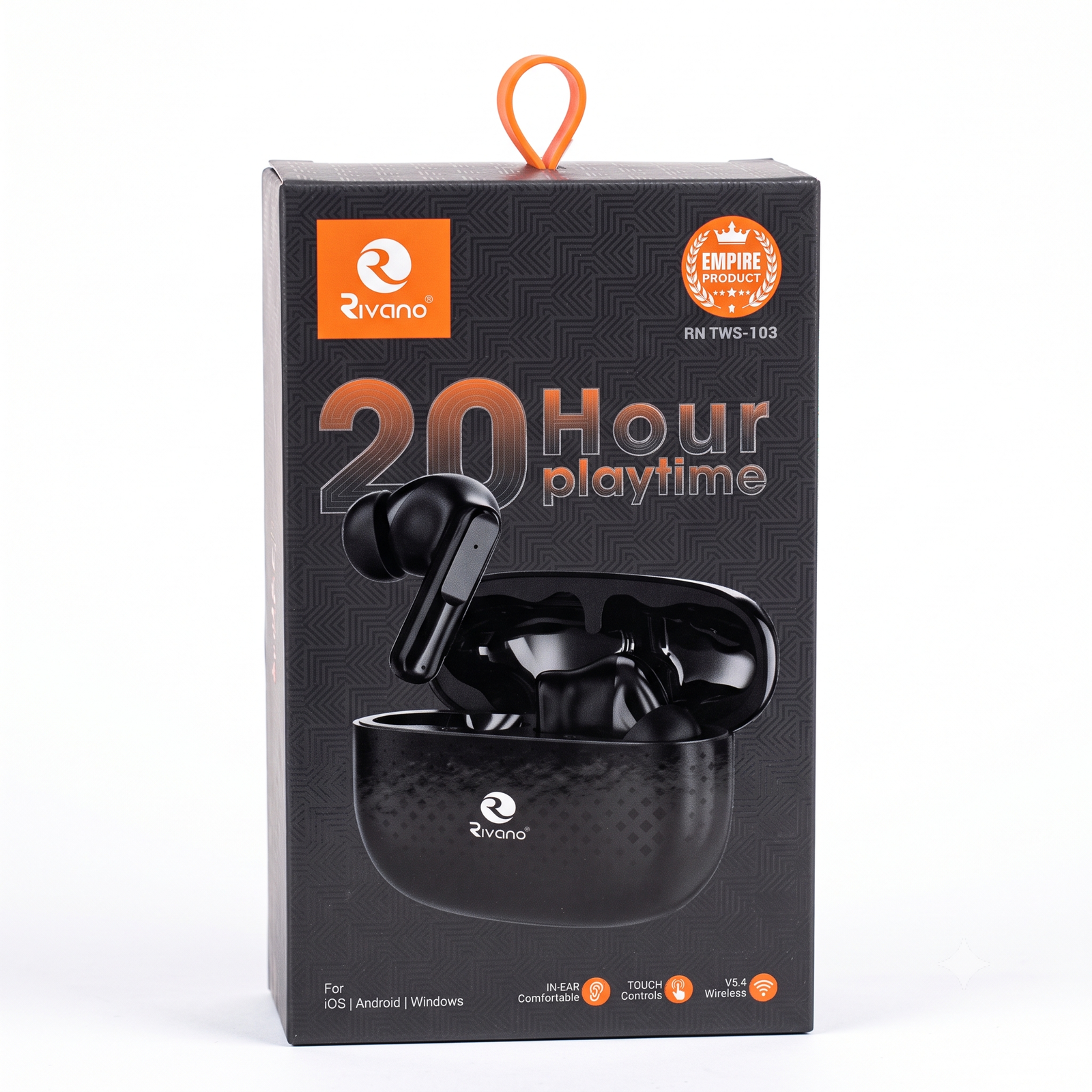
- A full charge gives about 20 hours of playtime.
2. Turn on and pair with your phone
- Open the charging case lid. The earbuds usually turn on and enter pairing mode automatically.
- On your phone, tablet or laptop, switch on Bluetooth.
- Search for the earbuds in the Bluetooth list and tap their name (usually “TWS-103” or “Rivano”).
- Wait for the connection sound or message. Pairing is done.
Works with iOS, Android and Windows. Next time, just open the case and the earbuds will reconnect automatically.
3. Wearing the earbuds
- Pick the ear tip size that feels most comfortable.
- Gently twist the earbud into your ear until it feels secure.
- Keep your phone close for a stable Bluetooth V5.4 connection.
4. Touch controls
The earbuds have touch controls. Please confirm these against your unit and edit if needed:
- Play / pause: tap once
- Answer / end call: tap once during a call
- Next / previous song: double tap or triple tap
- Power off: put the earbuds back in the case and close the lid
5. Battery tips
- Playtime: about 20 hours (with the case)
- Charge the case when the indicator shows low battery.
- Do not leave the earbuds out of the case for a long time.
6. Care and safety
- Keep away from water, sweat and moisture unless the pack says it is water resistant.
- Do not drop, crush or expose to high heat.
- Clean with a soft, dry cloth. Do not use liquids.
- Do not listen at very high volume for long periods, to protect your hearing.
- Use a standard 5V charger.
7. Troubleshooting
| Problem |
What to try |
| Not pairing |
Turn Bluetooth off and on, delete the old pairing, put earbuds in the case for 10 seconds, then try again |
| Only one earbud works |
Put both back in the case, close the lid, reopen and reconnect |
| Low or no sound |
Check phone volume and make sure the earbuds are charged |
| Not charging |
Check the cable and charger, and clean the metal contacts |
| Sound cuts out |
Stay close to your phone and avoid obstacles between them |
8. Support
Bought from Suriyaen Shopping. For any help, message us and we will assist you.







Reviews
There are no reviews yet.