Description
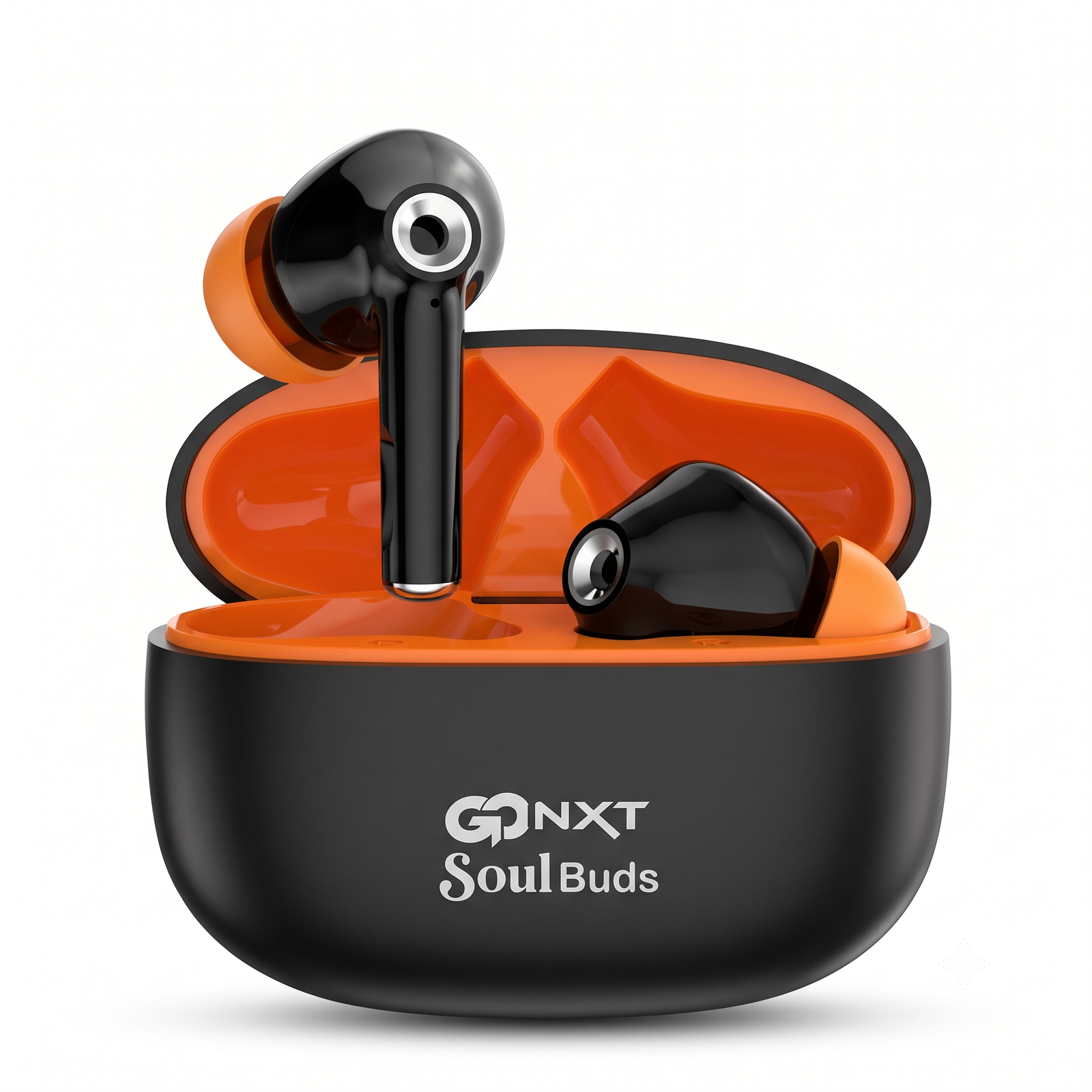
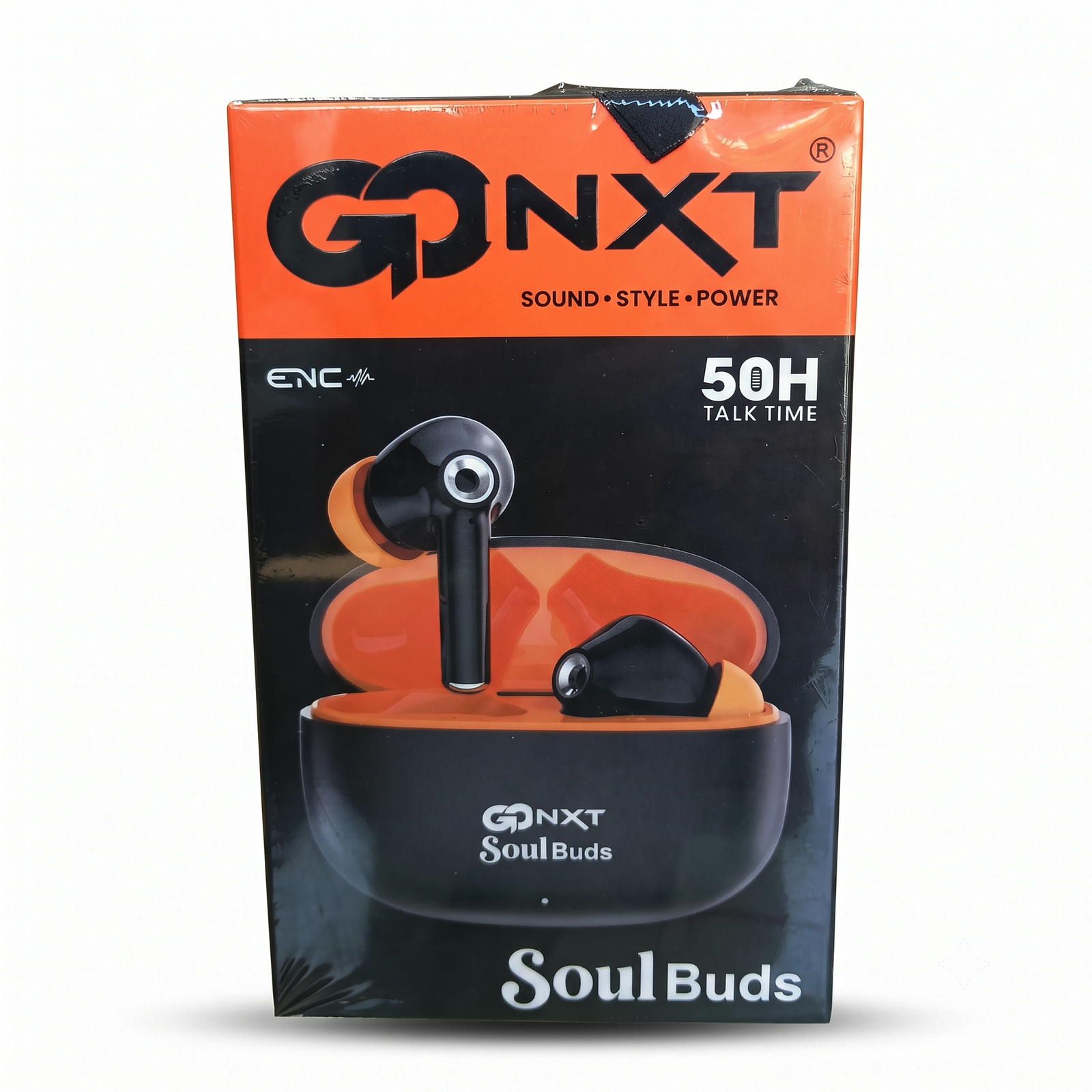
GONXT Soul Buds (BT-12): User Manual
What’s in the box
- 1 pair of Soul Buds earbuds
- 1 charging case (350mAh)
- Charging cable and user guide (check what your pack contains)
1. Charge before first use
- Place both earbuds in the charging case and close the lid.
- Connect the case to a charger with the cable.
- Charge for about 1 hour until the indicator shows the case is full.
- A full charge gives about 50 hours of music time with the case.
2. Turn on and pair with your phone
- Open the charging case lid. The earbuds usually turn on and enter pairing mode automatically.
- On your phone, switch on Bluetooth.
- Search for the earbuds in the Bluetooth list and tap their name (usually “SOUL buds” or “BT-12”).
- Wait for the connection sound or message. Pairing is done.
Next time, just open the case and the earbuds will reconnect to your phone automatically.
3. Wearing the earbuds
- Choose the ear tip size that fits comfortably.
- Gently twist the earbud into your ear until it feels secure.
- Keep the phone within 10 meters for a stable connection.
4. Basic controls
Most earbuds of this type use touch controls on each earbud. Please confirm these against your actual product and edit if needed:
- Play / pause: tap once
- Answer / end call: tap once during a call
- Next / previous song: double tap or triple tap
- Power off: put the earbuds back in the case and close the lid
5. Battery and charging tips
- Charging time: about 1 hour
- Music time: about 50 hours (with the case)
- Standby time: about 1000 hours
- Charge the case when the indicator light shows low battery.
- Do not leave the earbuds out of the case for a long time.
6. Care and safety
- Keep away from water, sweat and moisture unless the pack says it is water resistant.
- Do not drop, crush or expose to high heat.
- Clean with a soft, dry cloth. Do not use liquids.
- Do not use at very high volume for long periods, to protect your hearing.
- Use a standard 5V charger.
7. Troubleshooting
| Problem |
What to try |
| Not pairing |
Turn Bluetooth off and on, remove old pairing, put earbuds in case for 10 seconds, then try again |
| Only one earbud works |
Put both back in the case, close the lid, reopen and reconnect |
| Low or no sound |
Check phone volume and make sure the earbuds are charged |
| Not charging |
Check the cable and charger, and clean the metal contacts |
| Sound cuts out |
Stay within 10 meters and avoid obstacles between earbuds and phone |







Reviews
There are no reviews yet.