₹1,555.00Original price was: ₹1,555.00.₹888.00Current price is: ₹888.00.
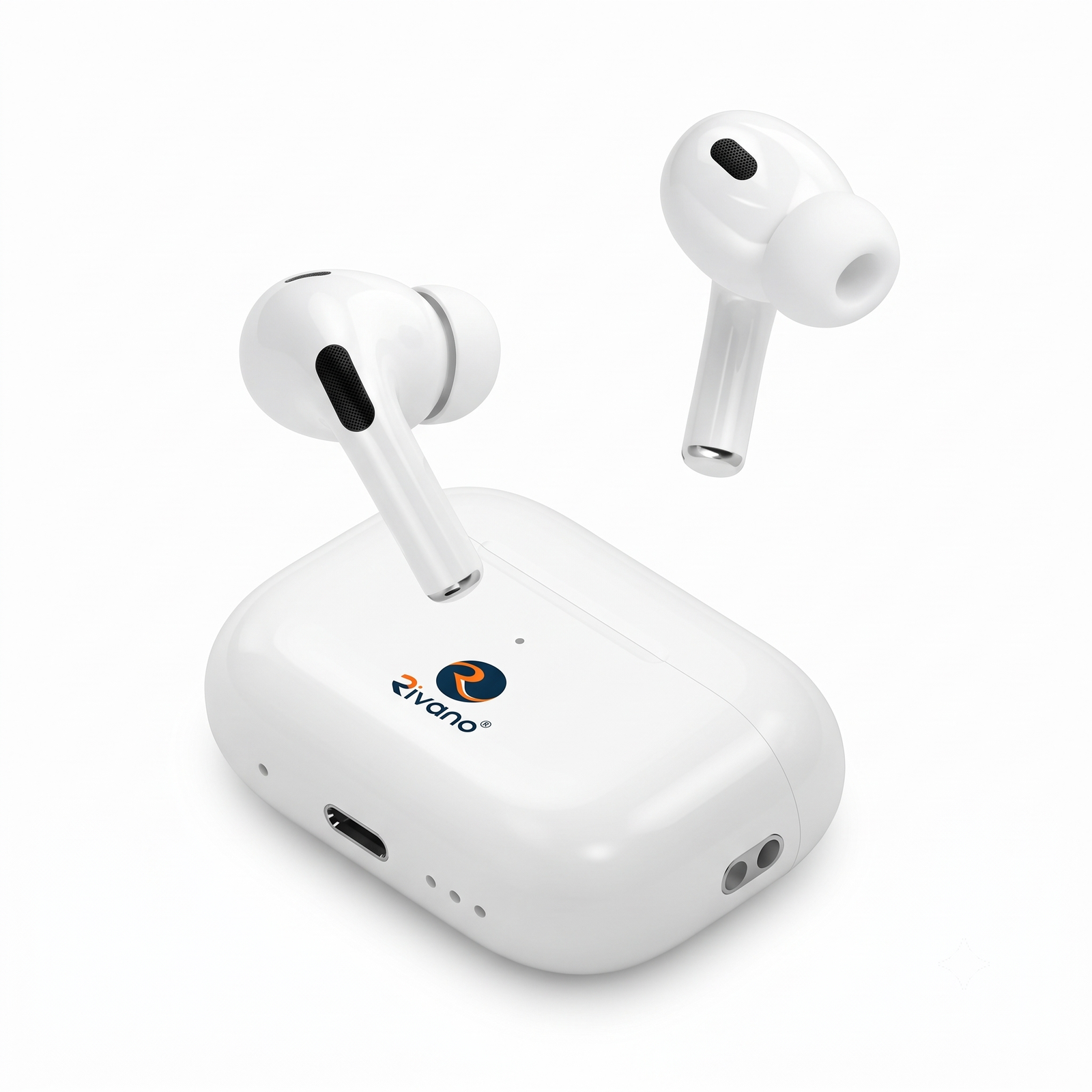
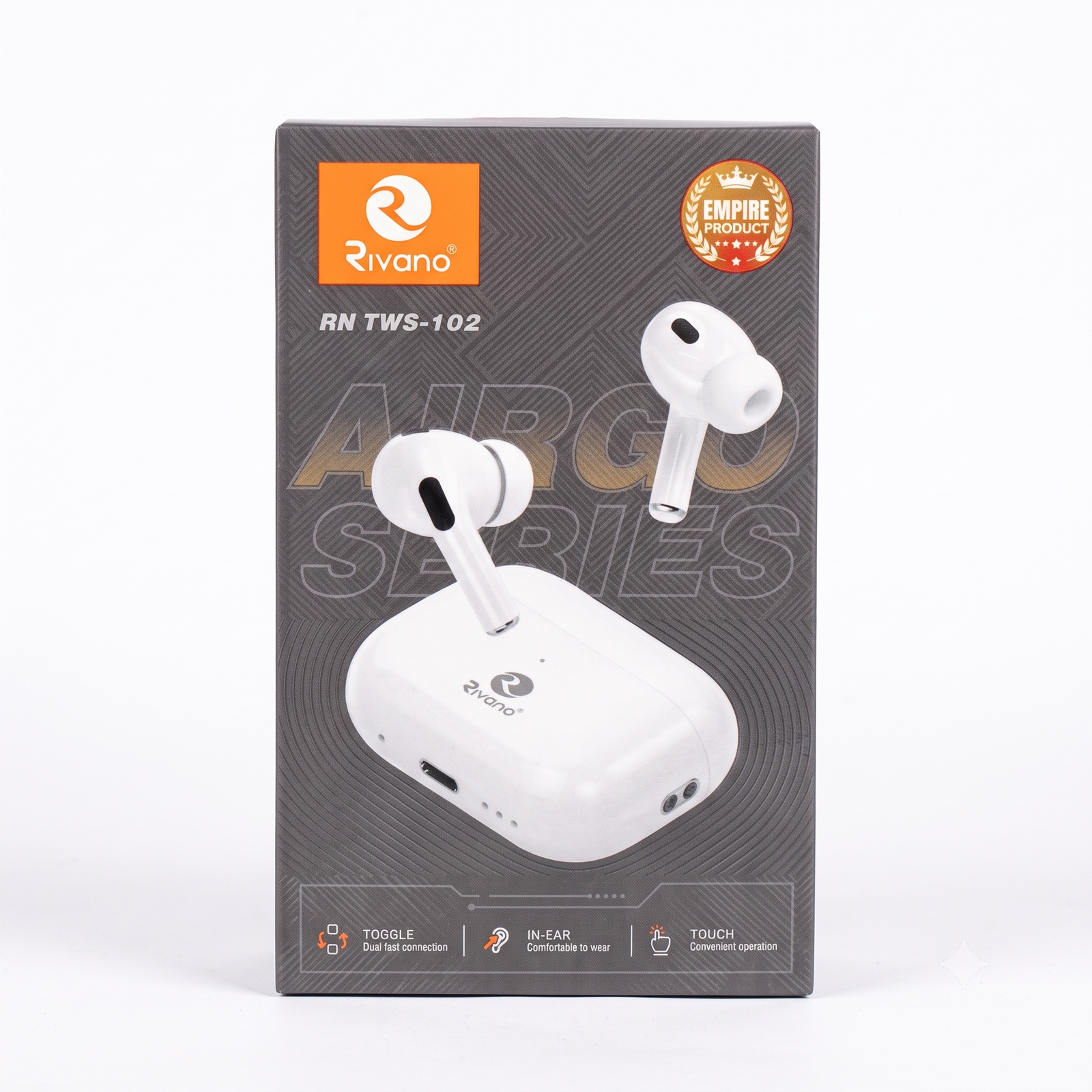
Rivano RN TWS-102 Wireless Earbuds
Sale!
Rivano RN TWS-102 Wireless Earbuds
₹1,999.00Original price was: ₹1,999.00.₹1,222.00Current price is: ₹1,222.00.
Product Description
Enjoy true wireless freedom with the Rivano RN TWS-102 AirGo Series Earbuds. Designed for music lovers, gamers, students, and professionals, these stylish earbuds deliver clear sound quality, comfortable in-ear fitting, and easy touch controls.
The compact charging case keeps your earbuds powered throughout the day, while Bluetooth connectivity ensures a stable and seamless listening experience.
The Rivano RN TWS-102 Wireless Earbuds are designed to deliver a convenient wireless audio experience for music, phone calls, gaming, online meetings, and daily entertainment. The compact charging case provides portable power while the earbuds offer comfortable all-day use.
Package Contents
1 × Pair of Rivano RN TWS-102 Earbuds
1 × Charging Case
1 × Charging Cable
User Manual
First Time Charging
Place the earbuds inside the charging case.
Connect the charging case to a power source using the charging cable.
Allow the device to charge fully before first use.
Disconnect the charger after charging is complete.
How to Pair with a Mobile Phone
Step 1: Power On
Remove both earbuds from the charging case.
The earbuds will automatically power on.
Step 2: Enable Bluetooth
Open Bluetooth settings on your smartphone.
Turn Bluetooth ON.
Step 3: Connect
Search for Rivano RN TWS-102 in the Bluetooth device list.
Tap the device name to connect.
Wait for the connection confirmation.
Touch Controls
Play or Pause Music
Tap either earbud once.
Answer a Call
Tap either earbud once.
End a Call
Tap either earbud once during the call.
Reject a Call
Press and hold the touch area for 2 seconds.
Activate Voice Assistant
Press and hold the touch control for a few seconds.
Charging the Earbuds
Place both earbuds in the charging case.
Ensure they are correctly seated in the charging slots.
The charging indicator will show charging status.
Fully charge before extended use.
Battery Tips
Keep the charging case charged.
Store the earbuds in the charging case when not in use.
Avoid exposing the device to excessive heat.
Charge regularly to maintain battery health.
Safety Instructions
Keep away from water and moisture.
Do not use at excessively high volume for long periods.
Do not attempt to disassemble the earbuds.
Store in a cool and dry place.
Keep out of reach of small children.
Troubleshooting
Earbuds Not Connecting
Turn Bluetooth off and on again.
Place earbuds back into the charging case and reconnect.
Remove the device from Bluetooth settings and pair again.
No Sound
Check volume settings.
Ensure the earbuds are properly connected.
Recharge the earbuds if the battery is low.
One Earbud Not Working
Place both earbuds in the charging case.
Remove and reconnect them together.
Restart Bluetooth pairing.
Customer Usage Tips
Fully charge before first use.
Use both earbuds for the best stereo sound experience.
Clean the earbuds regularly.
Store the product inside the charging case after use.
Keep Bluetooth devices within normal operating range.
Thank you for choosing Suriyaen Shopping. Enjoy crystal-clear sound, wireless freedom, and comfortable listening with the Rivano RN TWS-102 Wireless Earbuds.
Provide your feedback on BizChat
Reviews
There are no reviews yet.
Be the first to review “Rivano RN TWS-102 Wireless Earbuds” Cancel reply





Reviews
There are no reviews yet.