₹1,999.00Original price was: ₹1,999.00.₹1,222.00Current price is: ₹1,222.00.
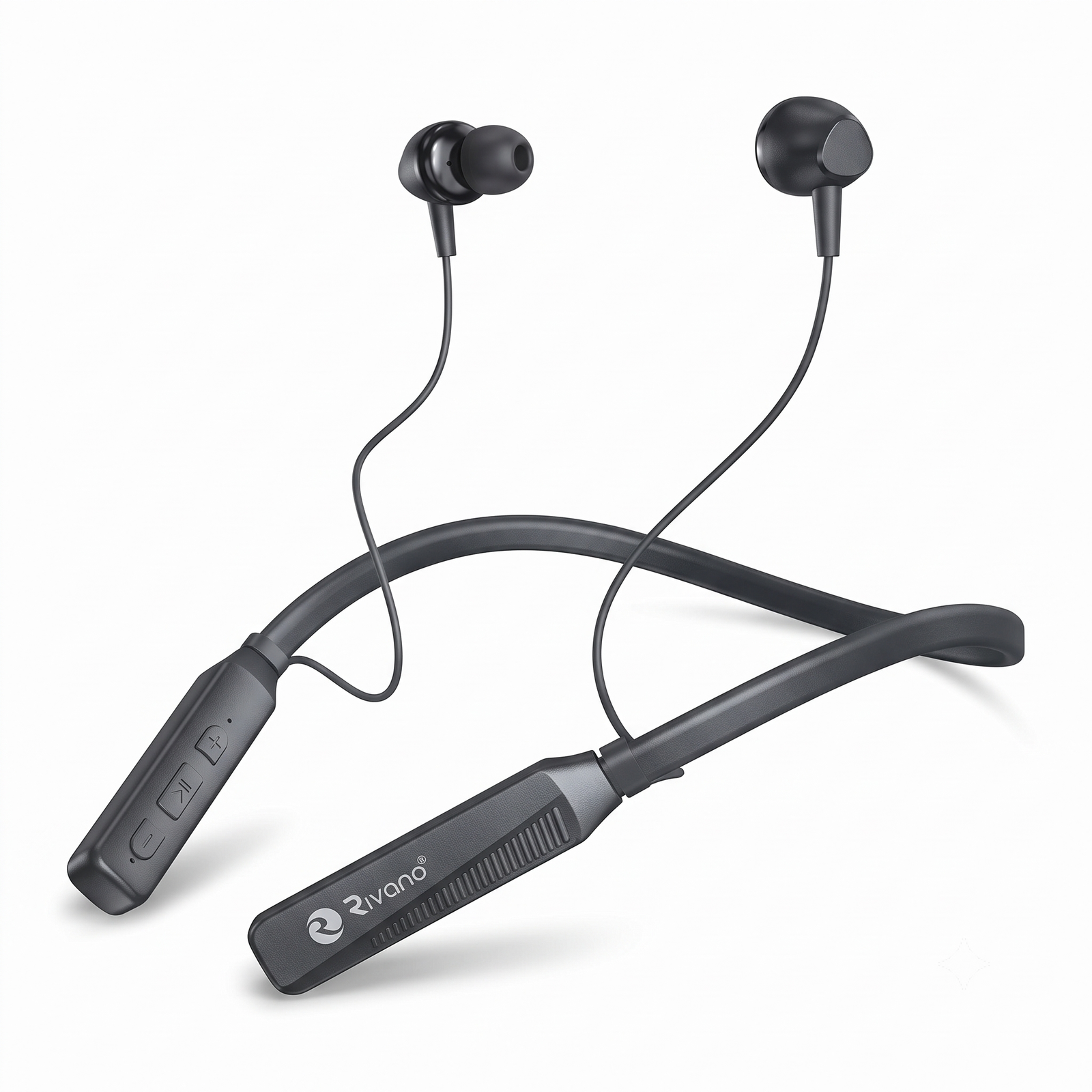
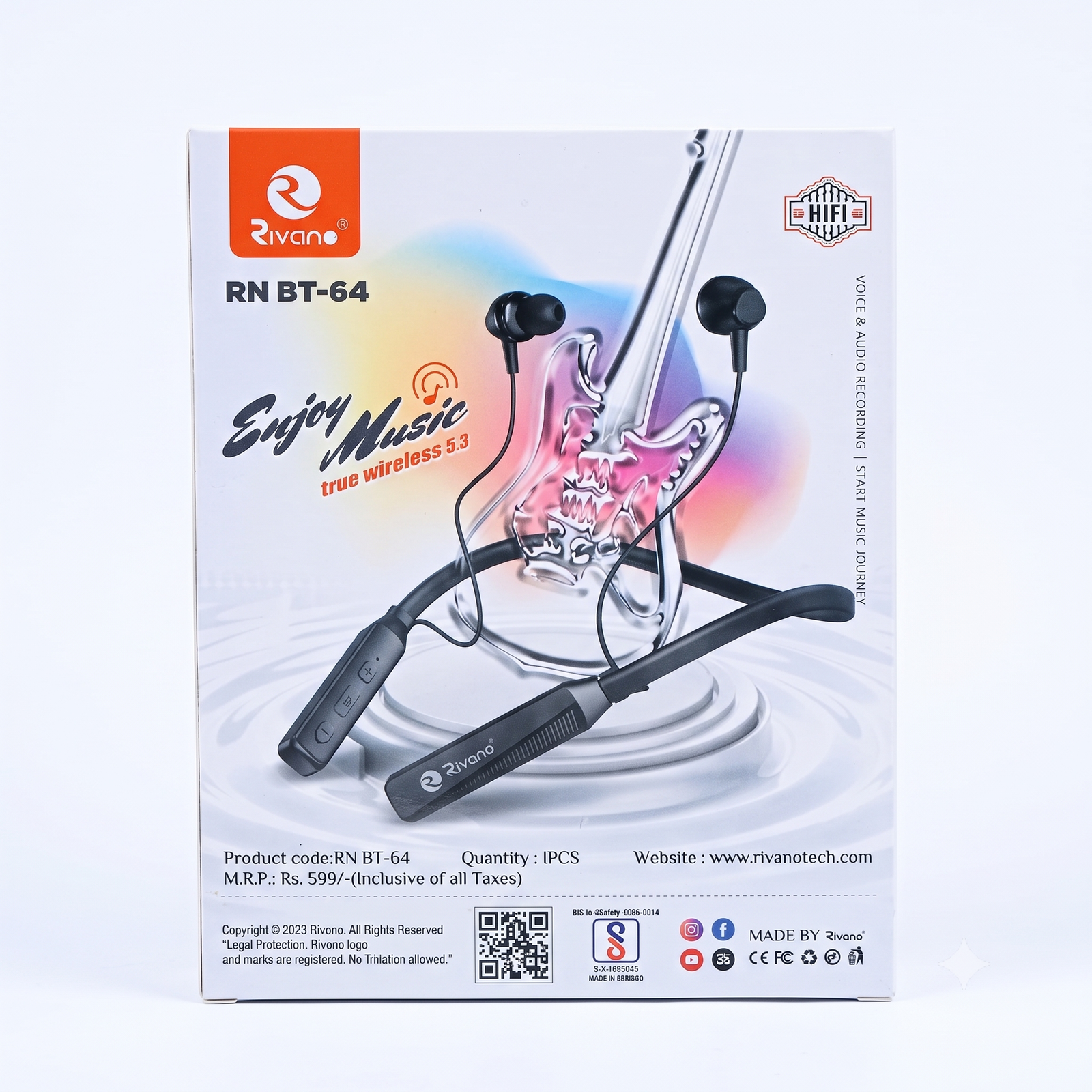
Rivano RN BT-64 Wireless Neckband Earphones
Sale!
Rivano RN BT-64 Wireless Neckband Earphones
₹888.00Original price was: ₹888.00.₹666.00Current price is: ₹666.00.
📝 Product Description
🎶 Enjoy your favourite music anytime, anywhere with the Rivano RN BT-64 Wireless Neckband Earphones. Designed for comfort and convenience, these Bluetooth earphones deliver clear sound quality, deep bass, and a comfortable fit for daily use.
Whether you’re listening to music, attending calls, working out, or travelling, the Rivano neckband provides a reliable wireless audio experience with easy controls and long-lasting performance.
✅ Wireless Bluetooth Connectivity
✅ Comfortable Neckband Design
✅ Clear Sound & Deep Bass
✅ Built-in Microphone for Calls
✅ Lightweight & Comfortable Fit
✅ Perfect for Music, Calls & Fitness
Rivano RN BT-64 Wireless Neckband Earphones – User Manual
Product Overview
The Rivano RN BT-64 Wireless Neckband is designed to provide a comfortable wireless audio experience for music, calls, online meetings, and everyday use. The lightweight neckband design ensures all-day comfort and convenience.
Package Contents
1 × Rivano RN BT-64 Wireless Neckband
1 × Charging Cable
User Manual
First Time Charging
Connect the neckband to a charger using the supplied charging cable.
Charge the device fully before first use.
The indicator light will show the charging status.
Disconnect the charger after the battery is fully charged.
Power On
Press and hold the Power Button for 3 to 5 seconds.
The LED indicator will light up and a voice prompt may be heard.
The earphones are now ready for pairing.
Bluetooth Pairing
Turn on Bluetooth on your smartphone, tablet, or laptop.
Press and hold the Power Button until the pairing light flashes.
Search for “Rivano RN BT-64” in the Bluetooth device list.
Tap the device name to connect.
A connection confirmation sound or message will be heard.
Music Controls
Play / Pause
Press the Multi-Function Button once.
Next Track
Press and hold the Volume + button.
Previous Track
Press and hold the Volume – button.
Volume Control
Press Volume + to increase volume.
Press Volume – to decrease volume.
Calling Functions
Answer a Call
Press the Multi-Function Button once.
End a Call
Press the Multi-Function Button once.
Reject a Call
Press and hold the Multi-Function Button for 2 seconds.
Battery Tips
Charge the neckband regularly.
Avoid completely draining the battery.
Use the recommended charging cable.
Do not expose the battery to excessive heat.
Safety Instructions
Keep away from water and moisture.
Do not use at extremely high volume levels for long periods.
Store in a cool and dry place.
Keep out of reach of very young children.
Do not attempt to disassemble the device.
Troubleshooting
Device Not Connecting
Ensure Bluetooth is enabled.
Restart the neckband.
Remove old pairing records and reconnect.
No Sound
Check the volume level.
Ensure the device is connected properly.
Recharge the battery if necessary.
Battery Drains Quickly
Fully charge the battery before use.
Turn off the device when not in use.
Reduce volume level for longer battery life.
Customer Usage Tips
Fully charge before first use.
Keep Bluetooth within normal range for a stable connection.
Store in the provided box when not in use.
Clean the earbuds regularly for better sound quality.
Thank you for choosing Suriyaen Shopping. Enjoy clear sound, wireless freedom, and comfortable listening with the Rivano RN BT-64 Wireless Neckband.
Reviews
There are no reviews yet.
Be the first to review “Rivano RN BT-64 Wireless Neckband Earphones” Cancel reply






Reviews
There are no reviews yet.