Description
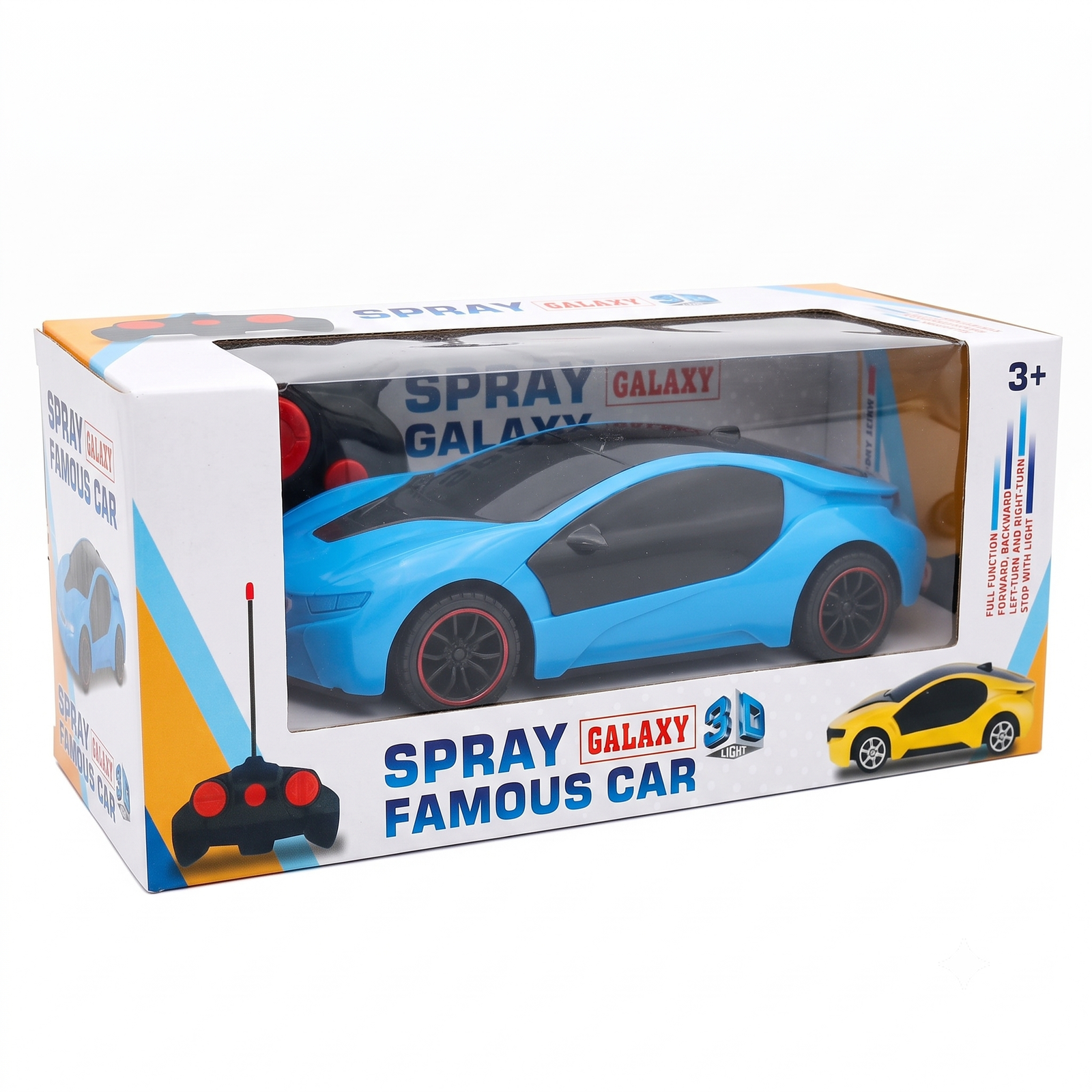
Spray Galaxy 3D Famous Car – User Manual
Product Overview
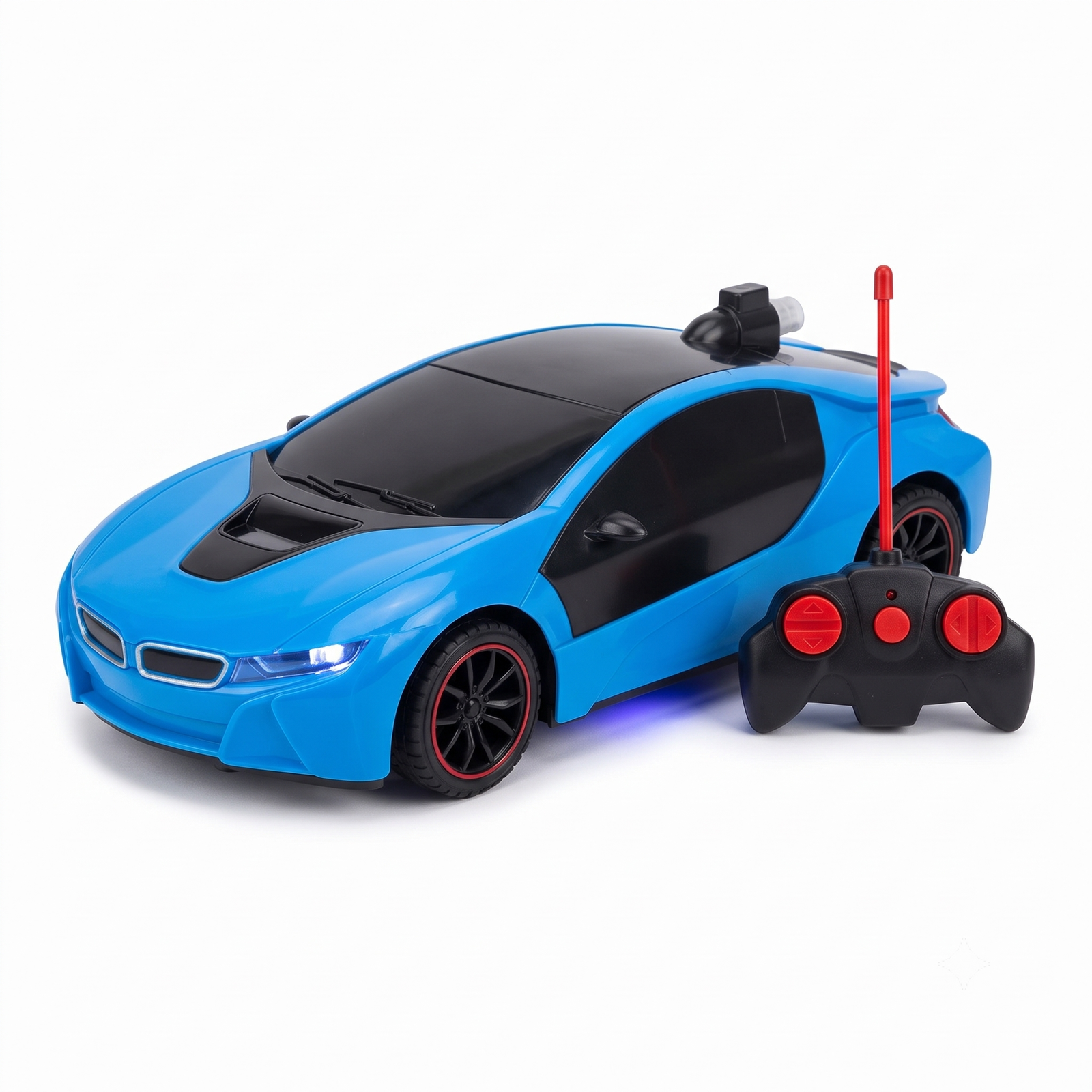
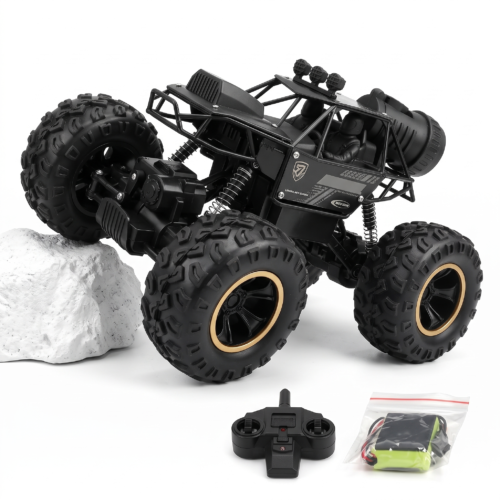
The Spray Galaxy 3D Famous Car is a remote-control toy car designed for exciting indoor and outdoor play. It features easy controls, smooth movement, and a stylish sports car design.
Package Contents
- 1 × Spray Galaxy 3D Famous Car
- 1 × Remote Controller
- User Instructions
How to Use
Step 1: Install Batteries
- Open the battery compartment on the car.
- Insert the required batteries according to the positive (+) and negative (-) markings.
- Close the battery cover securely.
Step 2: Install Batteries in the Controller
- Open the battery compartment on the remote controller.
- Insert the required batteries correctly.
- Close the compartment cover.
Step 3: Power On
- Turn on the car using the power switch.
- Turn on the remote controller.
Step 4: Operate the Car
Use the controller buttons to:
- Move Forward
- Move Backward
- Turn Left
- Turn Right
Step 5: After Use
- Turn off the car.
- Turn off the remote controller.
- Remove batteries if the toy will not be used for a long period.
Safety Instructions
- Suitable for children aged 3 years and above.
- Adult supervision is recommended.
- Do not use near water or fire.
- Keep away from roads and traffic areas.
- Avoid dropping or throwing the toy.
- Use only the recommended batteries.
Care Instructions
- Clean with a soft, dry cloth.
- Store in a cool, dry place.
- Remove batteries during long-term storage.
- Do not expose the toy to excessive heat.
Troubleshooting
Car Does Not Move
- Check battery installation.
- Replace old batteries.
- Ensure both the car and controller are switched on.
Remote Not Responding
- Check controller batteries.
- Move closer to the car.
- Restart both the car and controller.
Customer Tips
- Use on smooth surfaces for the best performance.
- Keep spare batteries for longer playtime.
- Practice driving in open areas for better control.
Thank you for choosing Suriyaen Shopping. We hope you enjoy your Spray Galaxy 3D Famous Car.






Reviews
There are no reviews yet.