Charge the devicePlug the USB cable into the neckband’s charging port and connect to a power source. Charge fully before first use.
2
Power onPress and hold the power button 2-3 seconds until you hear a beep and see the LED light up.
3
Enter pairing modeOn first use, it enters pairing mode automatically (LED blinks). If not, hold the power button longer until it blinks fast.
4
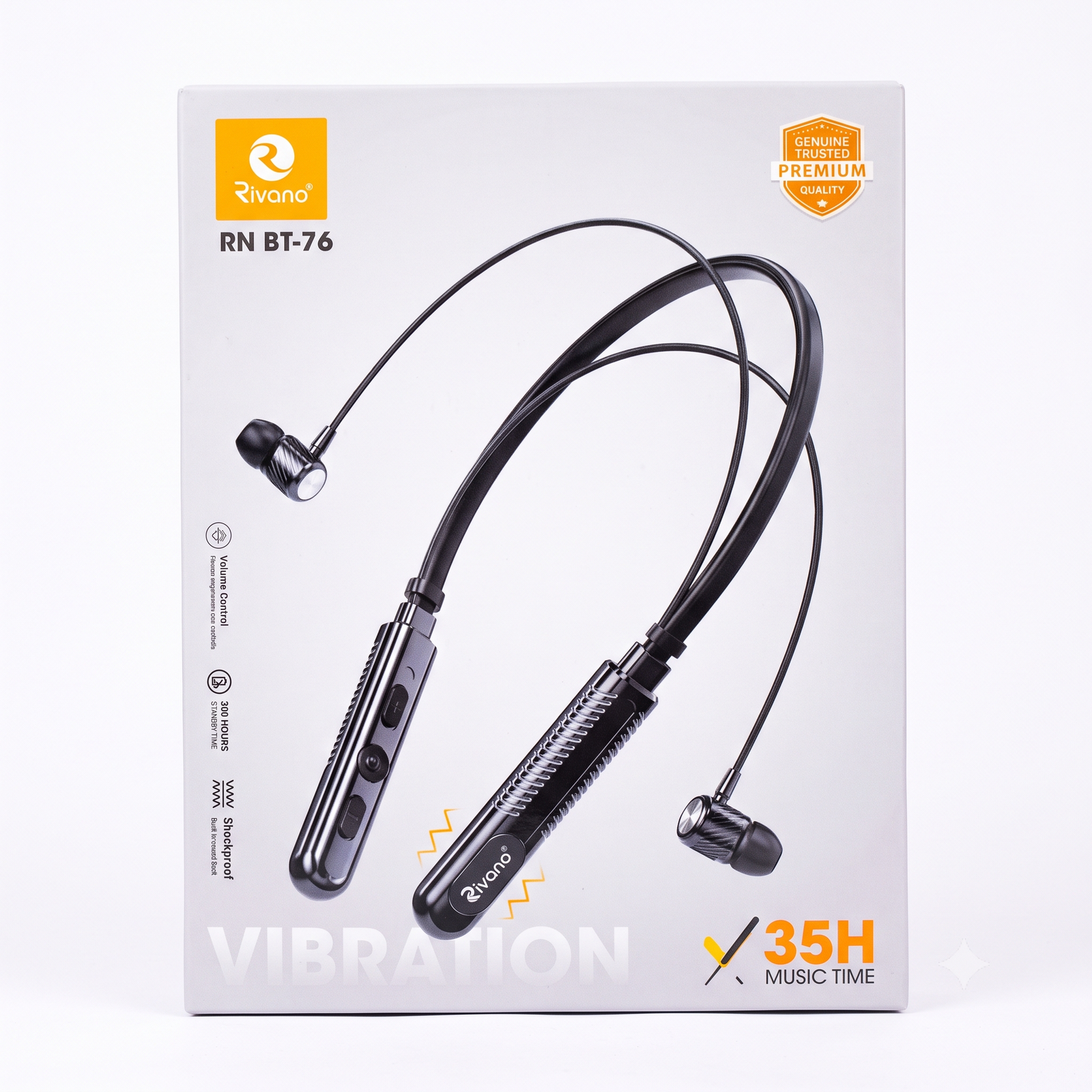
Connect via BluetoothGo to phone Settings > Bluetooth, turn it on, and select ‘Rivano RN BT-76’ to connect.
5
Confirm connectionA tone confirms the connection. The earphones are now ready for music and calls.
6
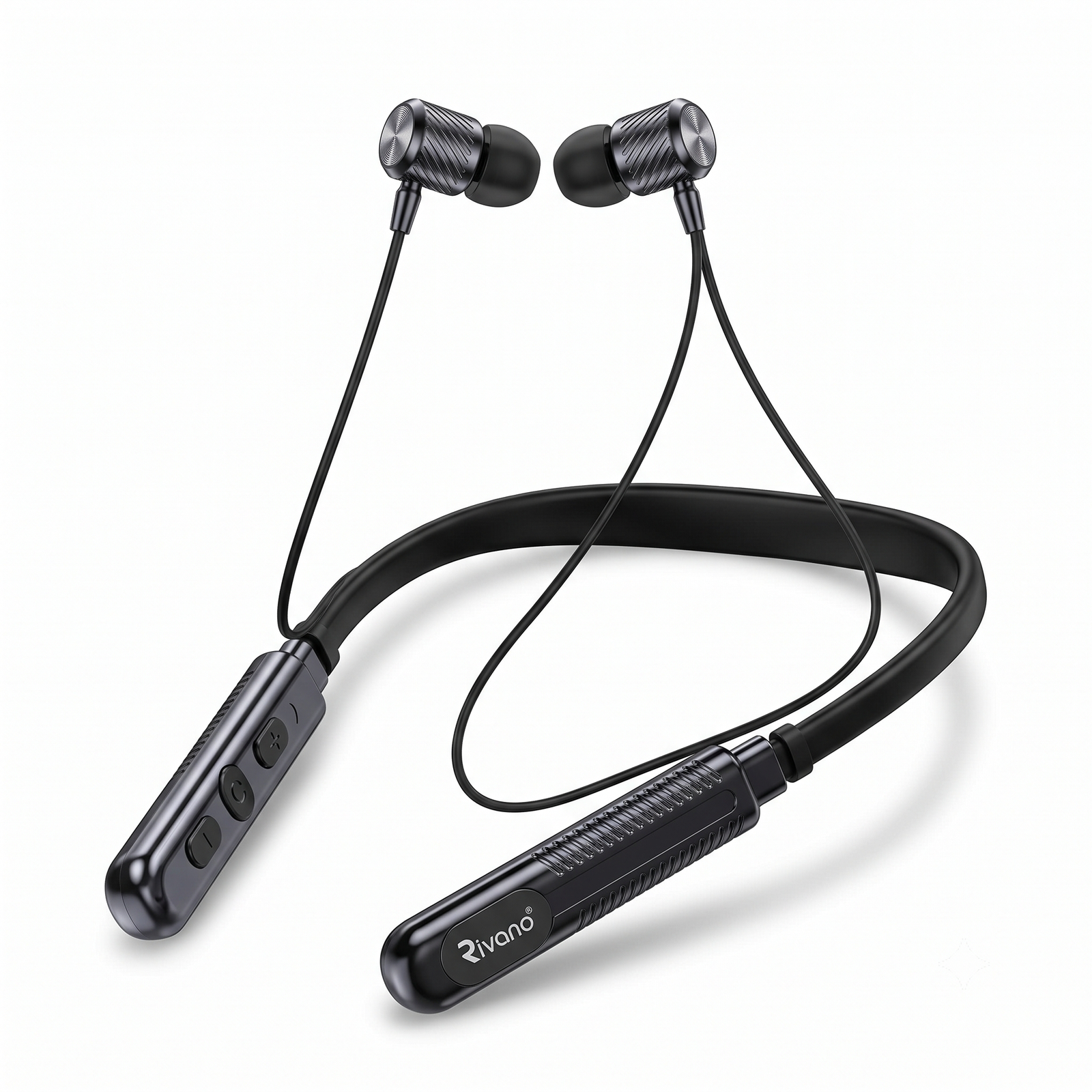
Adjust volumeUse the + and – buttons on the neckband to control volume easily while on the go.
7
Answer calls via vibration alertWhen a call comes in, the neckband vibrates. Press the center button once to answer, press again to end the call.
8
Magnetic lock & careSnap the earbuds together magnetically when not in use. Avoid water, heat, and sharp bends for long-term durability. Recharge regularly for best battery life.
Reviews
There are no reviews yet.
Be the first to review “Rivano RN BT-76 – Bluetooth Neckband with Vibration Call Alert” Cancel reply






Reviews
There are no reviews yet.