Charge the fanConnect the fan to a USB charging cable and plug it into a power source (adapter, laptop, or power bank). Charge fully before first use.
2
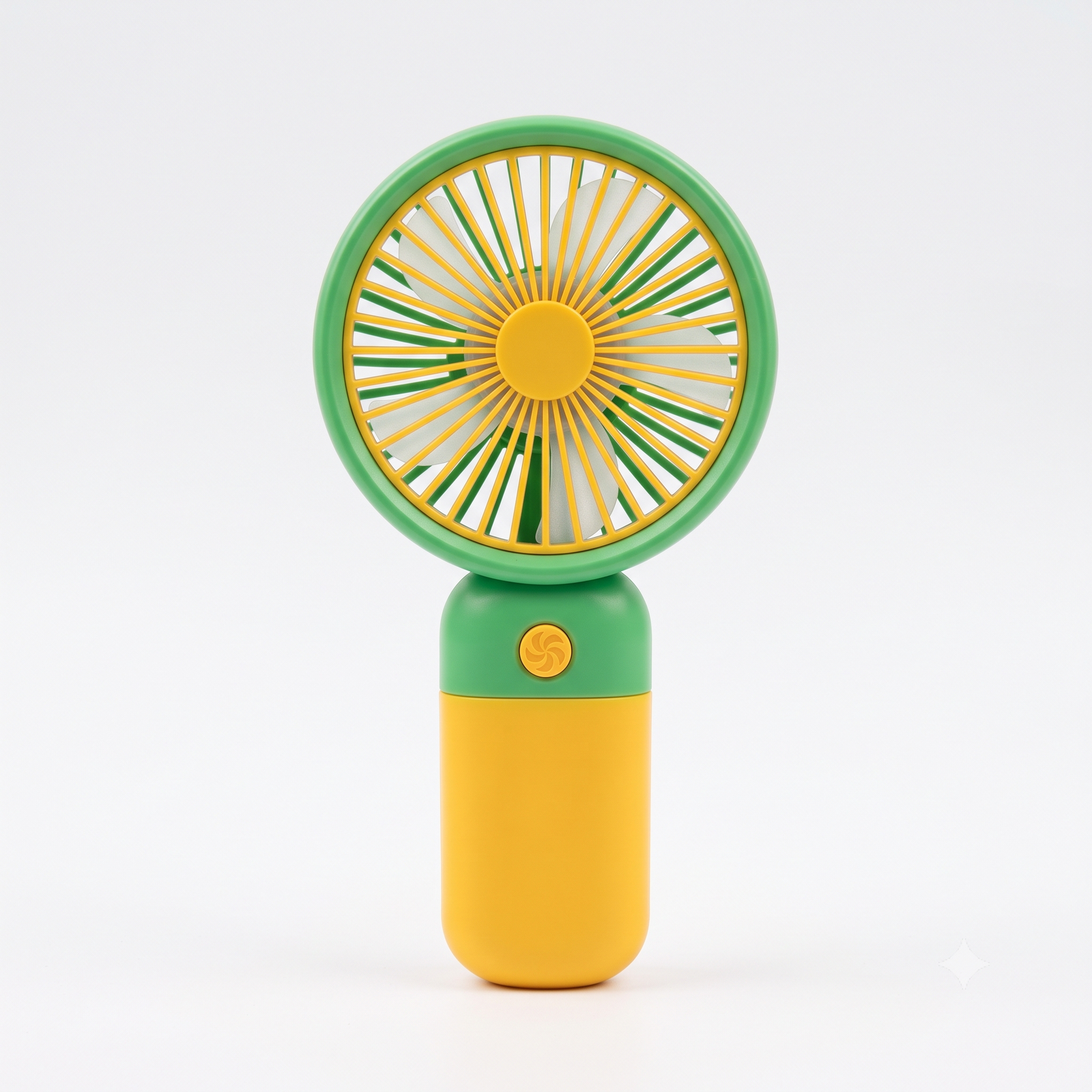
Turn on the fanLocate the power button, usually on the handle, and press it once to turn the fan on.
3
Adjust fan speedPress the power button again to switch between different speed settings (low, medium, high), if available.
4
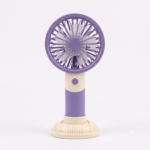
Enjoy the cool breezeHold the fan by its handle and point it towards your face or body for instant cooling airflow.
5
Turn off after usePress and hold the power button, or press it the required number of times, to turn the fan off after use.
6
Store & recharge safelyStore the fan in a dry place, away from water and direct sunlight, and recharge before the battery runs low for best performance.
Reviews
There are no reviews yet.
Be the first to review “make th product without package” Cancel reply









Reviews
There are no reviews yet.