Description
User Manual: Mini Karaoke Speaker with Wireless Microphone
Thank you for shopping with Suriyaen Shopping. Please read this manual before first use and keep it for future reference.
Package Contents
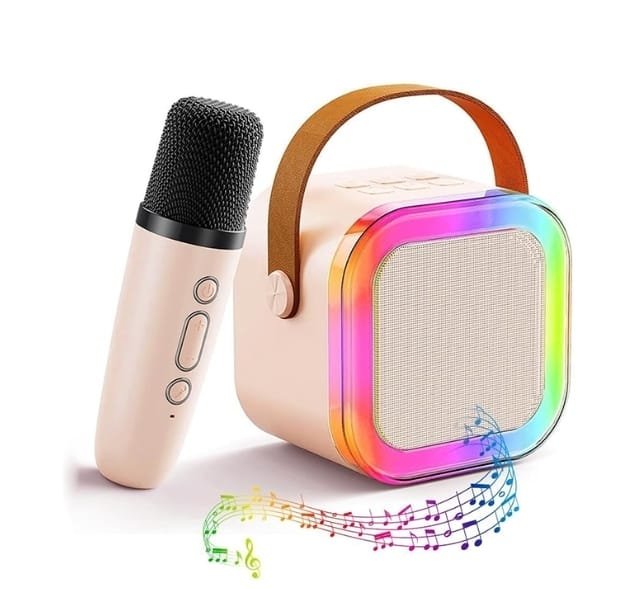
- 1 x Mini karaoke speaker
- 1 x Wireless microphone
- 1 x Charging cable
- 1 x User manual
Product Overview
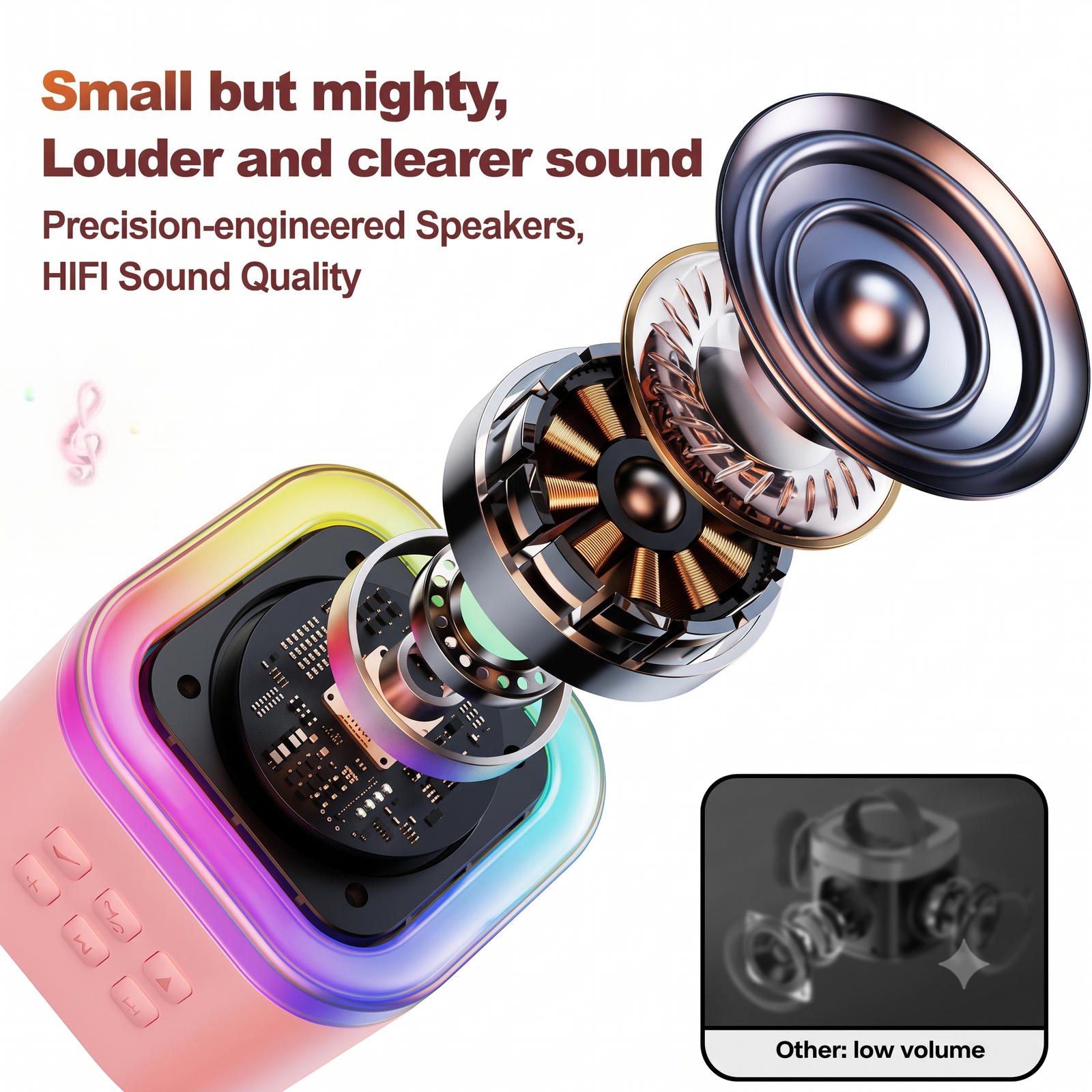
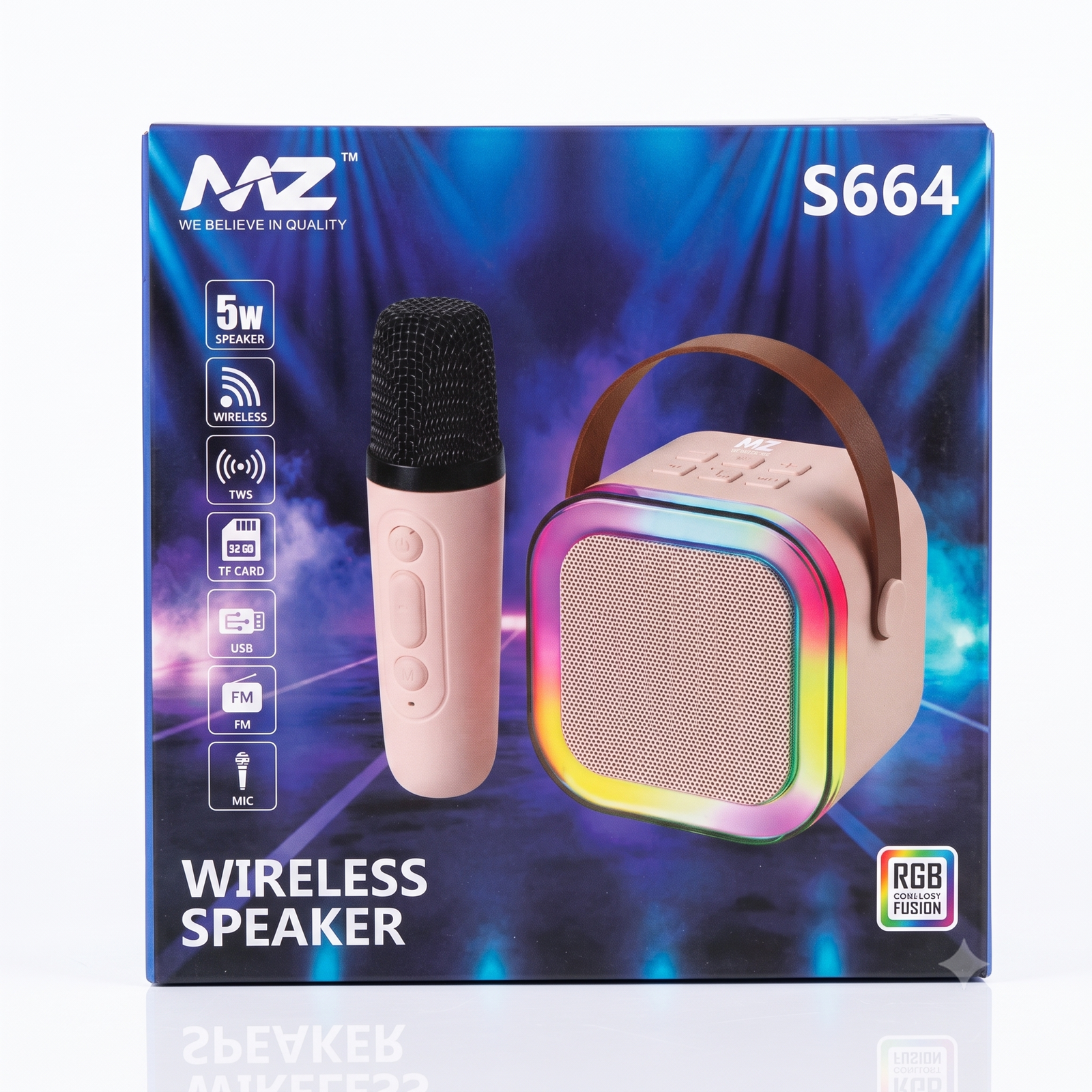
- Speaker: Mesh front, RGB light ring, top control buttons, carry strap
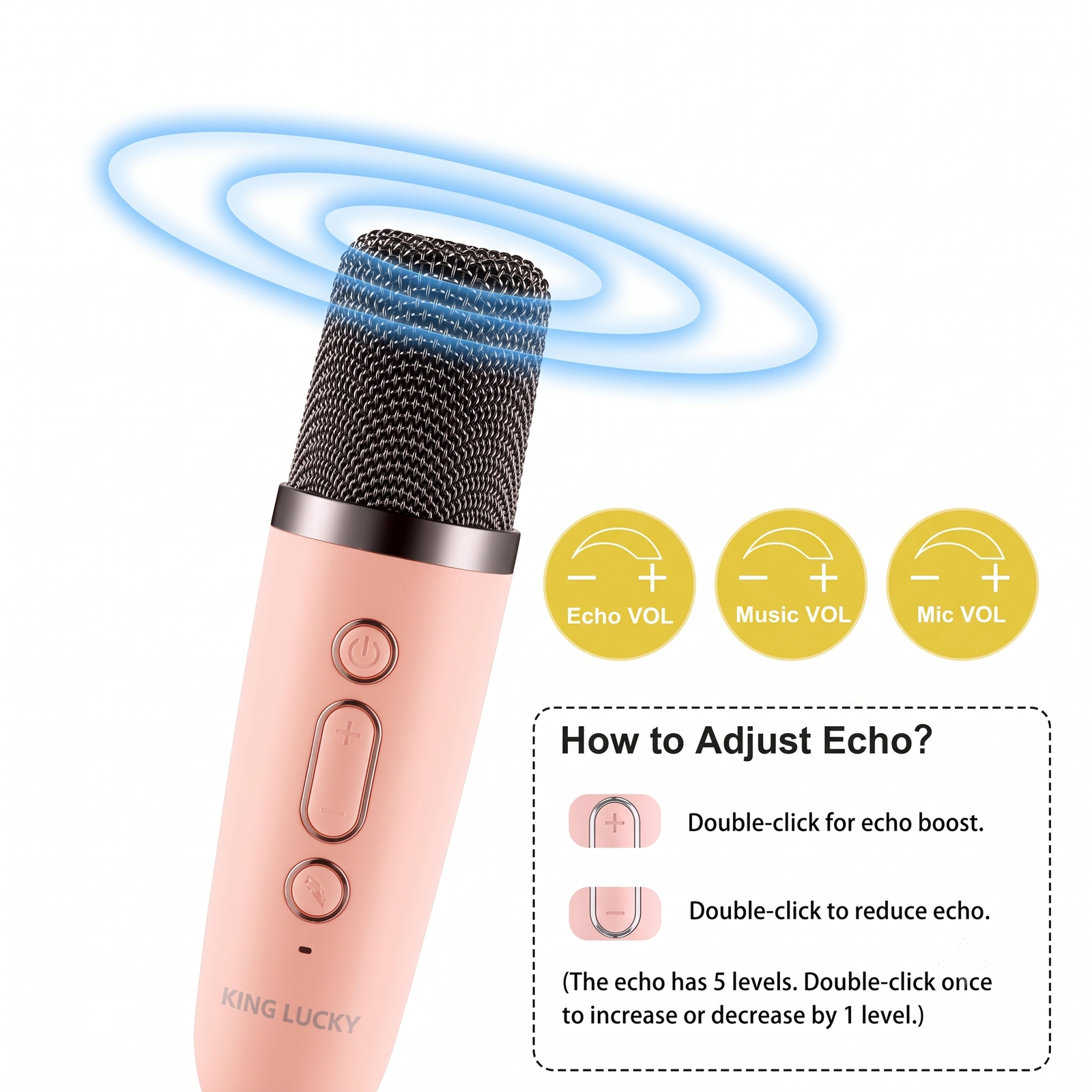
- Microphone: Handheld wireless mic with buttons for power, volume and music/echo control
- Charging ports: Located on the speaker and the microphone
Before First Use
- Fully charge both the speaker and the microphone.
- Use the supplied cable with a standard 5V phone adapter or a power bank.
- The charging indicator light turns off or changes color when charging is complete.
How to Use
1. Turn on the speaker
Press and hold the power button on the speaker for 2 to 3 seconds. You will hear a start-up sound and the lights will turn on.
2. Turn on the microphone
Switch on the microphone using its power button. It connects to the speaker automatically. If it does not connect, turn both off and on again, starting with the speaker.
3. Connect your phone by Bluetooth
- Turn on Bluetooth on your phone or tablet.
- Search for the speaker name in the device list.
- Tap the name to pair. A confirmation sound will play.
- Play any song from your phone and sing along.
4. Adjust volume
Use the volume buttons on the microphone or speaker. Start at a low level and increase slowly.
5. Change lights
Press the light button on the speaker to switch between light modes or turn the lights off.
6. Other functions
Use the microphone buttons to play or pause music, skip tracks, and adjust echo or voice effects (button functions may vary by model).
Troubleshooting
| Problem |
Solution |
| Speaker will not turn on |
Charge the speaker for at least 1 hour |
| Phone cannot find the speaker |
Turn the speaker off and on, then refresh Bluetooth on the phone |
| Microphone has no sound |
Charge the mic, turn it on, and raise the volume |
| Mic and speaker not connecting |
Turn both off, then switch on the speaker first, then the mic |
| Whistling or feedback noise |
Keep the mic away from the speaker and lower the volume |
| Sound is low or distorted |
Charge the device and reduce the phone’s own volume if it is very high |
Care and Safety
- Keep away from water, rain and moisture. The device is not waterproof.
- Do not drop, open or try to repair the product yourself.
- Do not leave it in direct sunlight or in a hot car.
- Do not charge overnight or leave it charging unattended.
- Use a soft dry cloth to clean it.
- Keep small parts away from very young children.
- For children, set a safe volume level to protect their hearing.
Support
For any help with your product, contact Suriyaen Shopping with your order details.







Reviews
There are no reviews yet.